Attachment and Installation Procedures
42
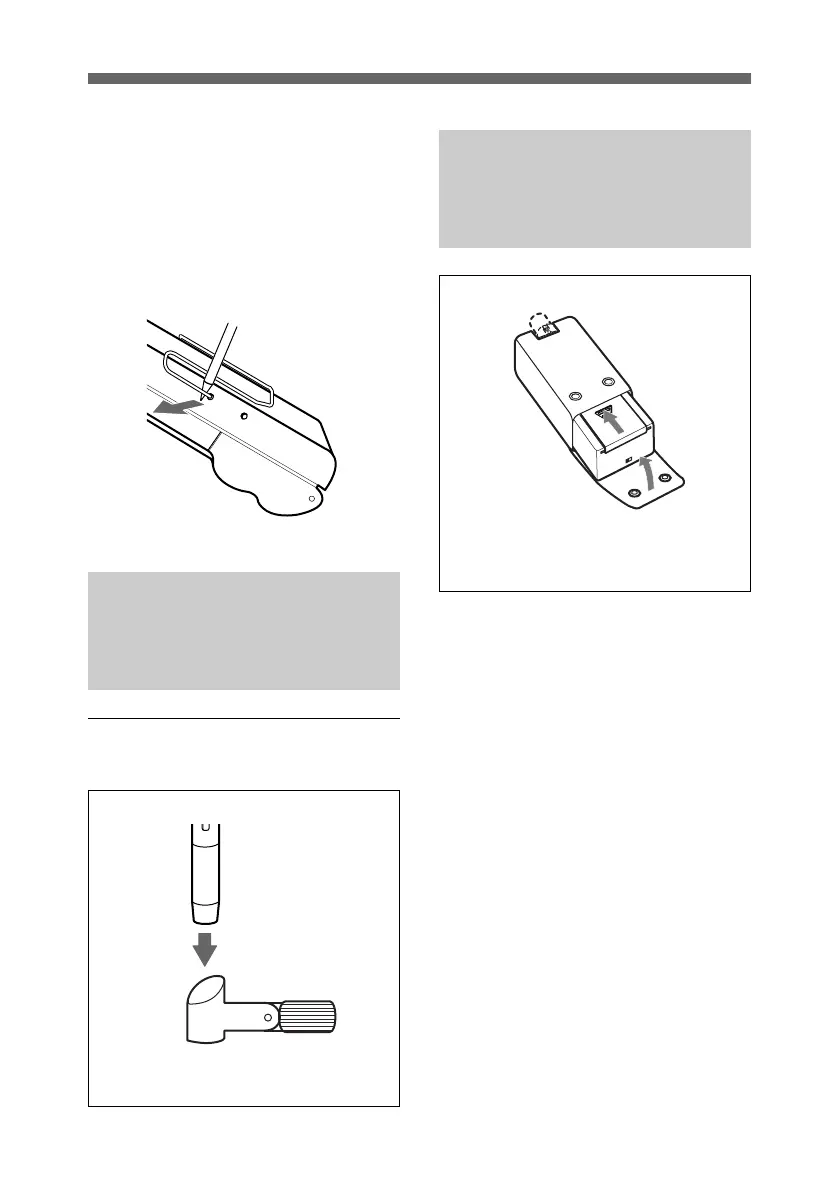
Removing the belt clip
Insert a pointed object such as a
ballpoint pen between the belt clip and
the transmitter to make some space
between them, and then remove the
end of the belt clip from the hole on
the side of the transmitter.
Attaching the supplied
accessory to the hand-
held microphone
(UTX-H1)
Attaching the microphone
holder
Inserting the plug-on
transmitter (UTX-P1)
into the supplied soft
case
Insert the bottom part of the
microphone into the holder.
Insert the UTX-P1 into the supplied soft
case with the rear side up, and close the
flap.



 To Next Page