Connecting and Setting Up the DTV
29
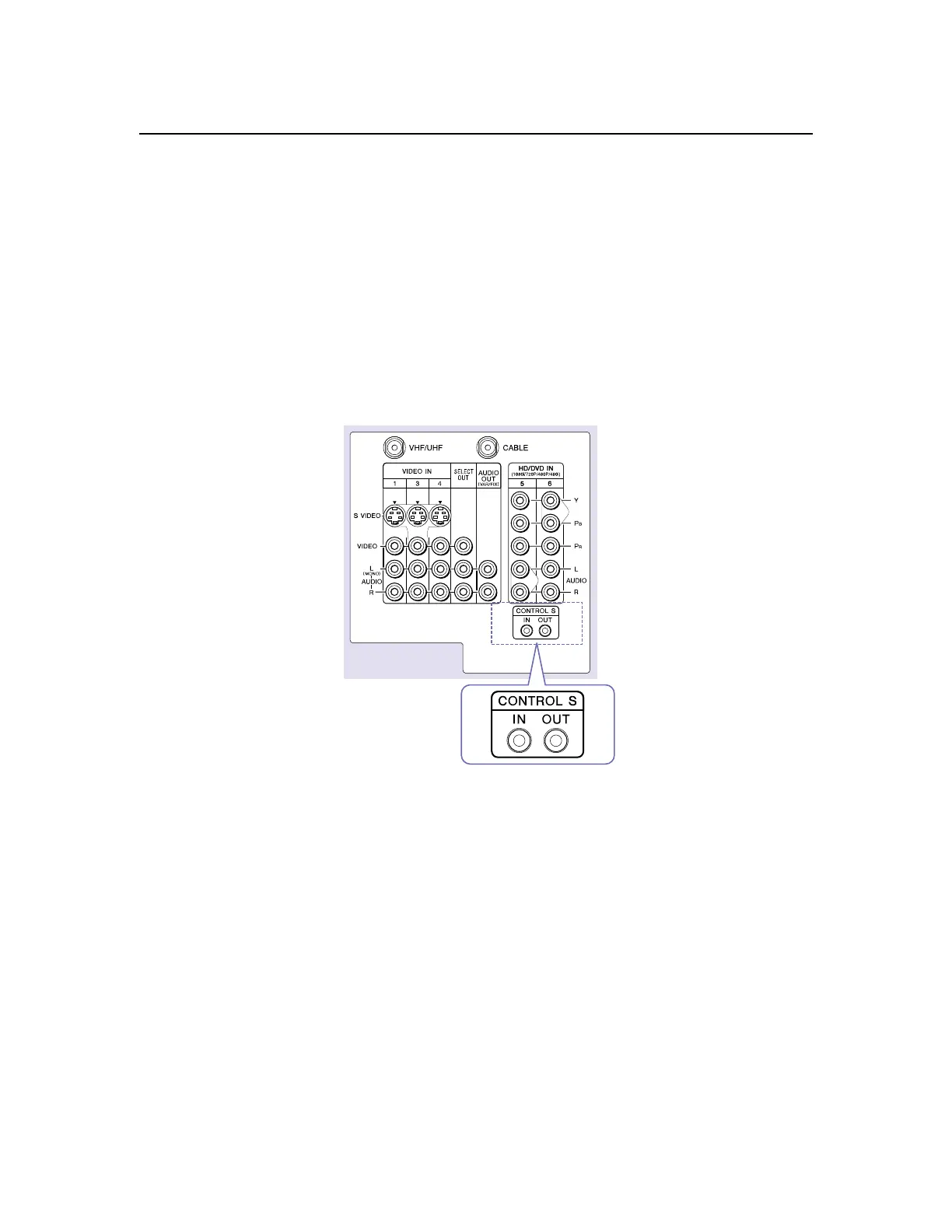
Using the CONTROL S Feature
CONTROL S allows you to control your system and other Sony
equipment with one remote control. In addition to allowing you to
controlmultipledeviceswithoneremotecontrol,theCONTROLS
feature allows you to always point your remote control at your DTV,
instead of having to point it at the other equipment, which might be
hidden or out of direct line of sight.
Use CONTROL S IN to send signals to the DTV.
Use CONTROL S OUT to send signals to connected equipment.
DTV



 To Next Page