Using the DTV Features
41
Using the Freeze Function
The
FREEZE
button allows you to temporarily capture a program’s
picture. You can use this feature to write down information such as
phone numbers, recipes, etc.
1
When the program information you want to capture is displayed,
press the
FREEZE
button.
2
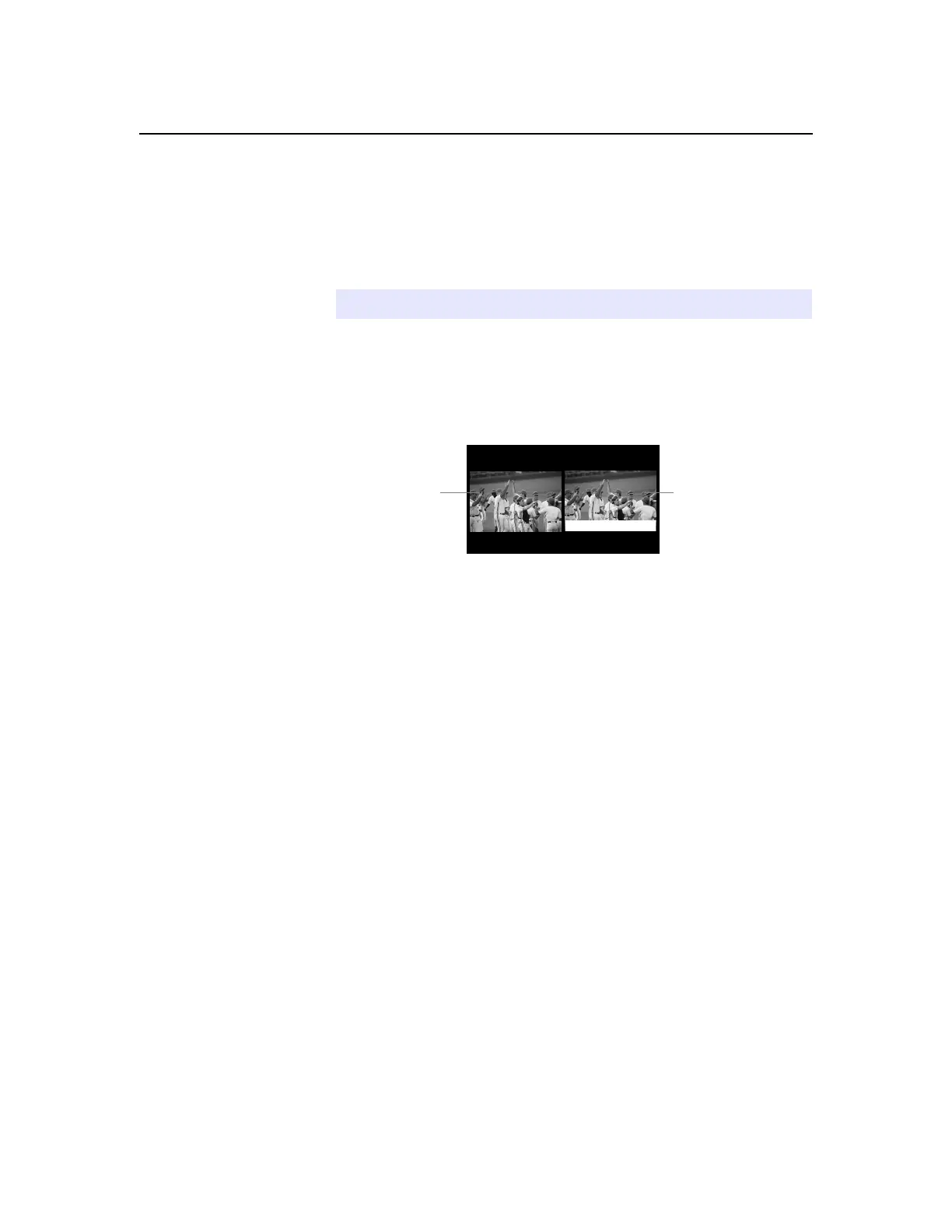
The DTV switches to Twin View mode and displays the “frozen”
picture on the right, while the current program continues on the
left.
3
To cancel and return to normal viewing, press the
FREEZE
or
EXIT
button.
✍
The Freeze feature is not available while using Twin View.
Current program
in progress
Frozen
picture
Call 555-1234



 To Next Page