Connecting and Setting Up the DTV
25
Connecting i.LINK Compatible Devices
This DTV is equipped with i.LINK, which provides a secure digital
interface to other digital home entertainment devices, including
digital cable set-top boxes. i.LINK allows for the secure transfer of
copyright-protected high-definition content between these devices
and your digital television.
For more information about i.LINK, see “About i.LINK” on page 67.
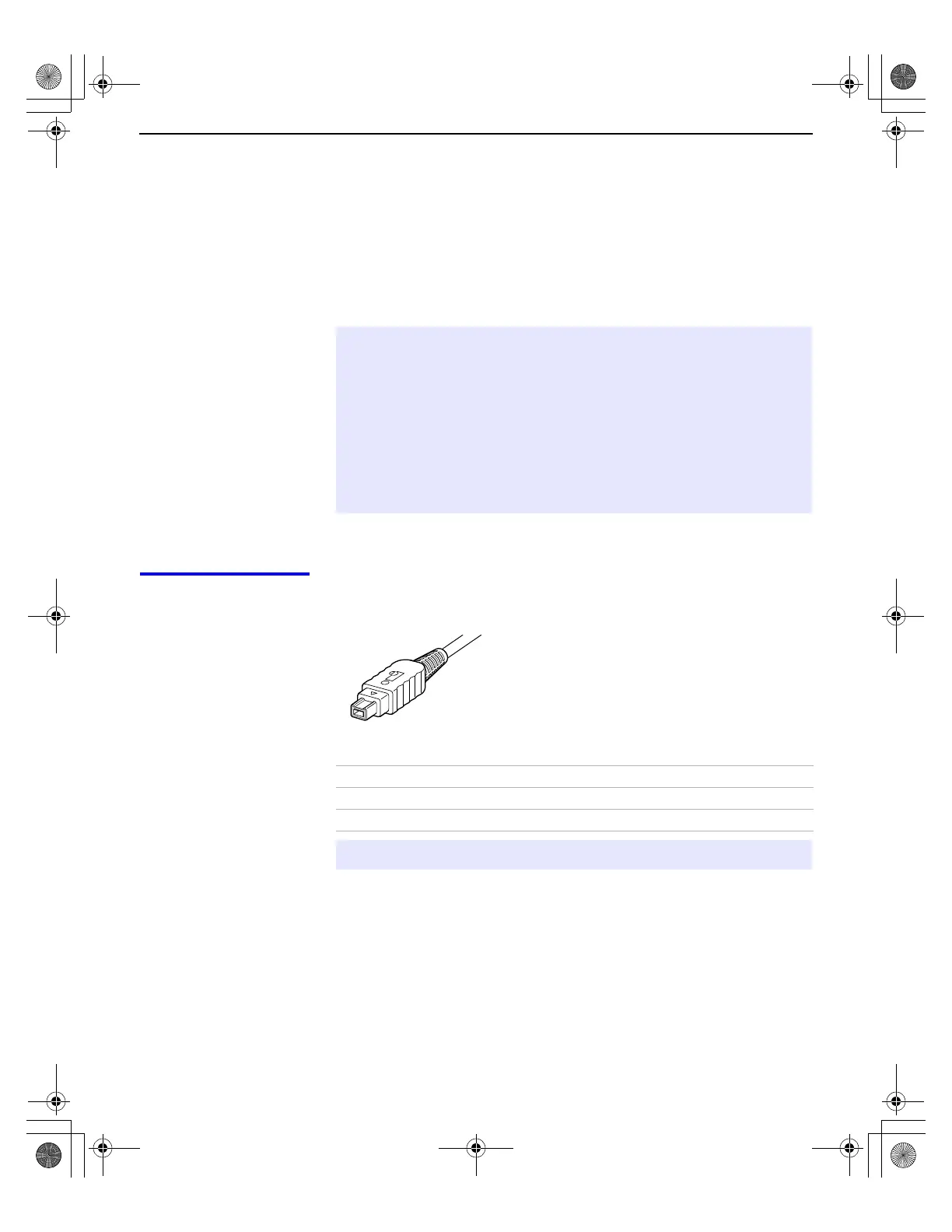
Using i.LINK Cables This DTV has two 4-pin S200 i.LINK terminals. You can use any of the
following i.LINK cables with the DTV:
✍ At the time this DTV went to market, the Sony digital cable set-top box (DHG-
M55CV) is the only i.LINK device that is verified to be compatible with this DTV.
Some early versions of the Sony digital cable set-top box (DHG-M55CV) may
not support an i.LINK digital connection to your DTV. If you have difficulty with
the connection between your Sony digital cable set-top box (DHG-M55CV) and
your DTV, contact Customer Information Service Center at
1-800-222-SONY(7669). In most cases you can continue to use your set-top
box with your DTV, using an analog audio/video connection (as shown on
page 26), instead of the i.LINK digital connection (also shown on page 26).
Sony Model Number Length
VMC-IL4415 1.5 meters
VMC-IL4435 3.5 meters
✍ Do not use cables other than the ones listed above.
4-pin i.LINK cable
Install.fm5 Page 25 Friday, July 6, 2001 1:49 PM



 To Next Page