Introducing the Digital TV (DTV)
3
Package Contents
Along with your new digital TV, the package contains a remote
control and two AA batteries. No additional cables are included.
These items are all you need to set up and operate the DTV in its basic
configuration.
Most components (VCRs, DVD players, etc.) come with the necessary
cables to connect them. If you want to set up a complex system, you
may need to buy extra cables, connectors, etc. Be sure to have these
on hand before you start to connect your system.
Using the Remote Control
Although some of the DTV’s functionality can be controlled using
buttons located on the front panel of the DTV (see page 10), you’ll
find the remote control to be more convenient while watching TV.
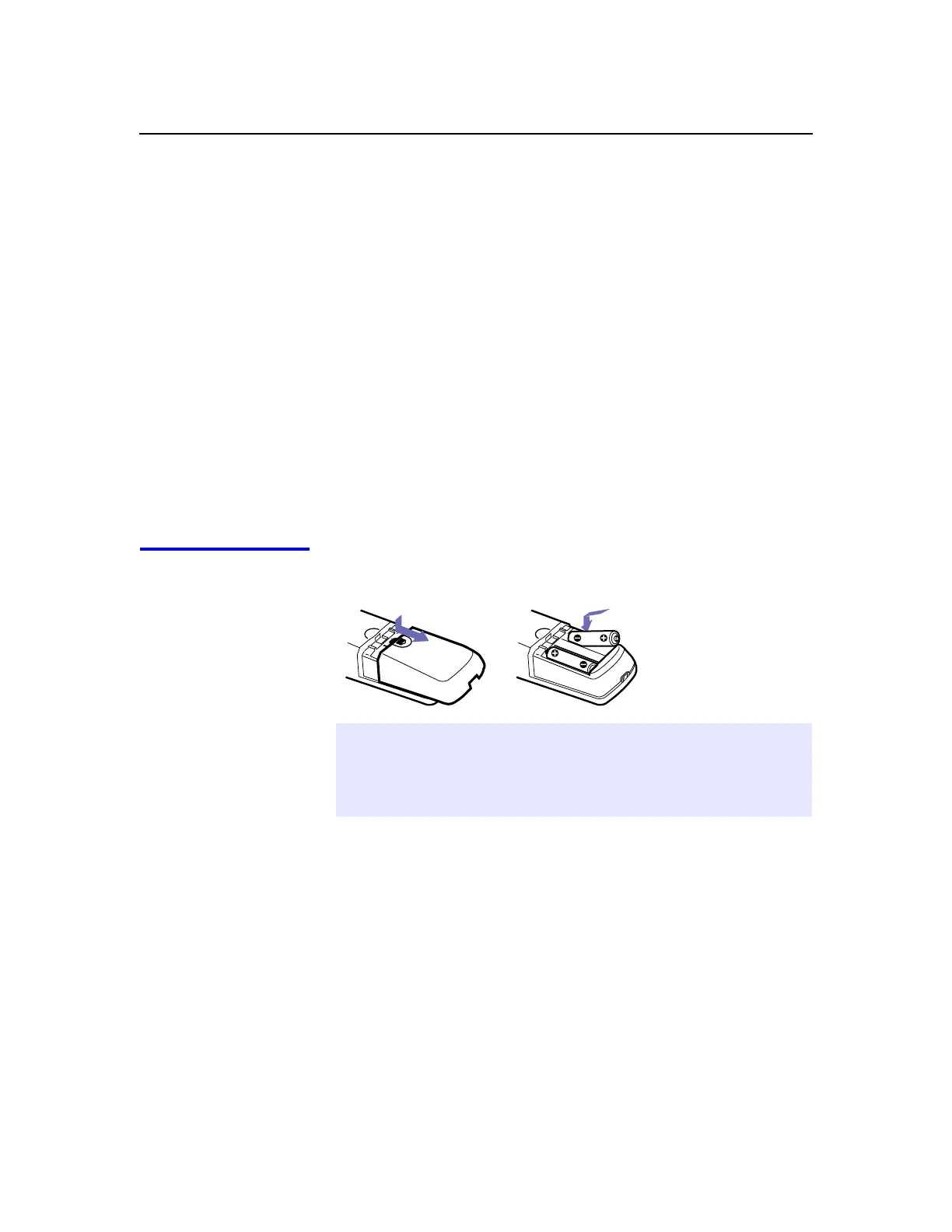
Inserting Batteries
Insert two size AA (R6) batteries (supplied) by matching the + and
–
on the batteries to the diagram inside the battery compartment.
✍
Remove the batteries to avoid damage from possible battery leakage whenever
you anticipate that the remote control will not be used for an extended period.
Handle the remote control with care; avoid dropping it, getting it wet, placing
it in direct sunlight, near a heater, or where the humidity is high.



 To Next Page