Using the DTV Features
39
Activating the
Picture
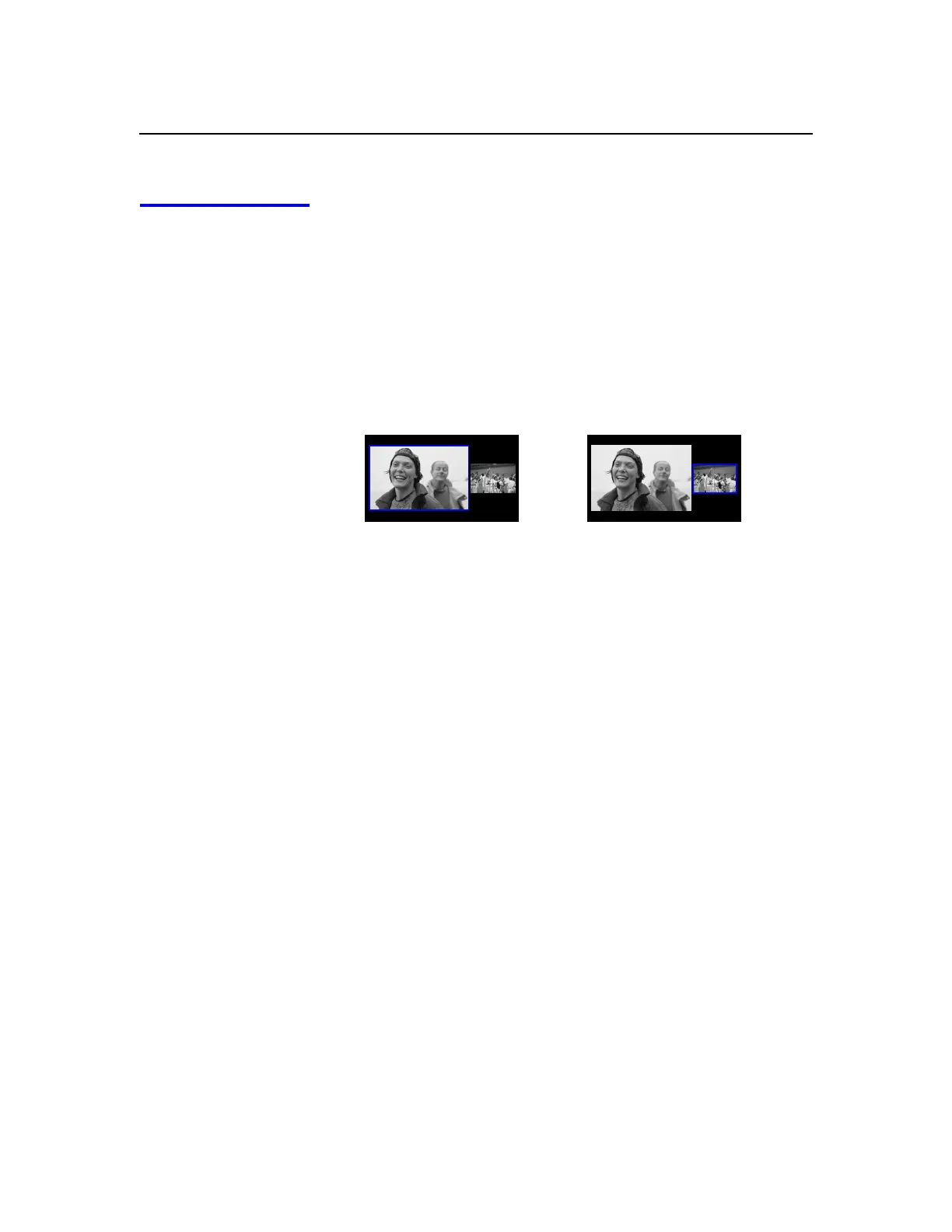
With Twin View, the picture highlighted in blue is active. In the active
picture, you can:
❑
Change channels.
❑
Adjust the volume.
❑
Switch the input sources (to go from UHF/VHF to cable, for
example, press
ANT
or
TV/VIDEO
on the remote control).
❑
Change the picture size by moving the joystick
V
or
v
.
Factors affecting Twin View
❑
If you use a cable box to view all channels, the same channel
appears in both windows of Twin View because the cable box
unscrambles only one channel at a time.
❑
If you use a cable box, you can view the cable box output in one
Twin View window and view a signal from a different source
(such as a VCR or DVD player) in the second window.
❑
Digital channels and equipment connected to VIDEO 5 or VIDEO
6 inputs display in the left Twin View window, but not the right.
❑
If you are viewing a 4:3 source and a 16:9 enhanced source (such
as a DVD) side by side in Twin View, the 4:3 source will appear
larger.
❑
Twin View is not available while viewing i.LINK devices.
To activate the right picture
❑
Move the joystick
b
.
To activate the left picture
❑
Move the joystick
B
.
,
,



 To Next Page