25
GB
Viewing Still Images in Sequence — Slide Show
Using a “Memory
Stick”
5
Press ENTER.
The selected contents name and the first two
thumbnails are displayed.
Viewing Still Images
in Sequence —
Slide Show
You can run a slide show by using still pictures (DCF-
compatible) of the JPEG format recorded by a digital
camera. You can advance a slide automatically or
manually.
1
Select the contents that
include a desired still picture.
(1
11
1 page 24)
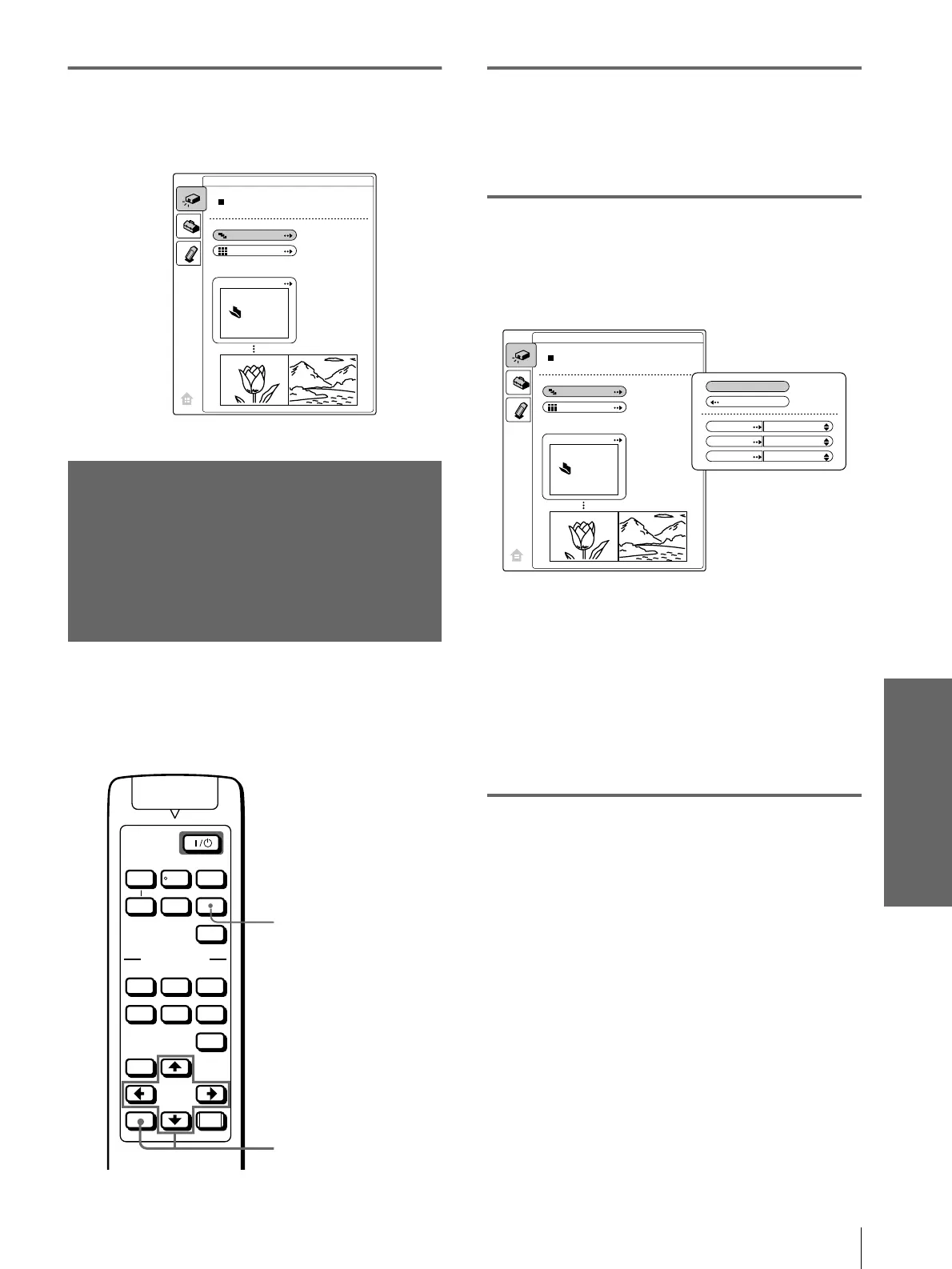
2
Press M or m to select “Slide
Show,” and press ENTER.
The sub menu for setting the following items
appears.
Effect: set the effect when the slide is
displayed.
Advan. Slids : set to advance a next slide
automatically (“Auto”) or manually
(“Manual”).
Interval: set the period for which one slide is
displayed. When “Advan. Slids” is set to
“Manual,” this item does not work. The time
is about right.
3
Press M or m to select the item,
and press ENTER.
DCIM
EVENT
Slide Show
Index
Select Contents
JPEG Viewer
VOLUME
MS SLIDE
DYNAMIC STANDARD LIVING
USER 1
MENU
ENTER
RESET
USER 2 USER 3
OFF
APA
INPUT
VIDEO MEMORY
+
–
SIDE
SHOT
+
–
MS SLIDE button
2-5
DCIM
EVENT
Slide Show
Index
Select Contents
JPEG Viewer
Execute
Return
Effect
Advan.Slds.
Interval
Off
Auto
1 sec



 To Next Page