GB
28
Rotating a Still Picture
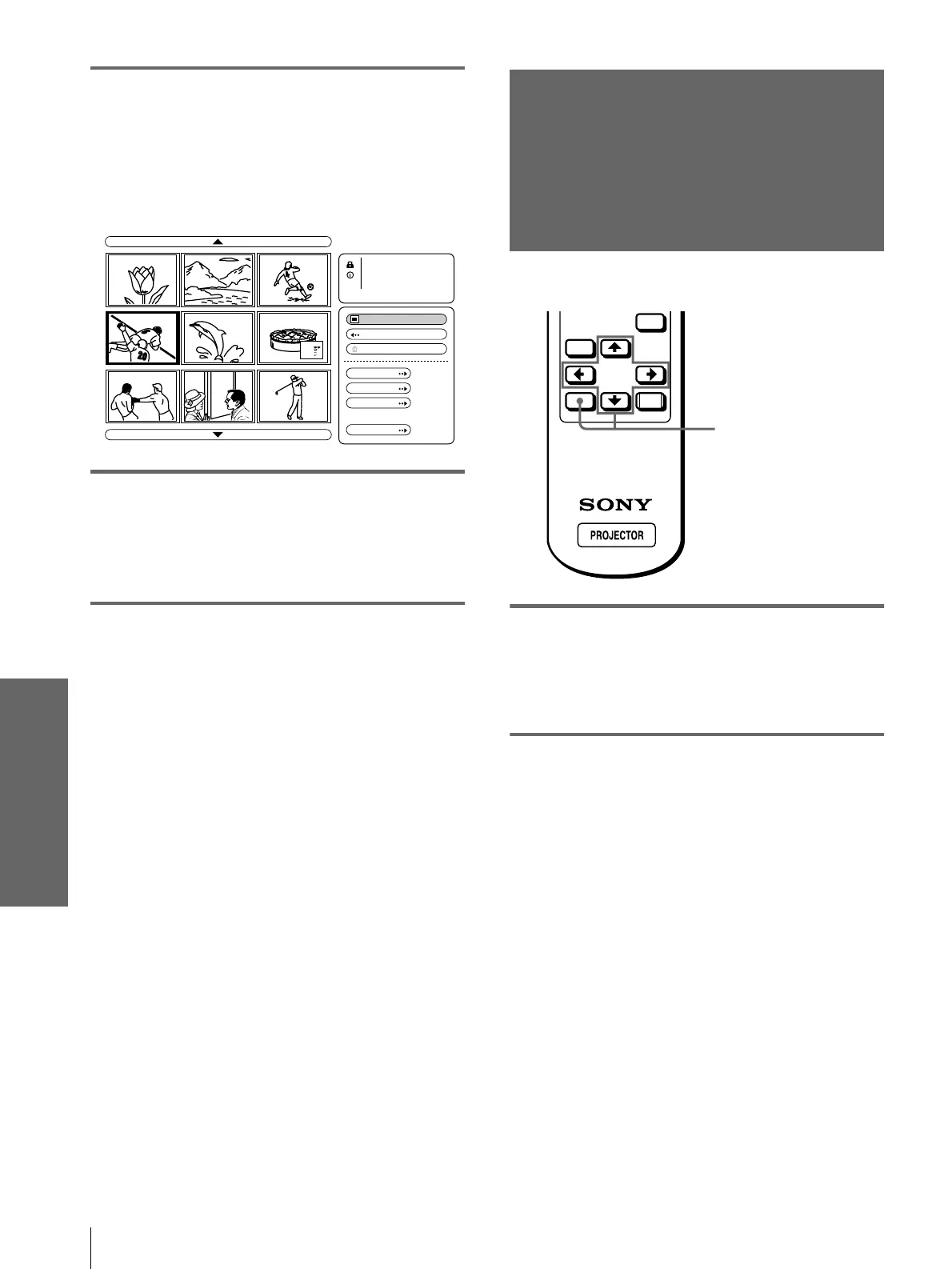
Using a “Memory
Stick”
3
Press M, m, < or , to select
the picture you want to display
on the full screen, and press
ENTER.
The Index menu appears.
4
Press M or m to select “Full
Screen,” and press ENTER.
The selected picture is projected to fit the
screen.
To display a previous or next slide
To display the next slide, press , or m. To return to
the previous slide, press < or M.
To return to the Index screen
Press MS SLIDE or ENTER.
Rotating a Still
Picture
You can rotate a still picture in 90° steps.
1
Select the contents that
include a desired still picture.
(1
11
1 page 24)
2
Press M or m to select “Index,”
and press ENTER.
The index pictures of the selected contents are
displayed.
Full Screen
No.: 4/32
Size: 1024x768
File: SPORTS
Date:7/29/2001
14:22
Close
Return
Protect
Rotate
Startup
Delete
Reciipe
fl our - - - - 2
sugar - - - 1/2
sa lt - - - - - 1/2
butter - - - 1
MENU
ENTER
RESET
2-5



 To Next Page