37
GB
Troubleshooting
Others
Caution Messages
Use the list below to check the meaning of the messages displayed on the screen.
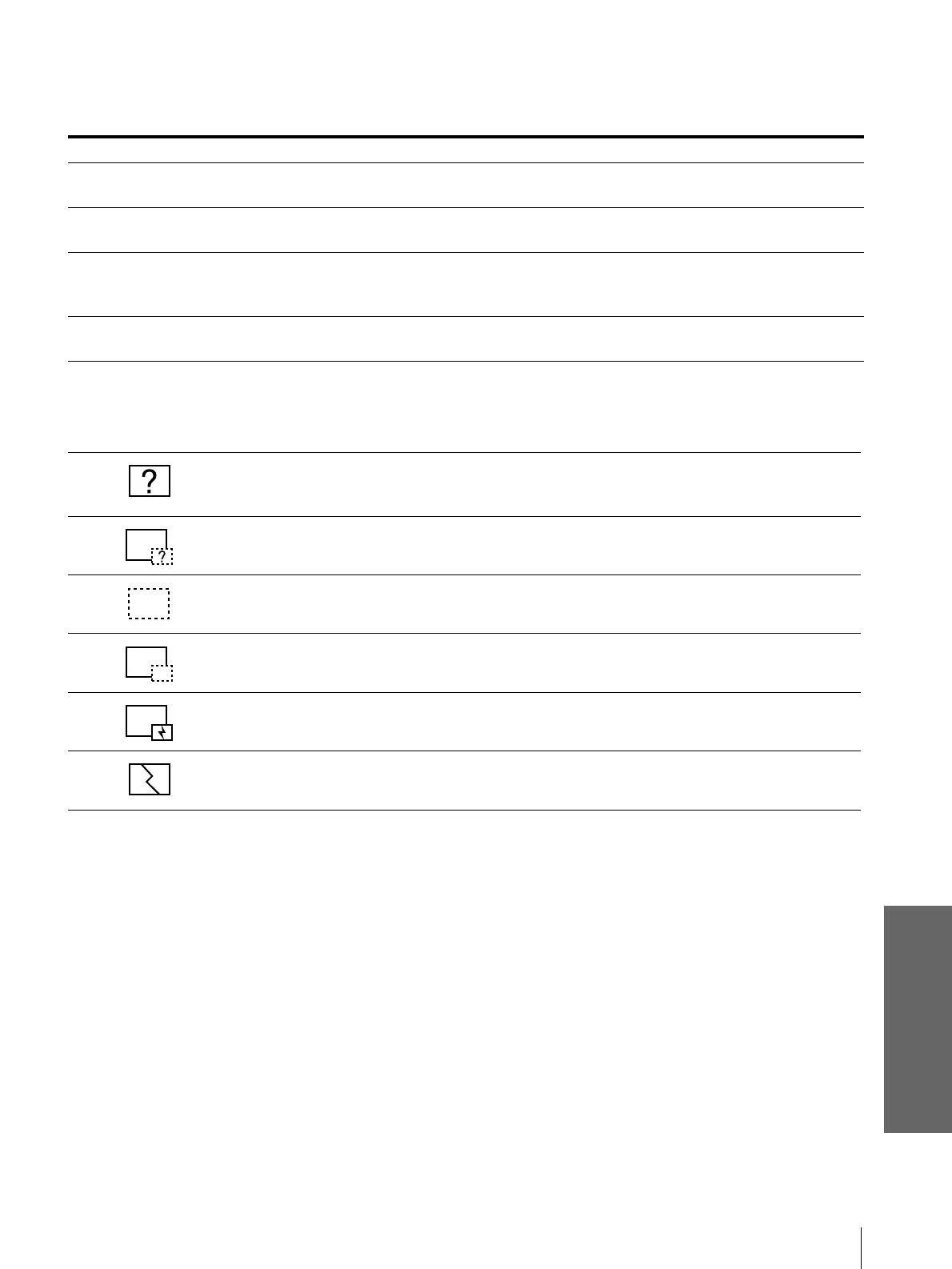
Caution displays while you are using the “Memory Stick”
When the following display appears on the screen, you cannot use this “Memory Stick.” Use another one.
Message Meaning and Remedy
NO INPUT • No input signal
c Check connections (1 page 8).
Not applicable! • You have pressed the wrong button.
c Press the appropriate button.
File error • In the sub menu for selecting the contents when using a “Memory Stick,” the presently
selected contents name consists of more than 66 characters (“/” included).
c Reenter the name with less than 66 characters.
No MEMORY STICK • The “Memory Stick” is not correctly inserted.
c Check the “Memory Stick” and insert it correctly.
• The image data is the JPEG format but not DCF-compatible.
• Resolution of the image data is out of the acceptable range of the projector.
(The projector accepts images with resolution of 5120 × 4096 dots.)
There is the thumbnail but it is not DCF-compatible.
There is no selected image data.
There is the image data but no thumbnail.
There is the image data but the thumbnail is broken.
The image data is broken.



 To Next Page