12 Step 1: Installing the Projector
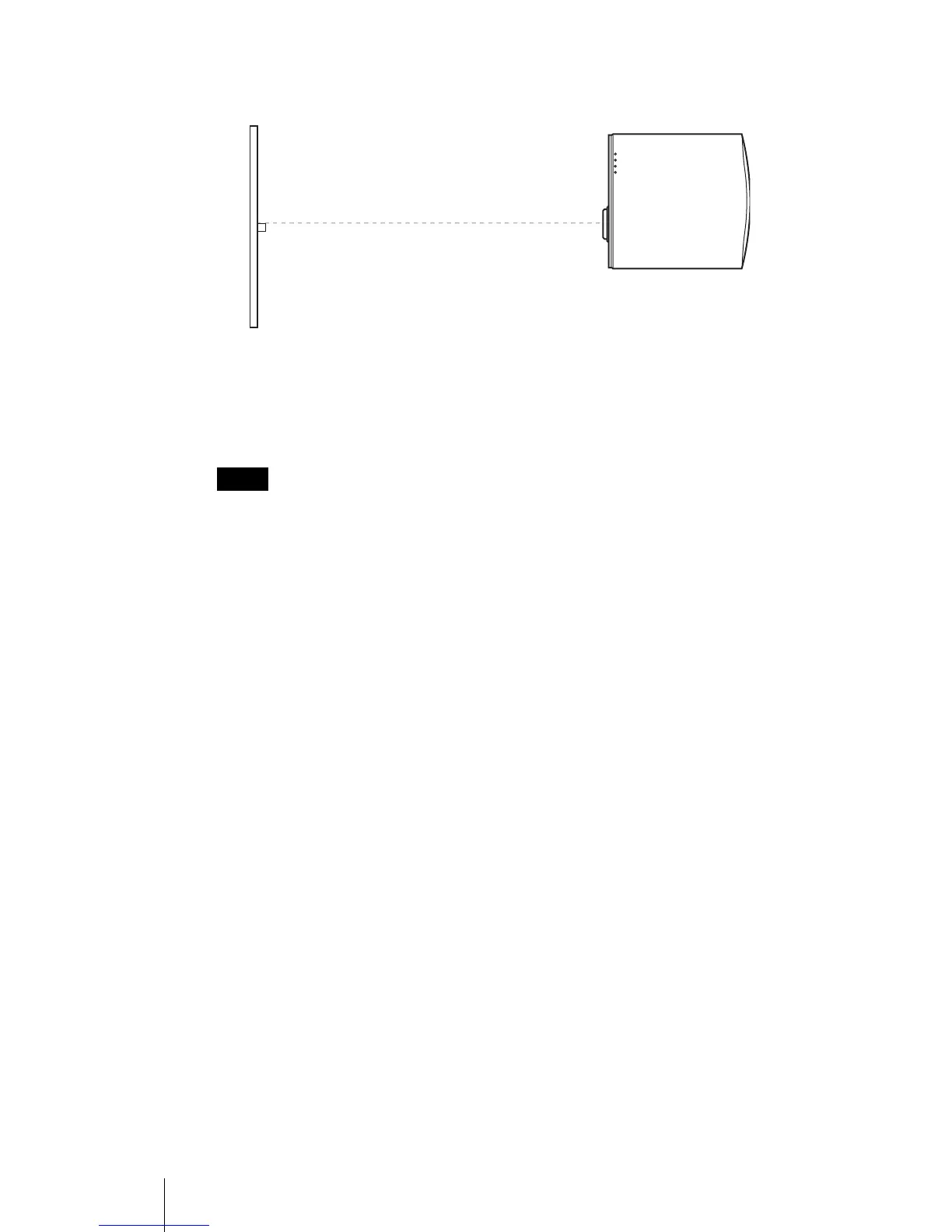
2 Position the projector so that the lens is parallel to the screen.
3 Project an image on the screen and adjust the picture so that it
fits the screen. (1 page 17)
To project an image, connect video equipment to the projector. (1 page
13)
When using a screen with an uneven surface, stripes pattern may rarely appear on the
screen depending on the distance between the screen and the projector or the zooming
magnifications. This is not a malfunction of the projector.
For installation of the projector on a ceiling, see “Ceiling Installation.” (1
page 58)
Note
Screen
Top view



 To Next Page