47Troubleshooting
Others
On-screen display
Remote control
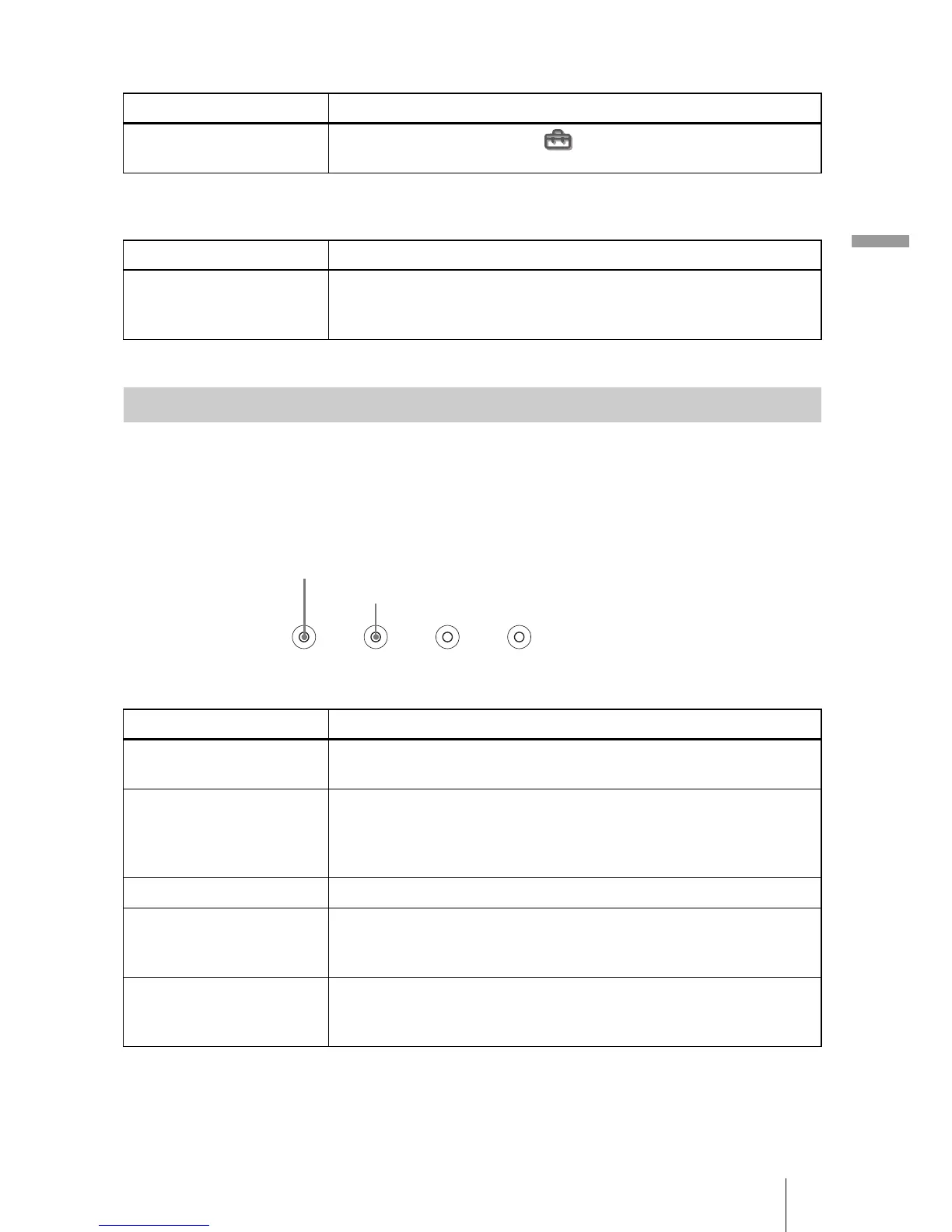
The LAMP/COVER or TEMP/FAN indicator on the control panel lights up or
flashes if there is any trouble with your projector.
Symptom Cause and Remedy
On-screen display does not
appear.
c Set “Status” in the Setup menu to “On.” (1 page 43)
Symptom Cause and Remedy
The remote control does
not work.
c Batteries could be weak. Replace with new batteries. (1 page
7)
c Insert the batteries with correct polarities. (1 page 7)
Warning Indicators
Symptom Cause and Remedy
LAMP/COVER flashes. c Attach the lamp cover or the air filter cover securely. (1
pages 49 and 50)
LAMP/COVER lights up. c The lamp has reached the end of its life. Replace the lamp. (1
page 49)
c The lamp becomes a high temperature. Wait until the lamp
cools, and then turn on the power again. (1 page 25)
TEMP/FAN flashes. c The fan is broken. Consult with qualified Sony personnel.
TEMP/FAN lights up. c The internal temperature is unusually high. Check to see if
nothing is blocking the ventilation holes or whether or not the
projector is being used at high altitudes.
LAMP/COVER and
TEMP/FAN light up.
c Disconnect the AC power cord, connect it, then turn on the
power again. If the indicators still light up, the electrical system
breaks down. Consult with qualified Sony personnel.
LAMP/
COVER
TEMP/
FAN
POWER
SAVING
ON/
STANDB



 To Next Page