27Selecting the Wide Screen Mode
Projecting
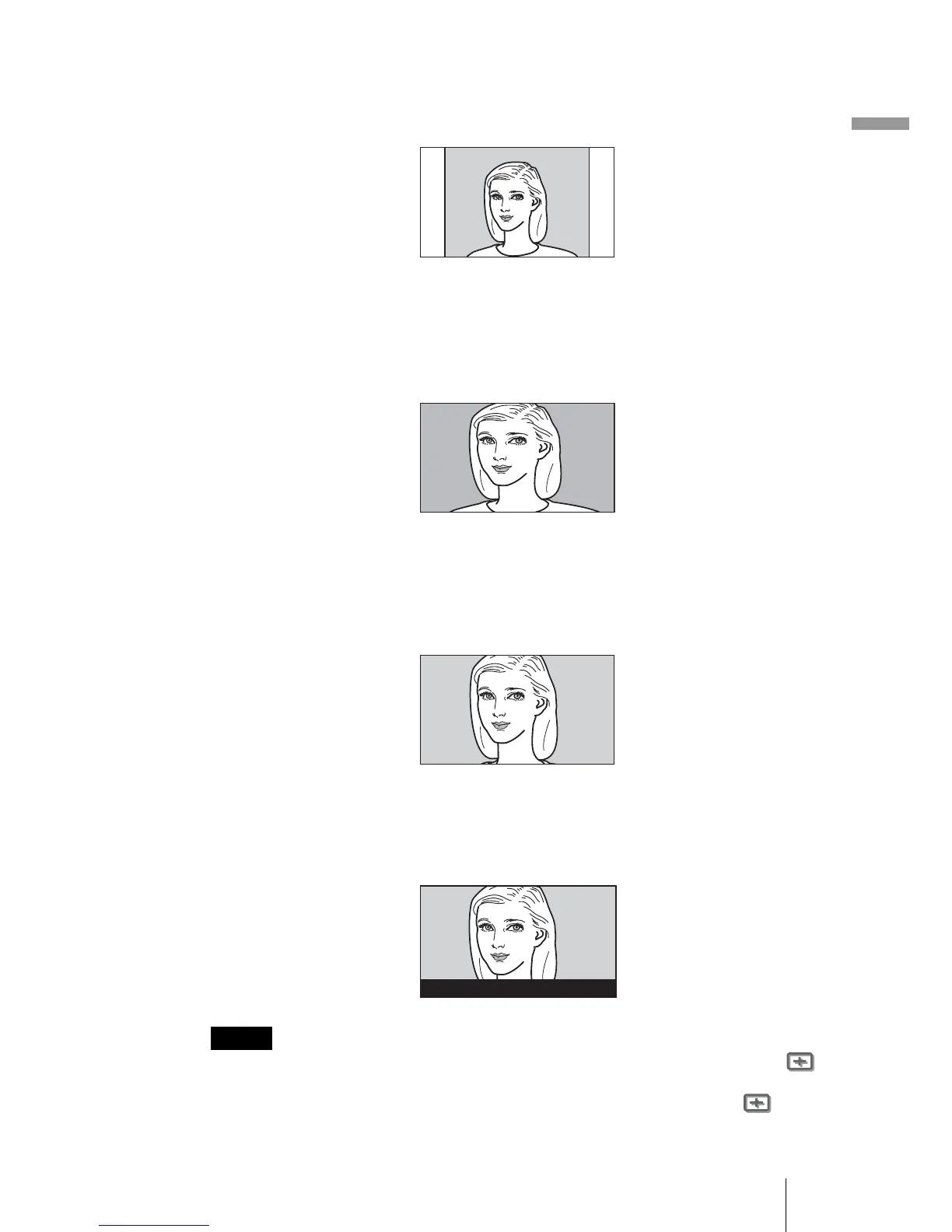
Normal
A picture with normal 4:3 aspect ratio is displayed in the center of the screen
to fill the vertical screen size.
Wide Zoom
A 4:3 aspect ratio picture is enlarged and the upper and lower portions of the
picture are compressed to fit the 16:9 screen. Use this mode to view news,
variety shows, etc.
Zoom
A normal 4:3 aspect ratio picture is enlarged vertically and horizontally in the
same ratio to fill the 16:9 screen. This mode is ideal for viewing a wide-format
movie.
Subtitle
The subtitle area is compressed and displayed in the lower part of the screen.
Use this mode to view a movie with subtitles.
• You can adjust the vertical position of the picture with “V Position” in the Signal
menu only when “Zoom” or “Subtitle” is selected.
• You can adjust the position of the subtitles with “Title Area” in the Signal menu
only when “Subtitle” is selected.
Notes
Good-bye



 To Next Page