1-17 (E)
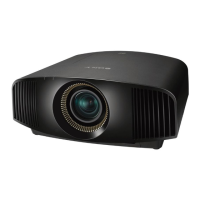
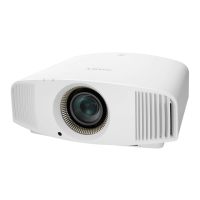
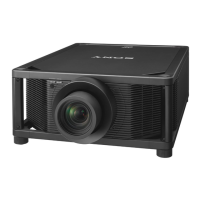
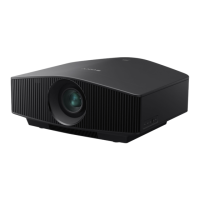
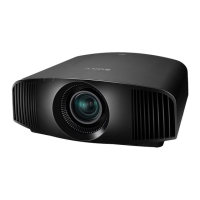
VPL-VW520
1-5. Indicator Display
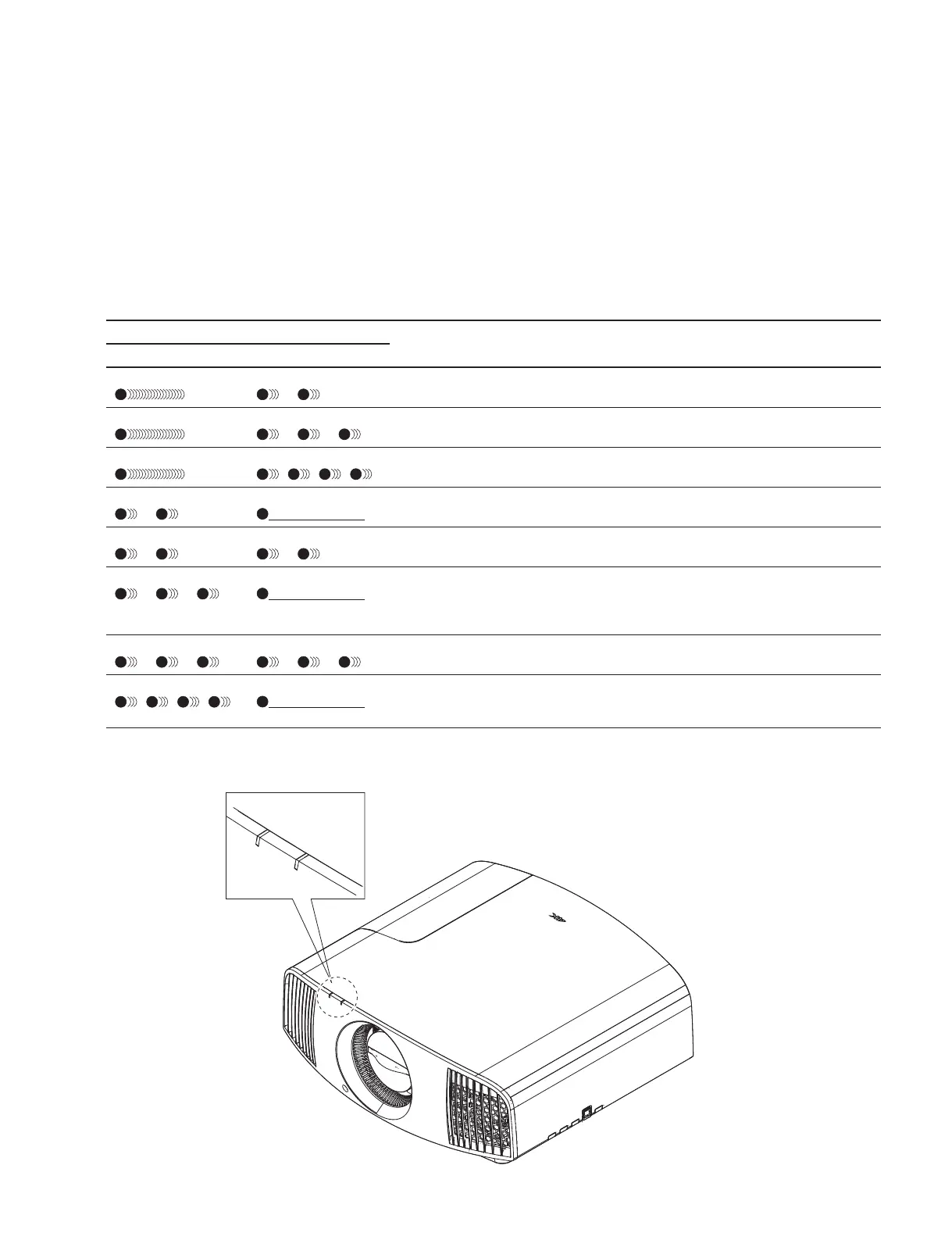
In this unit, the error status is indicated by the flashing of indicator. The ON/STANDBY and WARNING
indicators are located at the front portion of this unit. The error status can be determined based on how
many times the indicator flashes.
For details of the number of times the indicator flashes and the error contents, refer to the following
description.
* Indicator: Red
Status of indicator (flash/stay lit) Name of error Description
ON/STANDBY WARNING
Stays lit
Flashes two times Cover error The light source lamp cover is removed.
Stays lit Flashes three times Lamp error The lamp does not light up, or the lamp is
broken.
Stays lit Flashes four times Firmware update error The firmware update has failed.
Flashes two times Off Main power supply error The main power supply output of the Q
board is abnormal.
Flashes two times Flashes two times Temperature error The temperature inside of this unit exceeds
the allowable range.
Flashes three times
Off DC power supply & memory error The DC power supply (3.3 V, 1.8 V, 1.0 V
and 5 V) output of the Q board is abnormal,
or abnormal memory (NAND) access has
occurred.
Flashes three times
Flashes three times Fan error Any of the fans inside of this unit does not
operate normally.
Flashes four times
Off System error After the power is turned on, the inter-CPU
communication cannot be performed, or
each CPU cannot operate correctly.
Installation location of indicators
WARNING
ON/STANDBY



 To Next Page