3-2 (E)
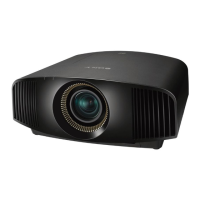
VPL-VW5
20
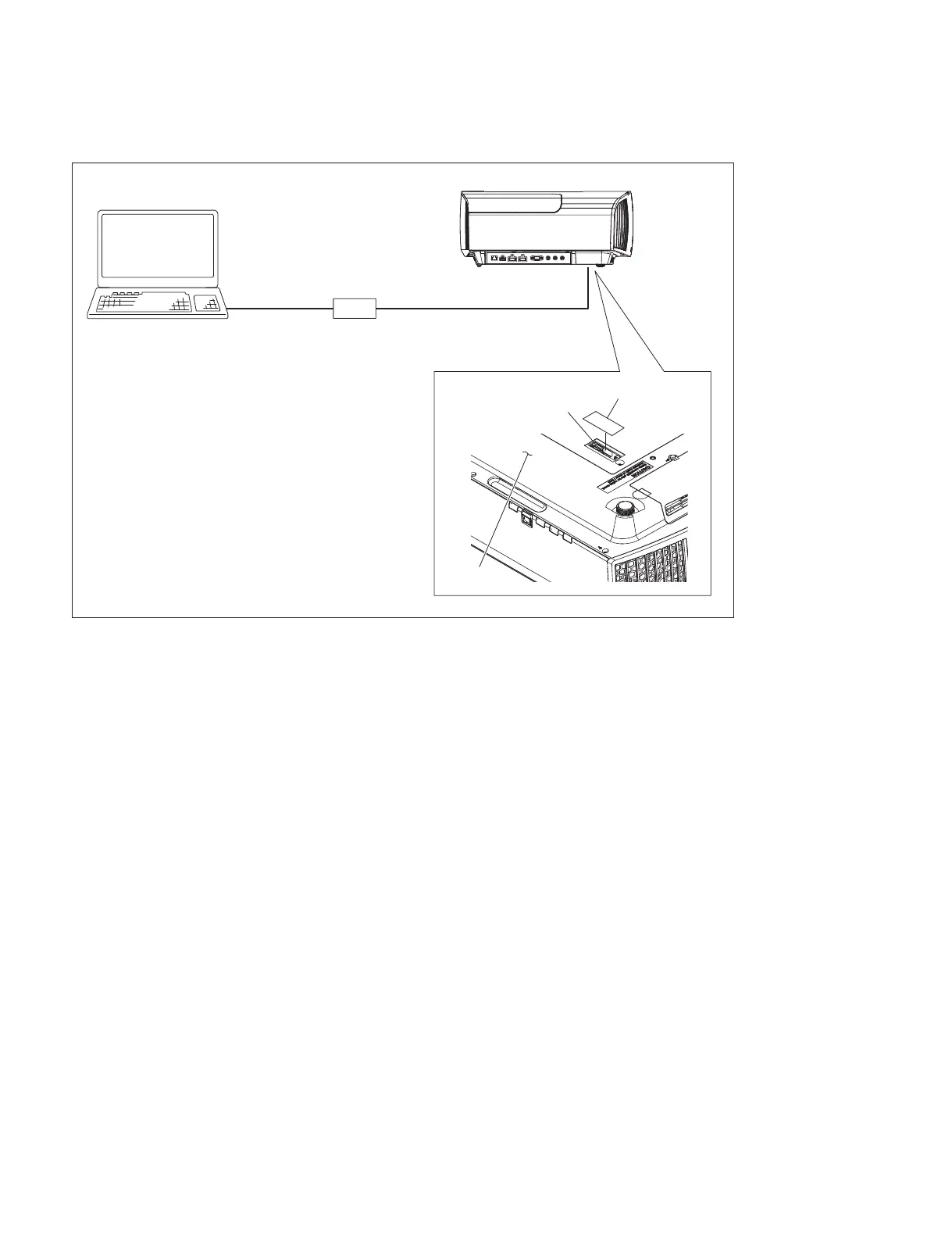
XSP board connection
3-2. Firmware Update
1. Insert the USB memory having the update folder prepared in “Download the update program to the
USB memory“ into the USB connecting terminal of main unit.
(Refer to the Operating Instructions.)
2. Turn on the power of this unit.
3. The update proceeds automatically. The ON/STANDBY indicator blinks in green. Then, it blinks in
amber. (During update: approx. 3 minutes max)
4. After the update is completed, the ON/STANDBY indicator lights up in red and this unit enters
standby state.
CN1701
Bottom side
Peel the sheet.
SH connector assembly
USB cable
XSP board
PC



 To Next Page