Connecting to a Computer
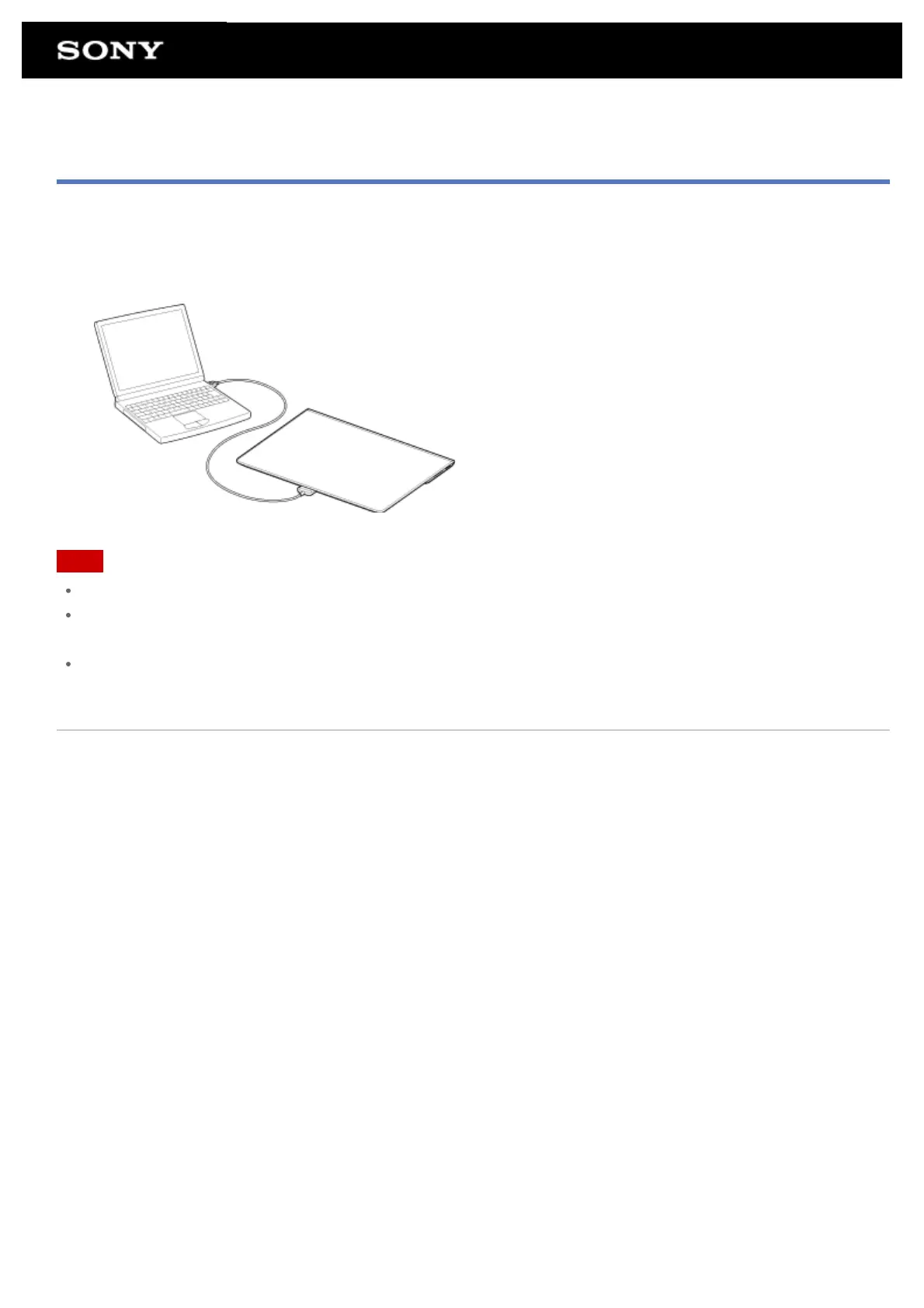
You can connect your tablet to a computer by using the Multi Port of the tablet.
1. Turn over your tablet, and then remove the cover for Multi Port.
2. Connect your tablet to a computer using the supplied USB cable for Multi Port (SGPUC2).
Note
Do not turn off your tablet while reading and writing data.
Your tablet does not support charging the battery via USB connection from a computer or a commercially
available charger not designated by Sony.
Do not disconnect the USB cable for Multi Port while writing and reading data. Doing so may result in loss of
that data.
Related Topic
Supported Formats
Connecting a USB Compatible Device
Connecting to an HDMI Compatible Device
Importing Content from Your Computer











 To Next Page