Downloading the Help Guide
You can download the PDF help guide to your tablet.
Install the [Reader by Sony] app or another PDF reader app to view the PDF file on your tablet.
1. Tap “Download help guide (PDF file)” from the bottom right of the top page of the help guide.
Downloading starts.
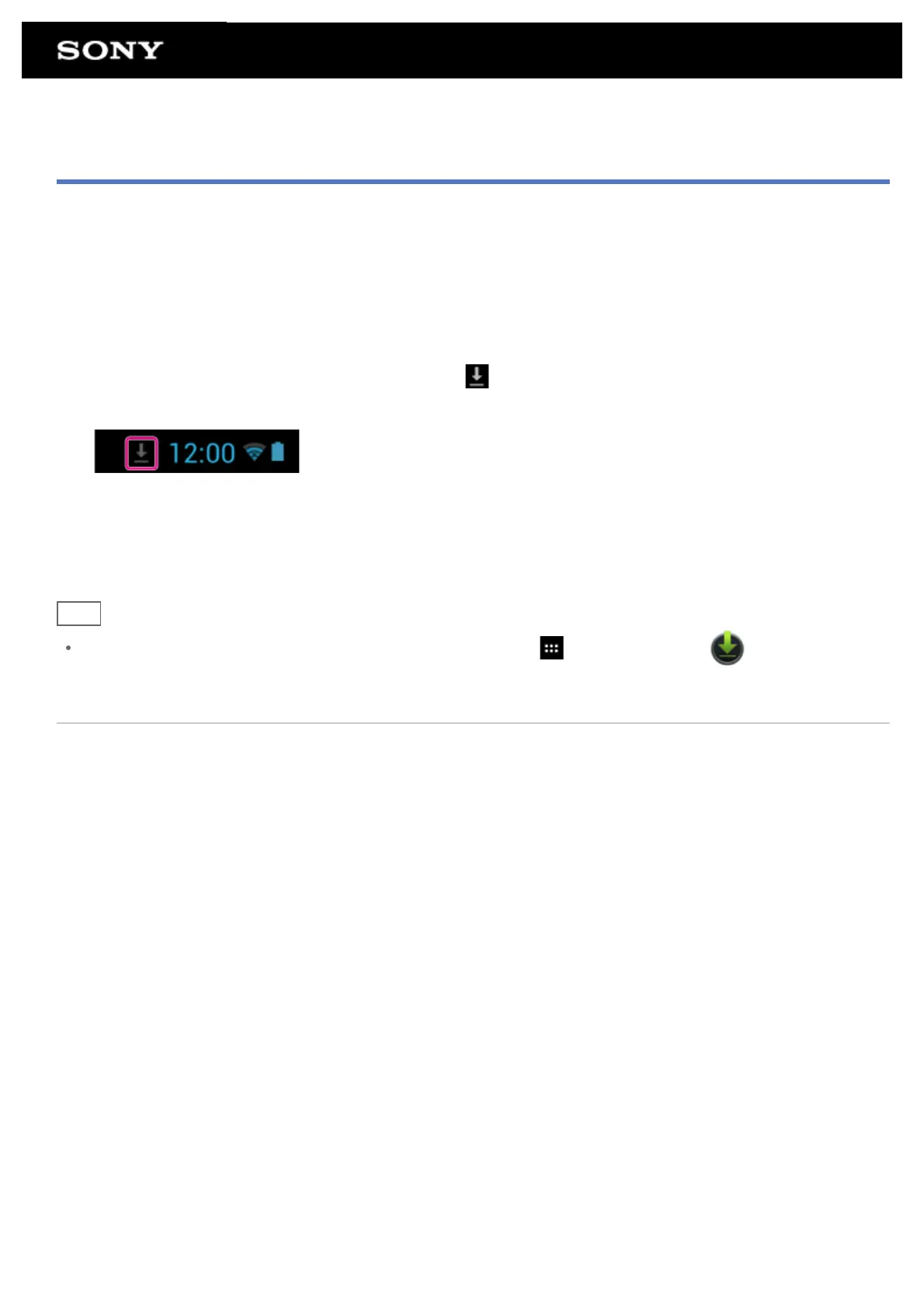
2. After downloading the help guide has finished and
appears on the status bar at the bottom right of the
screen, tap the status bar.
The notification panel is displayed.
3. Tap “helpguide_pdf.pdf.”
Select and tap an app with which to view the PDF file, and the help guide will be displayed.
Hint
You can also display the help guide after downloading it. Tap [ Apps & Widgets] - [ Downloads] and
select “helpguide_pdf.pdf.”
Related Topic
Searching for Apps
Confirming Download or Update Information on the Status Bar











 To Next Page