Need help?
Do you have a question about the Sophos UTM 110 and is the answer not in the manual?
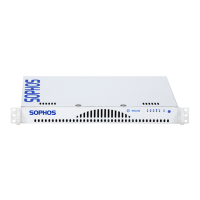
Details on power and Ethernet port indicators for device status.
Explanation of LED indicators for power status, link, activity, and hard drive.
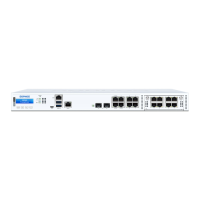
Description of Speed and Act/Link LEDs on Ethernet connectors.
Information on supplied parts, referencing the Hardware Quick Start Guide.
Guidelines for placing the appliance on a surface or mounting it on a wall or rack.
Safety advice for electrical and general components added to the appliance.
Safety measures for installing equipment securely within a rack.
Safety advice for installing server components, handling drives, and maintaining cooling.
Instructions for connecting and configuring a serial console for appliance access.

 To Next Page


 General