USB/SO MUSIC PLAYING
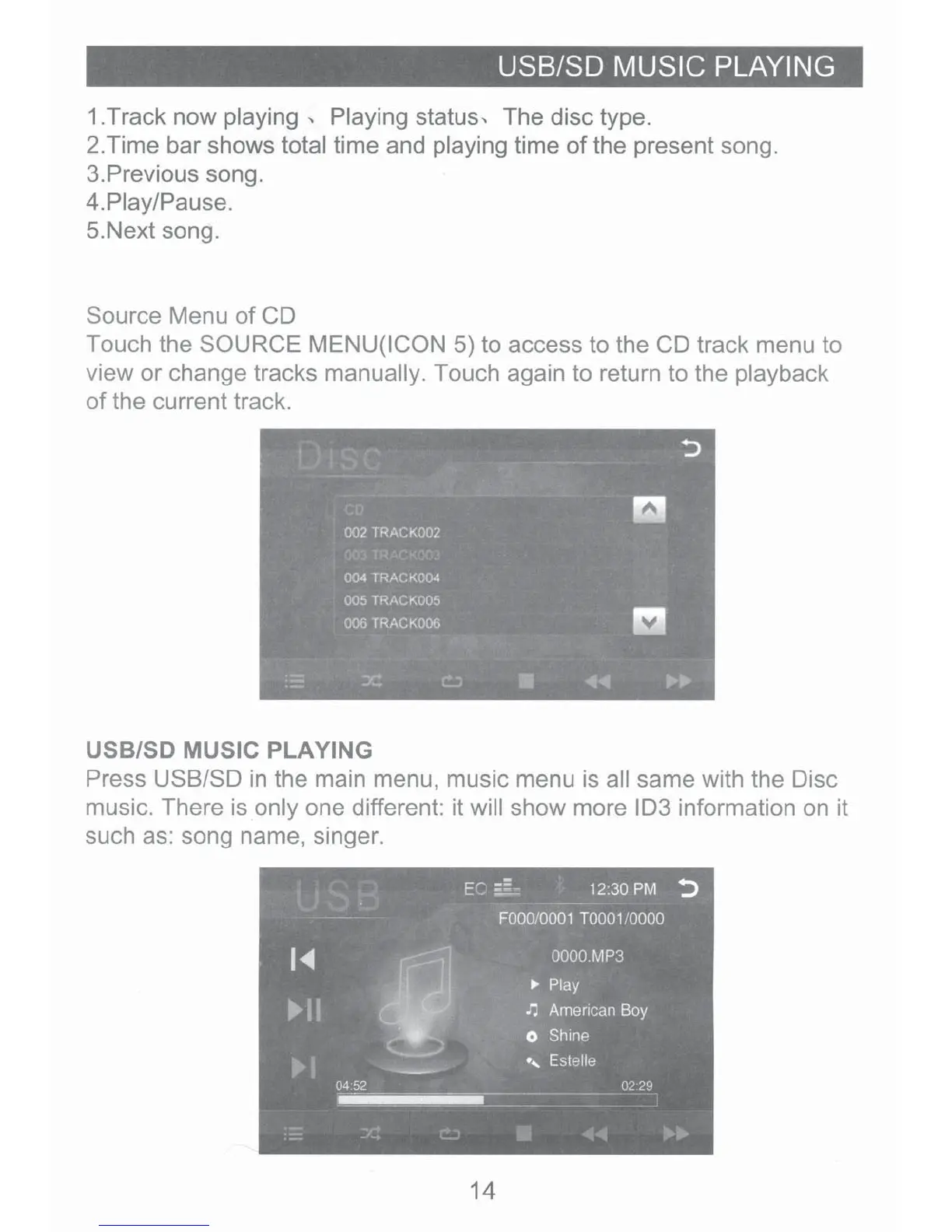
1.Track now playing
..
Playing status
..
The disc type.
2.Time bar shows total time and playing time
of
the present song.
3.
Previous song.
4.Piay/Pause.
5.Next song.
Source Menu
of
CD
Touch the SOURCE MENU(ICON 5) to access to the CD track menu to
view or change tracks manually. Touch again to return to the playback
of
the current track.
USB/SO MUSIC PLAYING
Press USB/SO
in
the main menu, music menu is all same with the Disc
music. There is only one different: it will show more
103 information on it
such as: song name, singer.
14













 To Next Page