MOBILE LINK X2 FUNCTION
MOBILELINK X2 FUNCTION CAN ONLY BE AVAILABLE:
* Connect your cell phone with the unit via BLUETOOTH.
* Install and run APK software(MOBILELINK X2) by smartphone.
Bluetooth Connection Step
Click BT icon in main menu to set Bluetooth
ON
; Open Bluetooth
in
your cellphone
to search "Phone Pairing
",
click "Phone Pairing" and enter into the password "1234"
to connect cellphone with the unit;
Mobilelink
Software Installing
Method 1
:Scan APK QR code
in
the unit main menu2(or scan below QR code) to
download and install MOBILELINK X2 software to your cell phone;
Method
2:
Search MOBILELINK X2
in
Google Play and install to your cellphone.
1J..
MOBILE
.
LINK
It will show the right icon in
your cellphone after
successful installing
Mobilelink
X2 function Operation
APK
1. RUN
APK:
Click Mobilelink X2
in
your Smartphone and you will see in
smartphone: "Please connect your
Mobilelink
cable".
2. LINK:
Mobilelink
port insert to unit
Mobilelink
pigtail; USB port insert to unit
USB pigtail; Mini port connect with cellphone.
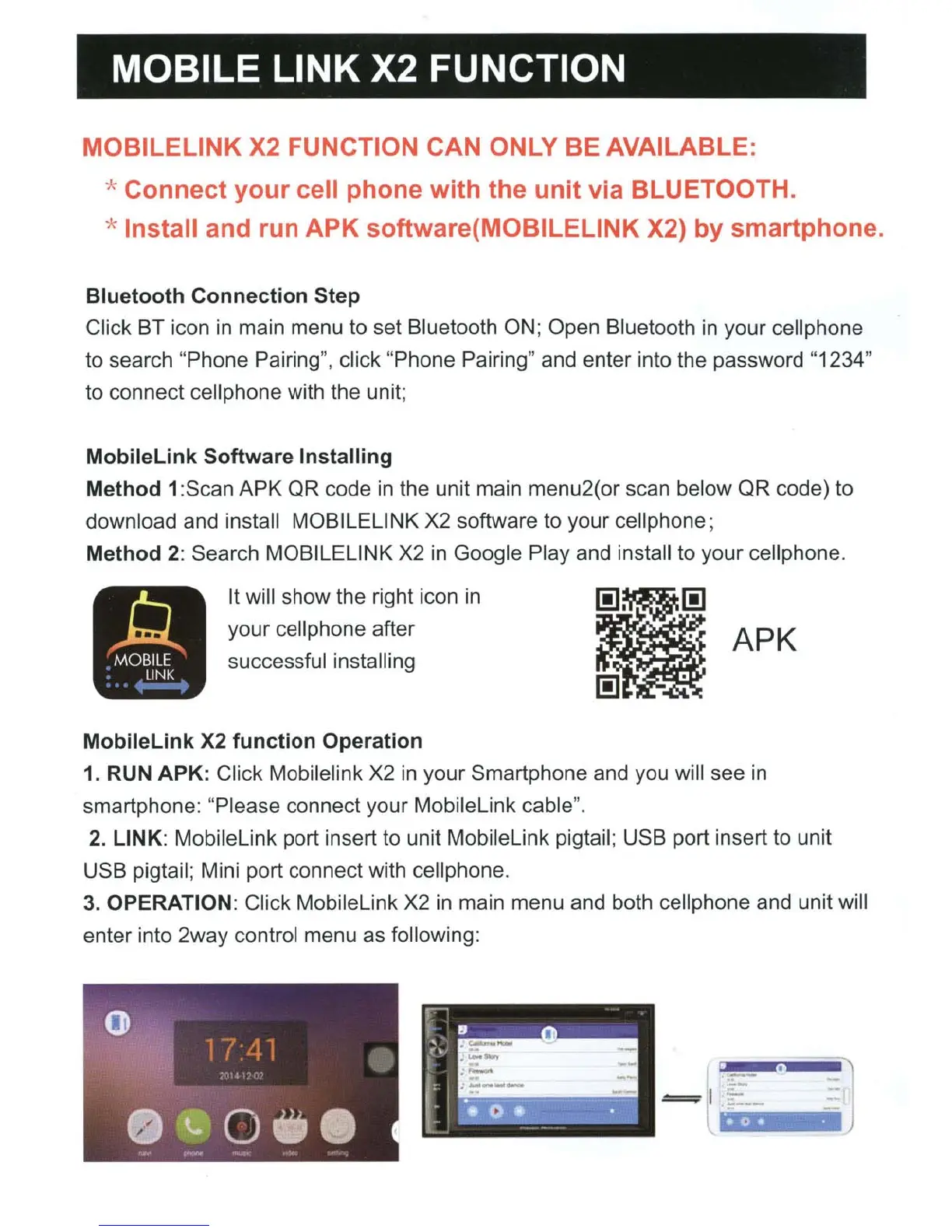
3. OPERATION: Click Mobilelink X2
in
main menu and both cell phone and unit will
enter into 2way control menu as following:













 To Next Page