SOYAL
ACCESS CONTROL SYSTEM
®
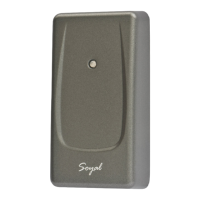
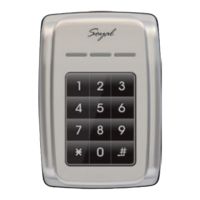
AR-725-E
V220916
- 4 -
Adding and Deleting Tag
,AR-725-E become WG mode
(
28
000
)
※
Using Rule :
Finger : Both 725-E Master mode and 725-E
WG mode must store all the same FP data and
real or visual card number.
Card : Can pass WG message to controller.
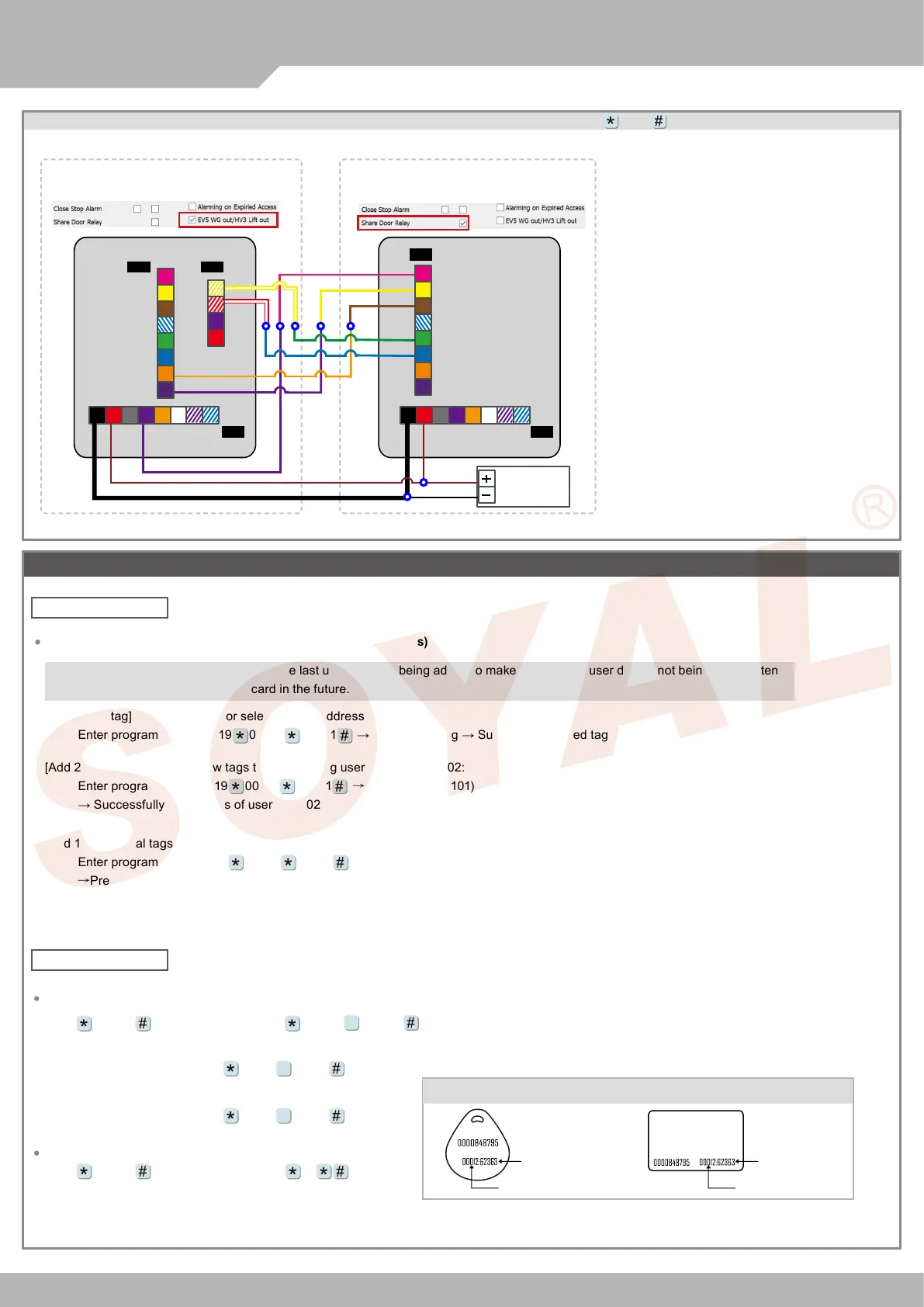
WG Mode / Controller Mode Setting Method
POWER
12VDC
1. AR-725-E can be set up as WG26/WG34/
WG64 while the Controller is in WG Mode.
These Controller can also be paired with the
Controller that has WG input function.
2. Networking Setting: Select E Series Controller
Parameter Edit in 701Server,tick up the function
“Ev5 WG out/Hv3 Lift out”
3. Please restart the controller after pressing
“Write to Controller”.
WG Mode
Controller Mode
701ServerSQL
Parameter Setting701ServerSQL
Parameter Setting
12V
GND
CN4CN4
CN8CN5
CN5
BZ
RLED
GLED
Door Output
WG 0
WG 1
DSS
PB
DSS
PB
Duress
ARM
PB
12V
GND
12V
GND
3
4
5
6
7
8
1
2
3
4
5
6
7
8
1
2
3
5
6
7
8
1
2
3
5
6
7
8
AR-725-E AR-725-E
4
4
2
1
1
2
3
4
Add New Tags
Add by Presenting Tags (apply to Single Tag or a Batch of Tags)
[Add single tag] Add a new tag for selected user address 100:
Enter program mode
→
19 00100 00001
→ Present the tag → Successfully added tag of user 100
[Add 2 additional tags] Add new tags to the following user address 101-102:
Enter program mode
→
19 00101 00001
→
Present (User 101) card
→
Present (User 102) card
→ Successfully added tags of user 101-102
[Add 10 additional tags] Add new tags to the following user address 103-112
Enter program mode
→
19 00103 00001
→
Present (User 103) card
→
Present (User 104) card
→
Present (...) card
→
Present (User 111) card
→
Present (User 112) card
→
Successfully added tags of user 103-112
※
Important Notice: Please remember the last user address being added to make sure the old user data is not being over written
with the new card in the future.
Delete All Tags
Input 123456 (or Master Code)
→
29 29
Delete Single Tag or a Batch of Tags (by User Address)
Input 123456 (or Master Code)
→
10 SSSSS EEEEE
[e.g.] Delete User Address: 00058
Enter program mode
→
10 00058 00058
[e.g.] Delete User Address: 00058~00063
Enter program mode
→
10 00058 00063
9
9
9
Tag Information
(125kHz)
※
For Mifare tags, the separator between Site Code & Card Code is comma "
,
".
SITE CODE
CARD CODE
SITE CODE
CARD CODE
Delete Tags


 To Next Page