V220916
- 6 -
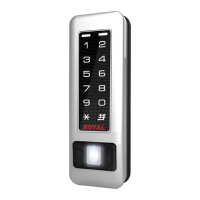
Illuminated Touch-panel
Access controller
G. Lift control
Single oor
[e.g.] User address NO. 45 only can reach the elevator to the 24th oor:
27 00045 24
Access programming mode
→
27 UUUUU LL
UUUU=User Address LL=Floor number (01~64 oor)
Connect with AR-401-IO-0016R to control oors which the user will be able to access. [BAUD9600]
Set
(G)
Floor
L
8
16
24
32
40
48
56
64
0
1
2
3
4
5
6
7
L
6
14
22
30
38
46
54
62
L
7
15
23
31
39
47
55
63
L
5
13
21
29
37
45
53
61
L
4
12
20
28
36
44
52
60
L
3
11
19
27
35
43
51
59
L
2
10
18
26
34
42
50
58
L
1
9
17
25
33
41
49
57
[e.g.] User address NO. 168 can reach only the 6th and 20th oor:
Access programming mode
→
21 00168 0 00100000
→
21 00168 2 00001000
Multi oors
Access programming mode
→
21 UUUUU G LLLLLLLL
[UUUUU=User address G: 8 sets of lift control (Input: 0~7) LLLLLLLL: 8 oors setting (L=0=Disable, L=1=Enable)
H. Setting Up the Arming
[e.g.] If the WG Reader set to Enable aut open door without presenting card.
Access programming mode
→
24 1 128 [Please refer to Compound Command Function List for details.]
Enable/Disable auto open door without presenting one valid card
Access programming mode
→
24 0 or 1 ??? 0 or 1= Enable target unit(0=Main Controller Parameter Setting,1=WG Input Port Parameter
Setting) [Please refer to Compound Command Function List for details.]
[e.g.]AR-725-E (without WG reader), to set second time zone which could be passed only at 9:30am to 4:20pm on Mon, Wed and Fri.
Access programming mode
→
08 10 01 09301620 01010100
→
setting is completed
Setting up access time
Access programming mode
→
08 MW NN HHMMhhmm 7123456H [M=AR-725-E; W=Reader(0=disable,1=enable); NN: 16 sets of
auto-open zone (NN=00~15); HHMMhhmm=Starting time to ending time; 7123456H= 7 days of week + Holiday (F= 0: disable; 1: enable)]
Arming ModeDisarming Mode
TriggeringAlarm
Condition:
TriggeringAlarm
Condition:
VS
abnormaldoor
position
dooropentoo
long
doorisforced
openg
doorisforced
openg
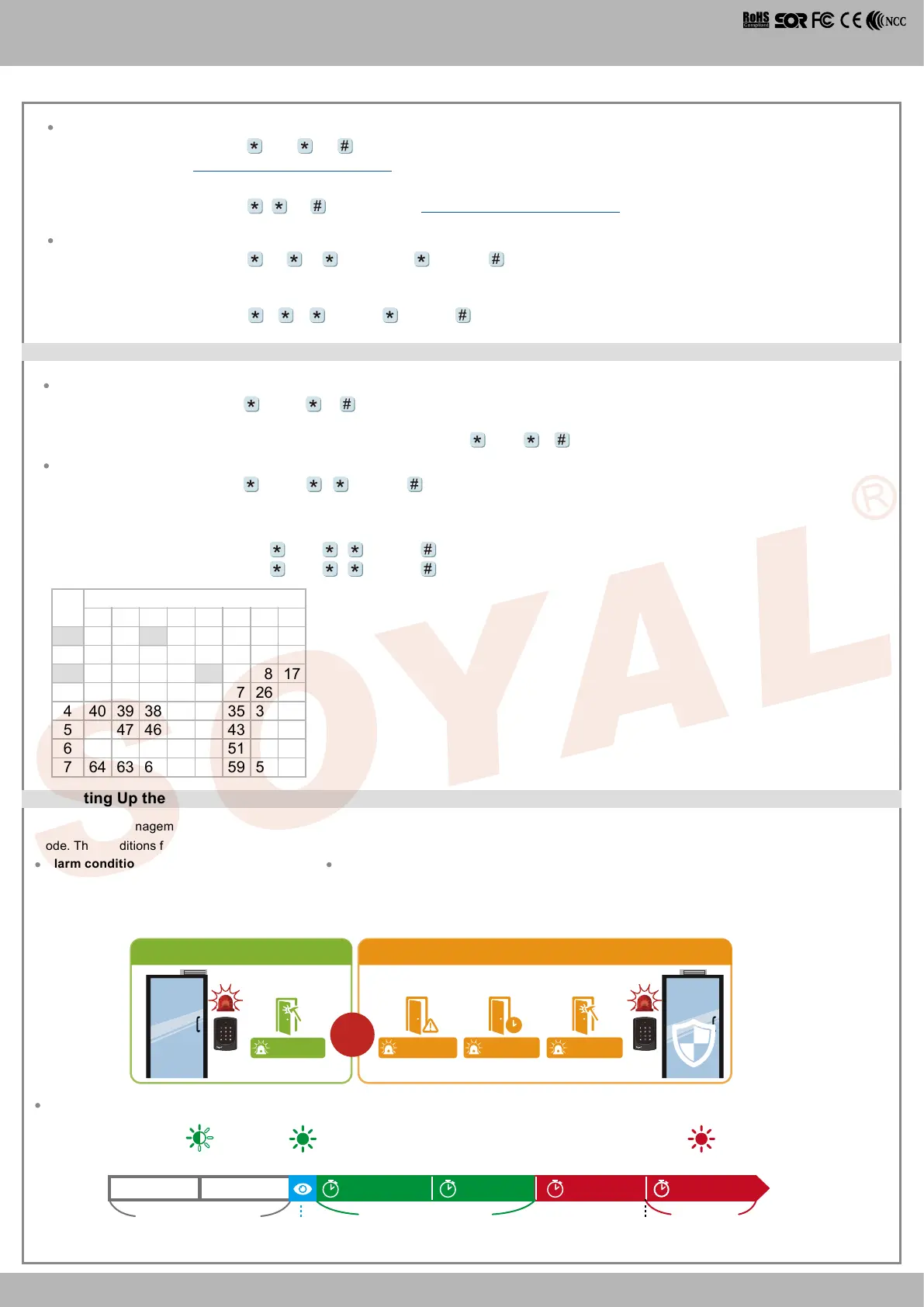
In the security management of access control system, the controller or reader status is divided into Standby Mode or Disarming Mode and Arming
Mode. The conditions for triggering the alarm in these two modes is dierent, as shown in the following comparison:
Alarm conditions:
1. Door is forced open
Application:
1. Door open too long: Door is open longer than door relay time plus door close time.
2. Force open (Opened without a valid user card): Access by force or illegal procedure.
3. Door position abnormal: Arming is enabled and the power is suddenly o then on.
1.
Normal Opening
Arming Setting and Alarm Trigger Procedure :
Door Relay TMArming Delay TMEnable Arming Alarm Relay TMDoor Close TM
Alarm Delay TM
Enable
Arming Status
Alarm Trigger
Door open
Green Led Flash Quickly Red Led Flash Quickly
Alarm trigger
Green Led Flash
Standby Mode
(Arming is not enable)


 To Next Page
 Loading...