30
4-4-4. Motion Zone Setup
Select MOTION ZONE using the mouse or the control button on the remote control and select either
PARTIAL ZONE or FULL ZONE using the mouse control. The default value is FULL ZONE.
If FULL ZONE is selected, the motion zone grid screen is not displayed. Only set the level of sensitivity for
MOTION SENSITIVITY.
FULL ZONE: The motion sensor is active on the whole screen.
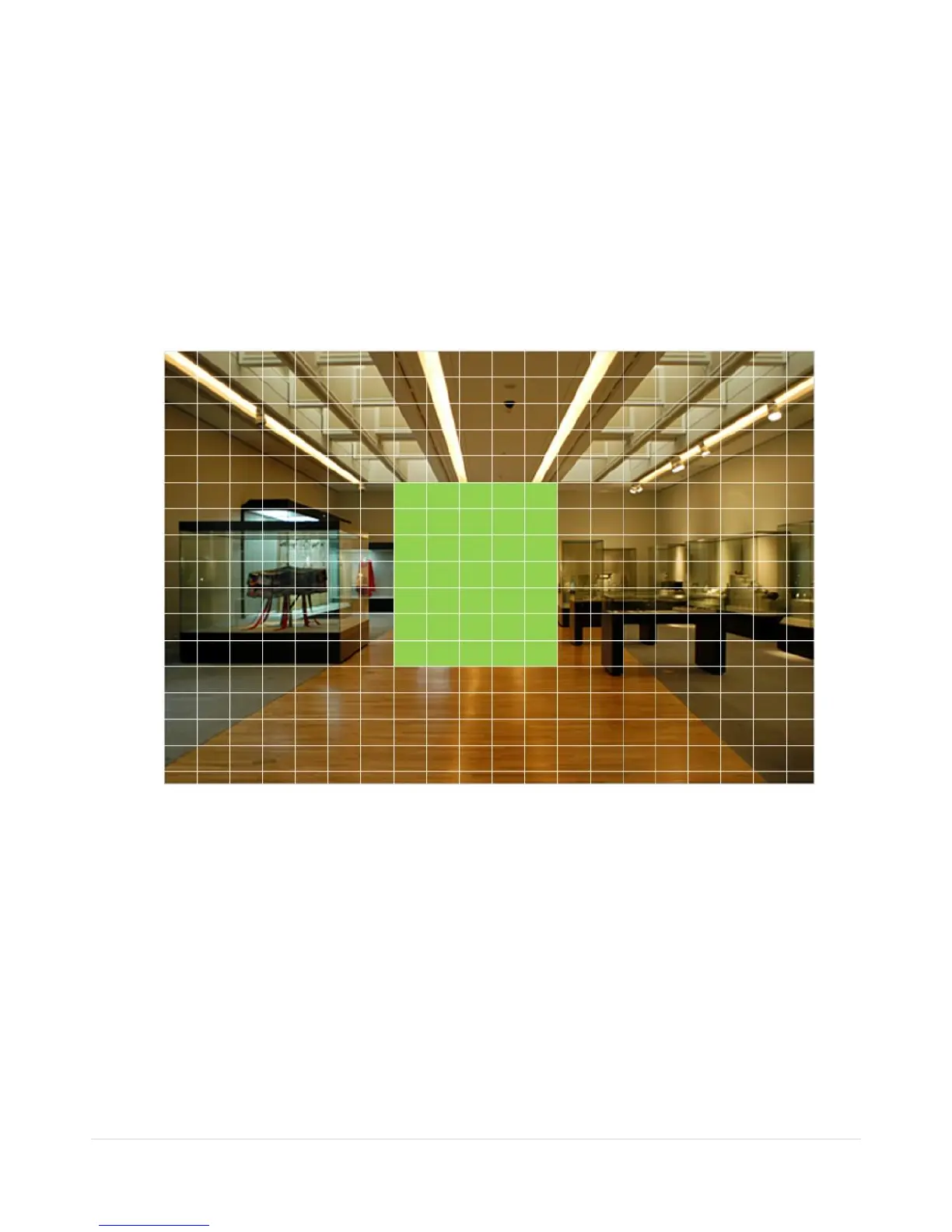
PARTIAL ZONE: The motion sensor is active in the set detection frame.
Select the motion detection position using the mouse or the control button on the remote control. Then left
click on the mouse or left click and drag the mouse pointer to select or deselect the area. Highlighted area
indicates the partial motion detection zone. Press the ESC button or right click on the mouse to return to the
previous menu.
Figure 4.4.7. Motion Zone Grid Screen



 To Next Page