51
5-4. Play Mode
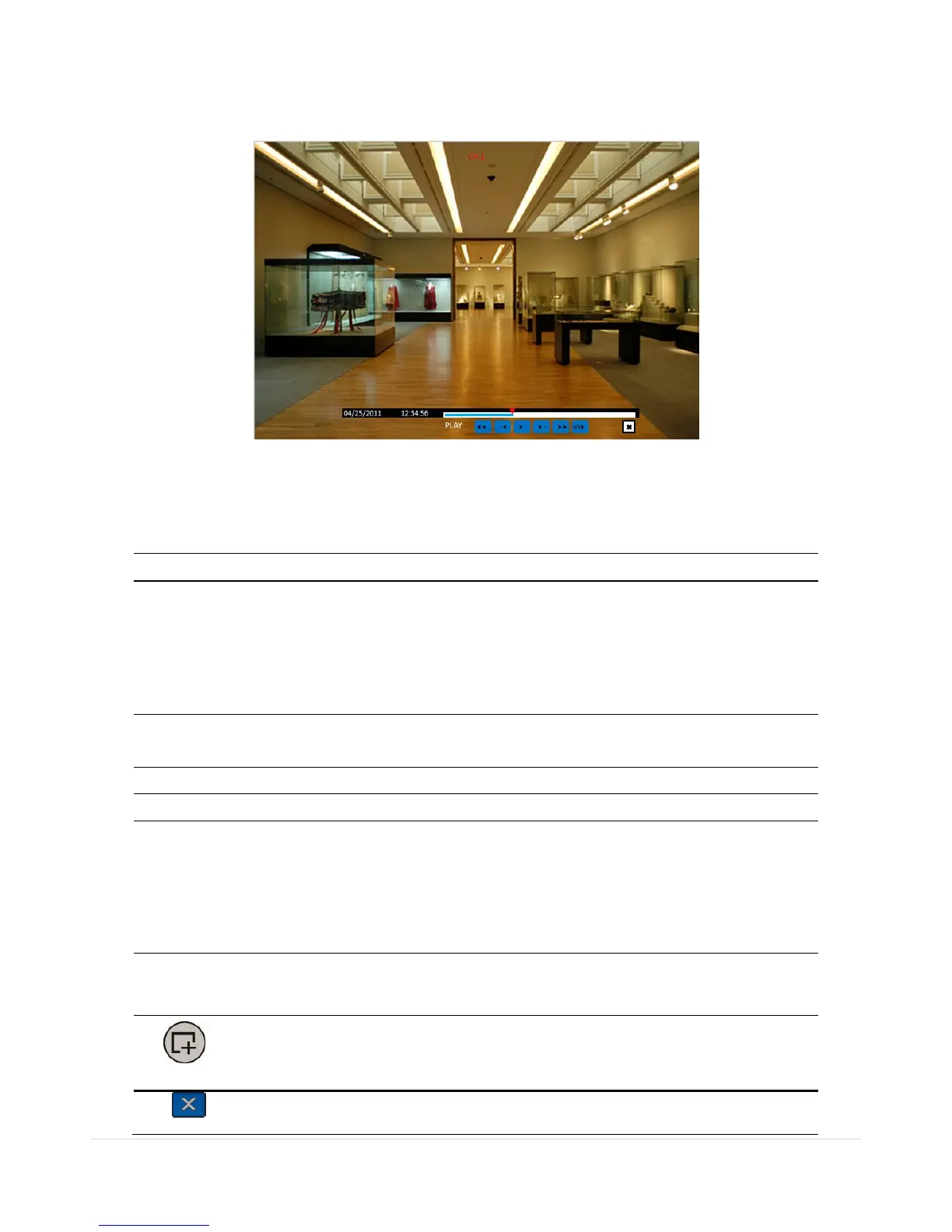
During playback of a recorded event, the mode changes from SEARCH to PLAY. While in PLAY mode, you
may return to the SEARCH screen by pressing the X button on the status bar.
Figure 5.4.1. Play Mode Screen
The following status bar hides automatically and appears again if a mouse pointer is positioned to the
bottom of the screen.
Table 5.4.1. Button Functions in PLAY Mode
Press to rewind the footage of multi channel
1x, 2x, 4x, 8x,16x, 32x speeds for D4RS/D4WRS
1x, 2x, 4x, 8x,16x for D8RS/D8WRS
1x, 2x, 4x, 8x for D16RS/D16WRS
Single Channel backward playback speed 1x, 2x, 4x, 8x, 16x, 32x, 64x
Jump/Step backward.
The playback position moves 60 seconds backward.
Press to play or pause recorded video.
Jump/Step forward. Playback position moves 60 seconds forward.
Press to fast-forward the footage of multi channel
2x, 4x, 8x,16x, 32x speeds for D4RS/D4WRS
2x, 4x, 8x,16x for D8RS/D8WRS
2x, 4x, 8x for D16RS/D16WRS
Single Channel forward playback speed 1x, 2x, 4x, 8x, 16x, 32x, 64x
Slow Mode play. Forward playback speed x1/4, x1/2
Press to backup the video.
Return to the previous menu screen, search window, or exit from the Menu.



 To Next Page