84
9. Network Access Using the Smart Phone Viewer
9-1. App Viewer for iPhone
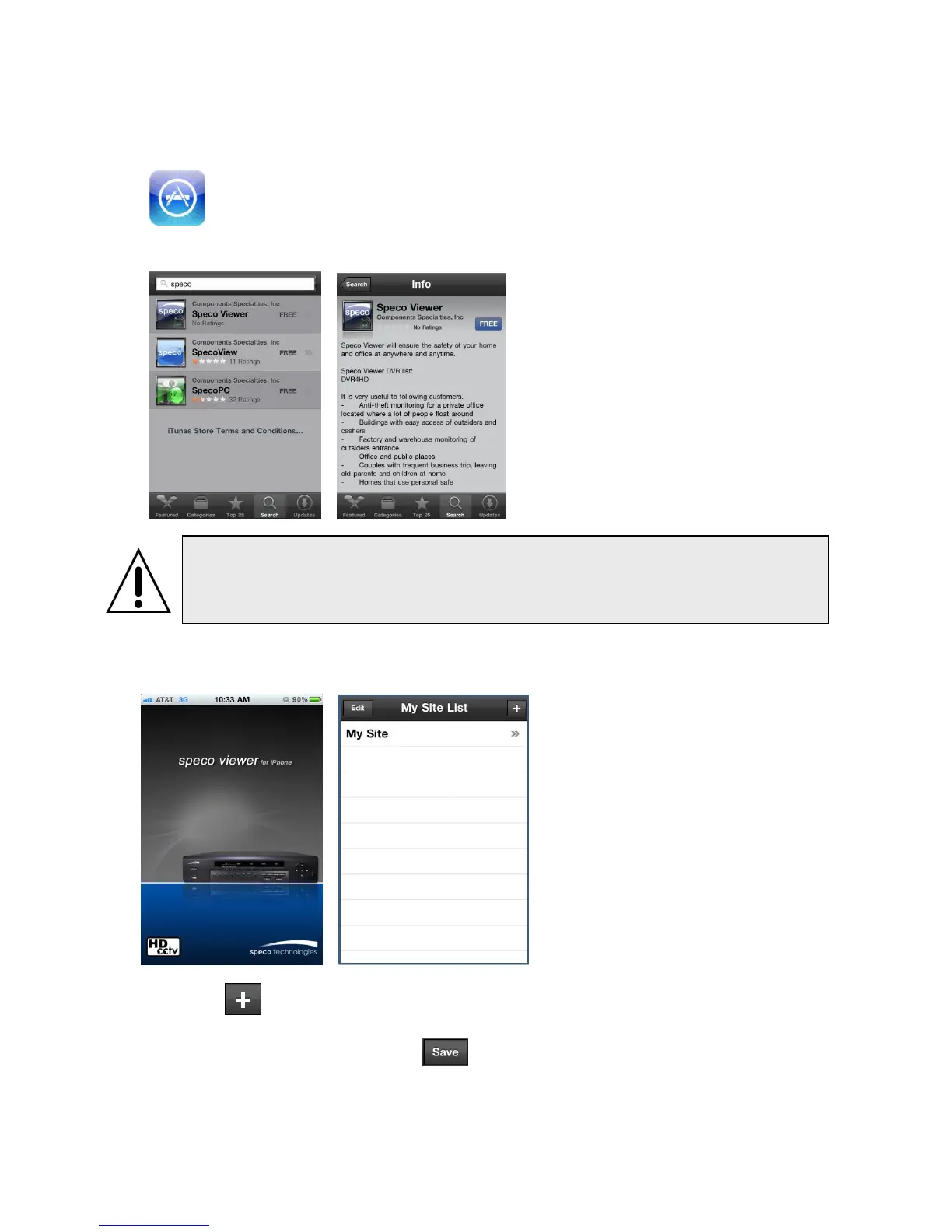
1. Enter the Apple App Store.
2. Search “Speco Viewer” in the App Store.
3. Install the “Speco Viewer” app.
4. Open the installed “Speco Viewer” App
5. Select the in the top right corner for site addition
6. Input the “Site Information” and select to save the “Site Information”
Notice
SPECO VIEWER is for the RS, WRS and HD series DVRs. SPECO VIEWER is not
compatible with the T Series DVR‟s (TH, TN or TL) or the PC Series DVR‟s.



 To Next Page