48
5-3-1. Time Line Search
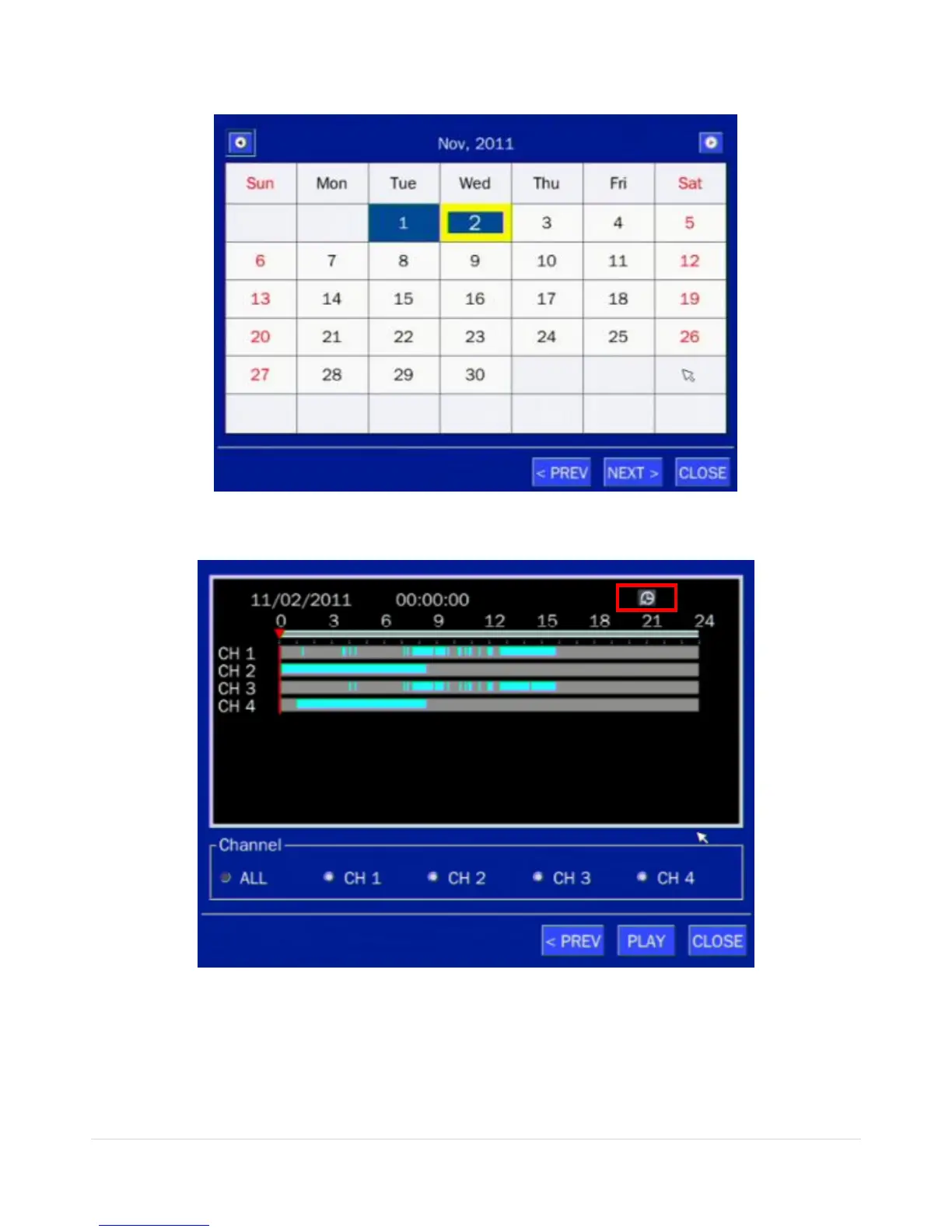
The CALENDAR Search window is used to find the stored video by using the time line bar.
Figure 5.3.2. Calendar Screen
Figure 5.3.3. Time-Line Search Screen
When the Timeline menu is selected, the user can see a calendar, which displays recorded dates with
highlights. Select a specific date and time. Click and drag the red time indicator bar to the desired hour.
User can select a specific minutes using a button in the above red box. Press the PLAY button after
selecting the specific time. Press the PREV to return to the SEARCH window.



 To Next Page