45
Table 5.1.2. Menu Items in Quick Operation Window
Setup button. Click this button to go to a setup menu.
Audio button. Click this button to set an audio reception type; (Channel 1
through 4, Audio Mute).
Search button. Click this button to enter the search menu.
Snapshot button. Click this button to create a snapshot.
(JPEG STILL IMAGE)
Pop up the PTZ user interface. (D4RS does not support CAMERA PTZ)
Sequence button. Click this button to use a sequence function.
Manual Record button. Click this button to enable manual recording.
Click this button to enable/disable Alarm outputs
Press the button to view the record setting of a selected channel.
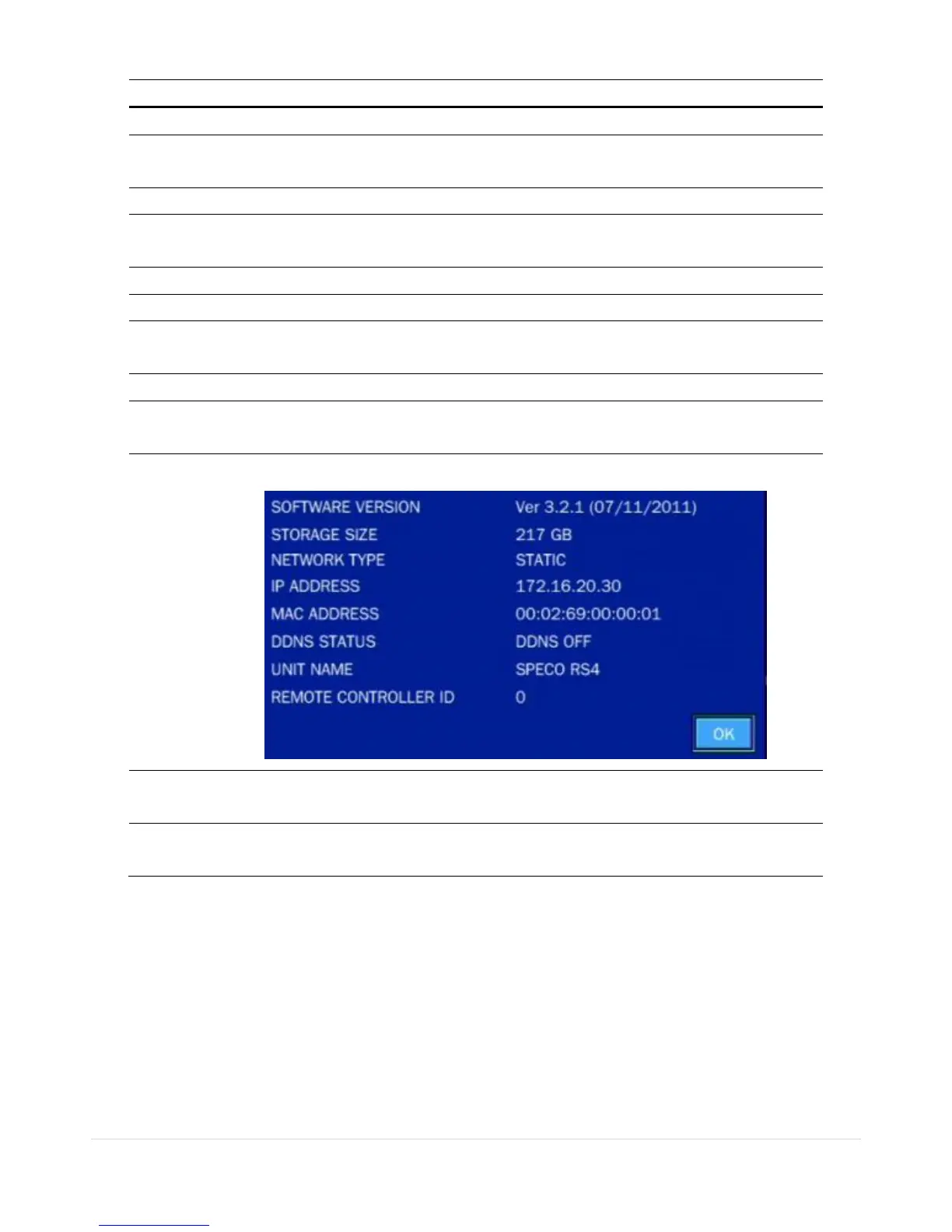
Press the button to view the system information.
Lock/Unlock Setup button.



 To Next Page