100
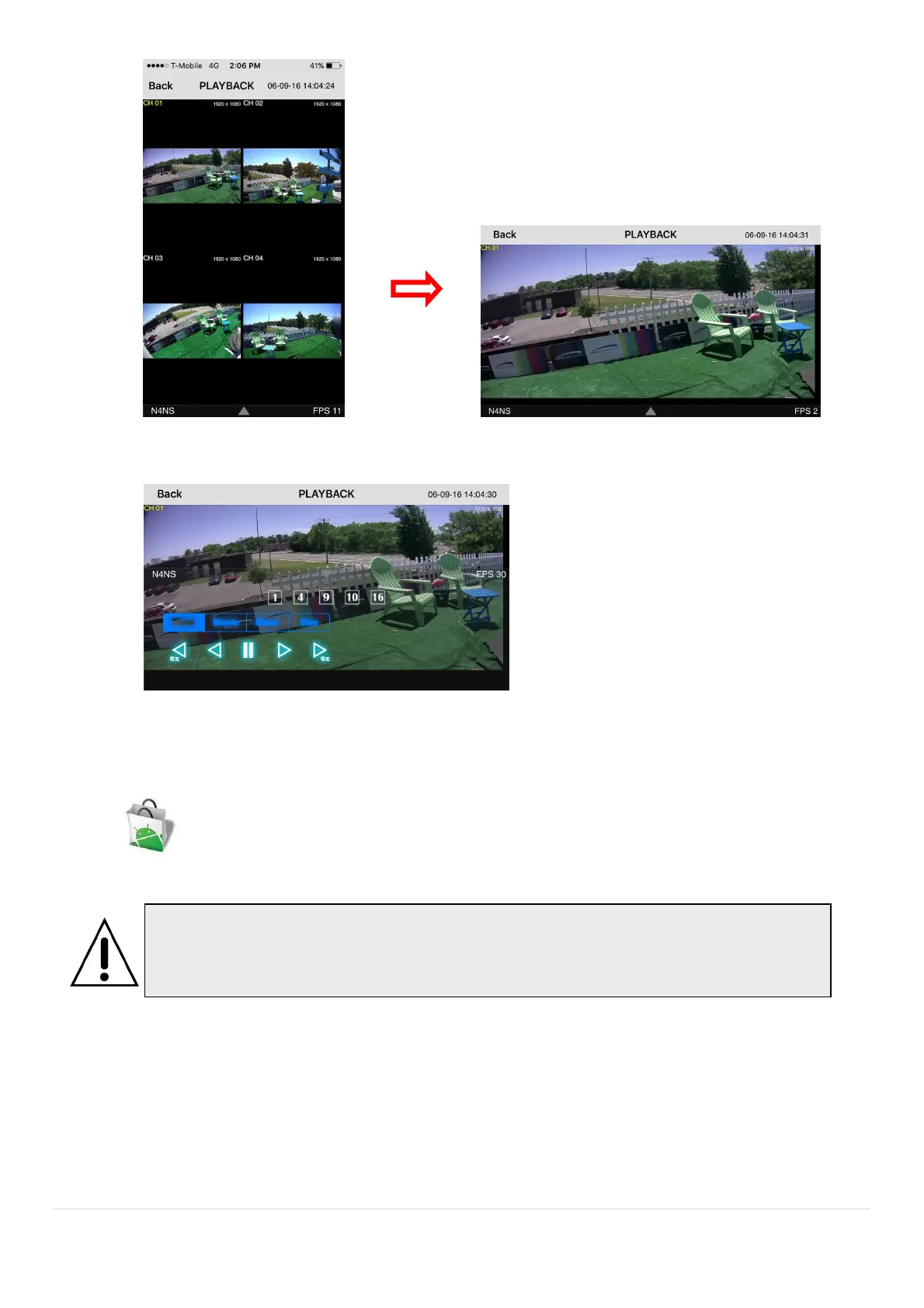
3. Tap the menu button. Then Playback menu icons will display.
9-2. App Viewer for Android Phone
1. Enter the Android Play Store.
2. Search “Speco Player” in the Android Market and install the “Speco Player” app.
9-2-1. Live
1. Open the installed “Speco Player” App and select the “Live view / Playback”. Then click the menu button of
the phone to add a remote device.
2. Select the registered device and select ‘Live view’ and select up to 4 channels to monitor. Then click ‘Start’
button.
Notice
SPECO Player is for the VX, VT, HT, NS, HS, DS, RS, WRS and HD series DVRs.
SPECO VIEWER is not compatible with the T Series DVR’s (TH, TN or TL) or the PC



 To Next Page