18
3. Name, Function and Connection
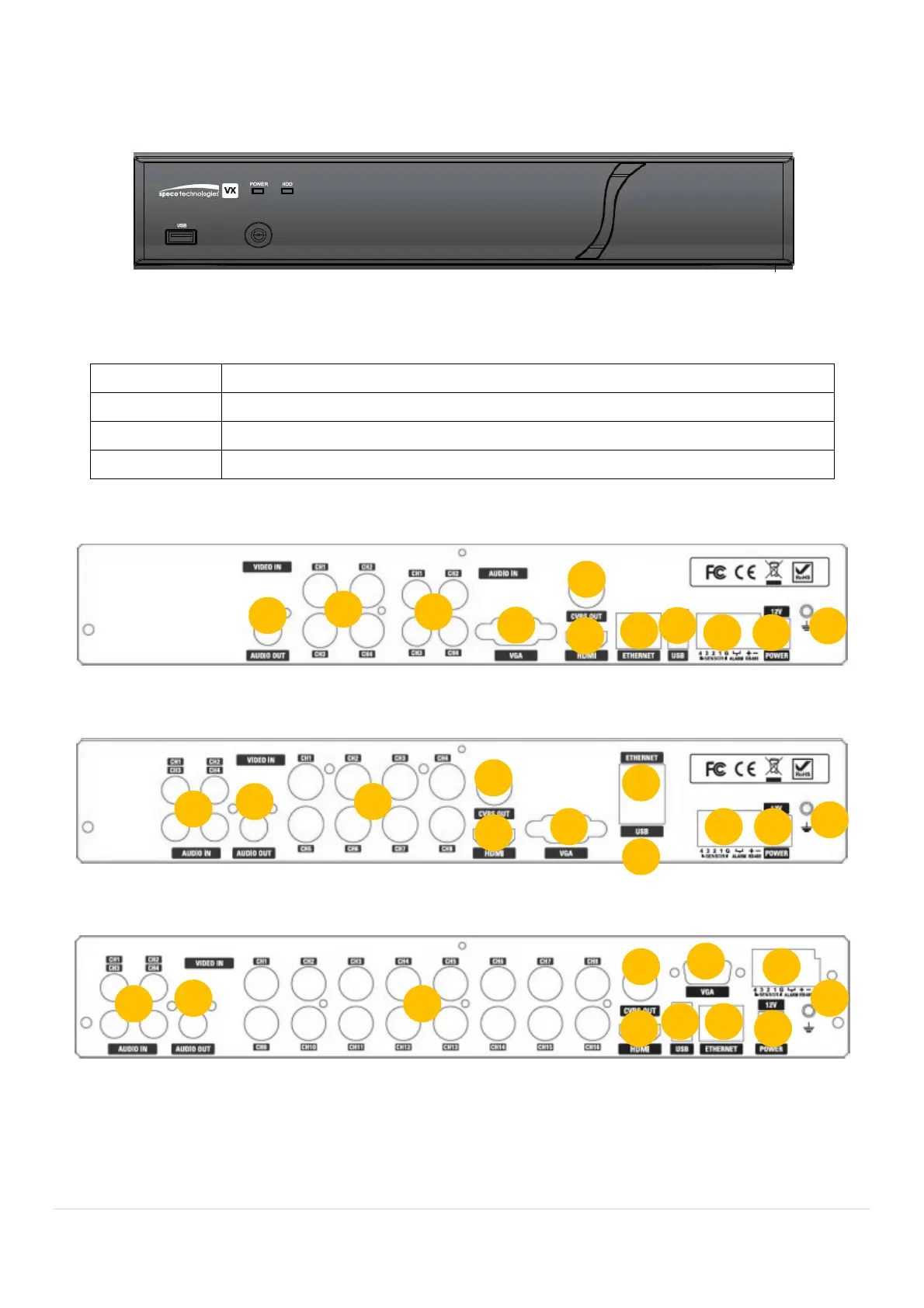
3-1. Front Panel
Figure 3.1.1. Front panel
Table 3.1.1. Front LED and Port of DxxVX
Name Description
POWER LED light is on when power is applied to the system.
HDD LED light is on when the system is recording video data.
USB Port This USB port for archiving footage into a USB device. (USB 2.0 connector)
3-2. Connectors
D4VX
D8VX
D16VX
Figure 3.2.1. Rear Panel Connections



 To Next Page