31
Remote Controller ID Set the remote control ID.
1. Select ID.
2. Input the remote control ID number. (0 is all)
3. An icon will indicate on the Live Screen if the remote control ID is
synchronized. The options are from 0 to 99
Sensor Select the type of each sensor.
Option is Off, Normal Open or Normal Close.
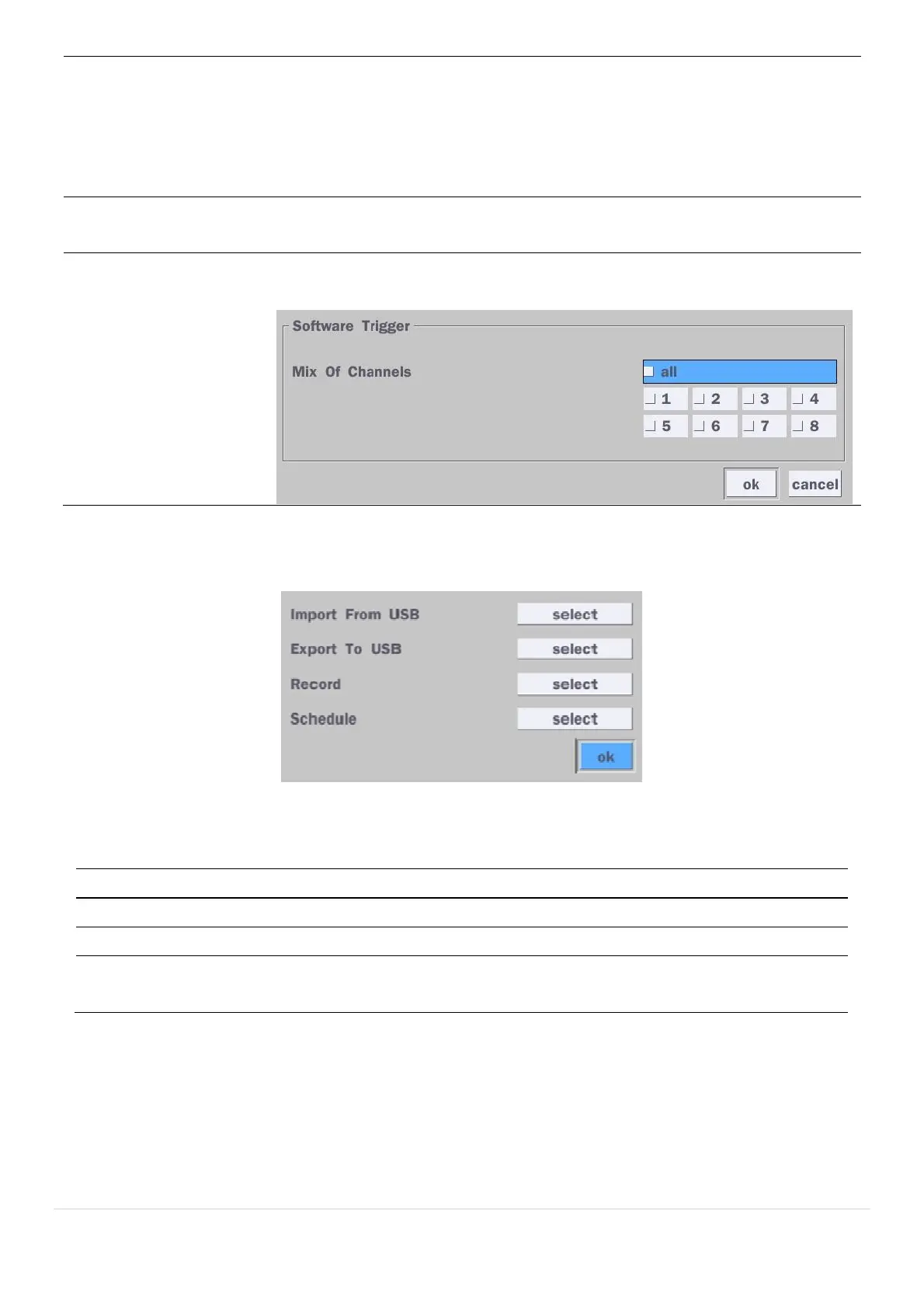
Software Triger Remote trigger channels. User can set the channels that want to make a
sensor recording through remotely with Software record mode.
4-4-1. Digital Deterrent
Trigger audio message via motion detection or sensor.
Figure 4.4.2. Digital Deterrent setup screen
Table 4.4.2. Item for Digital Deterrent Setup Screen
Item Description
Import From USB Import up to 8 sound files from USB.
Export To USB Export the sound file to USB
Record Select a channel and set up the date and the duration.
And, select the sound file to play.



 To Next Page