28
Resolution Select 1920x1080, 1920x540, 1280x720 and 640x360 using a mouse or a remote
control.
Frame Rate
Set the frame rate for the specified channel. The sum of the frame rate values per
channel cannot exceed the maximum frame rates for a specific recording resolution.
Quality
Select the recording quality for the selected channel. Options are;
Level 1 (Low), Level 2, Level 3, Level 4, and Level 5 (High)
Recording
Mode
Assign the recording mode for the selected channel. Options are: Continuous,
Motion, Sensor, Schedule, Disable and Smart Recording (c + m : continuous &
motion, c + s : continuous & sensor)
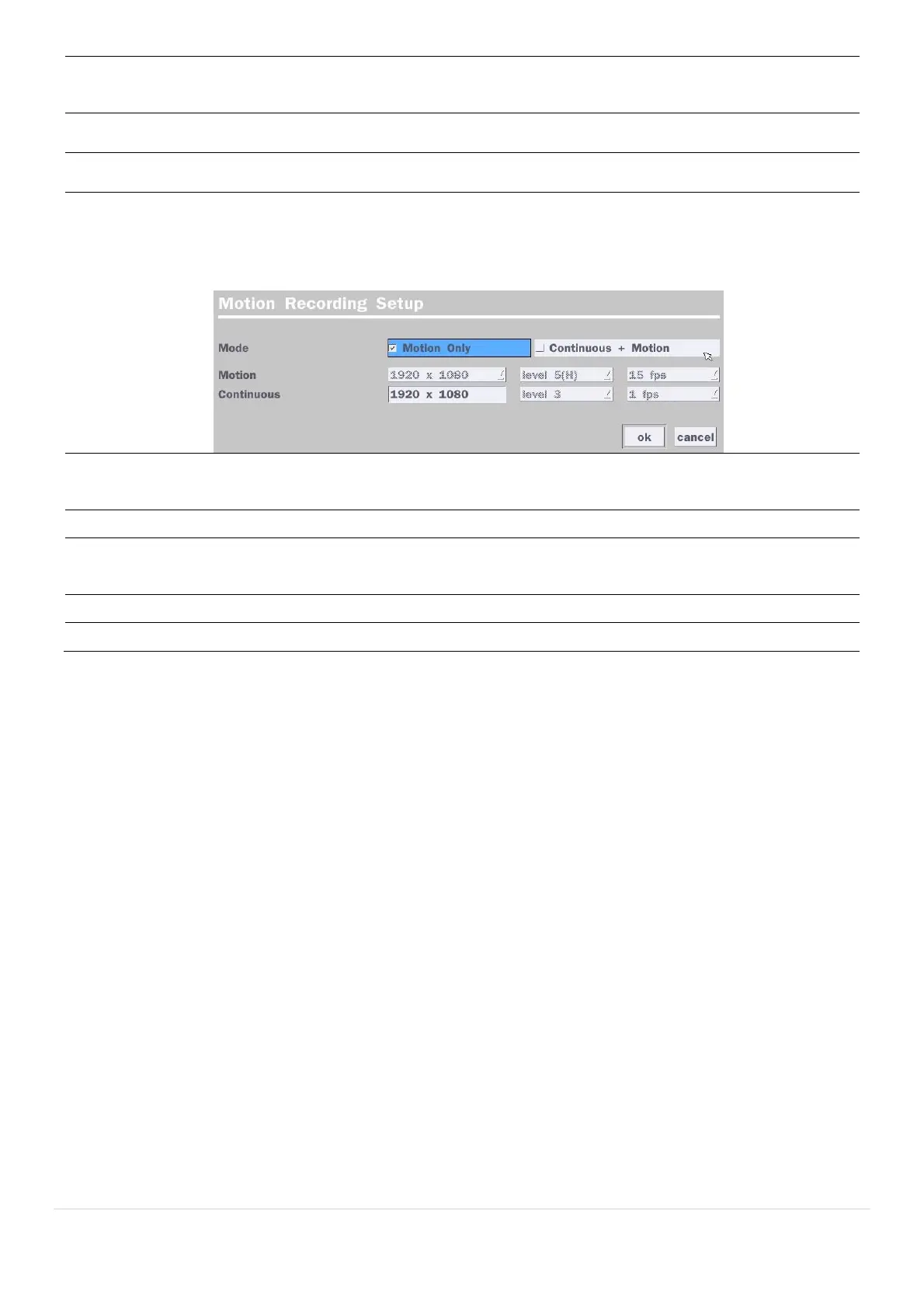
When Motion Recording is selected, Continuous + Motion recording option can be
used.
Sensor
Recording
Select the sensor setting for the selected channel.
Pre Record Enable/disable pre-event recording. Pre-event recording time is up to 20 minutes.
Post Record Set the post event recording time duration for the specified channel.
(10~60 seconds)
Audio Enable/disable audio recording for the specified channel.
Schedule Set the recording schedule.



 To Next Page