34
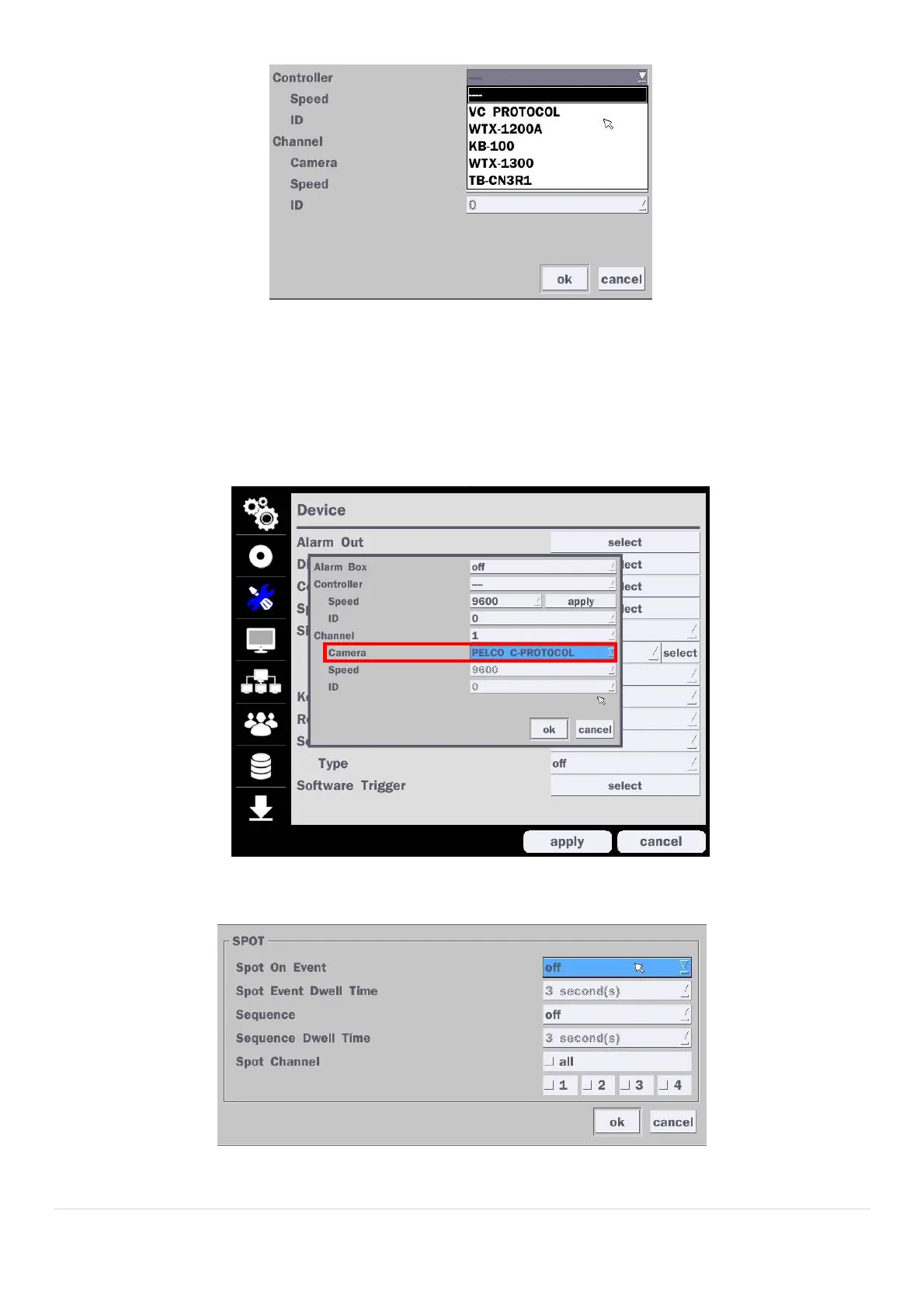
Figure 4.4.6. Controller Selection Screen
Notice : DxxVX series can use UTC feature.
: UTC(Up The Coax) allows for control of the camera’s OSD menu via the coax cable.
User does not need extra connection via RS-485 to control the camera’s OSD menu
- How to set (Setup > Device > PTZ & Controller > PELCO C-PROTOCOL)
4-4-3. Spot Out
Figure 4.4.7. Spot-Out Setup Screen



 To Next Page