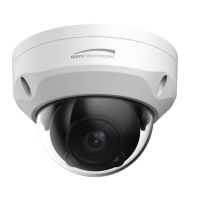
AE & AWB
•
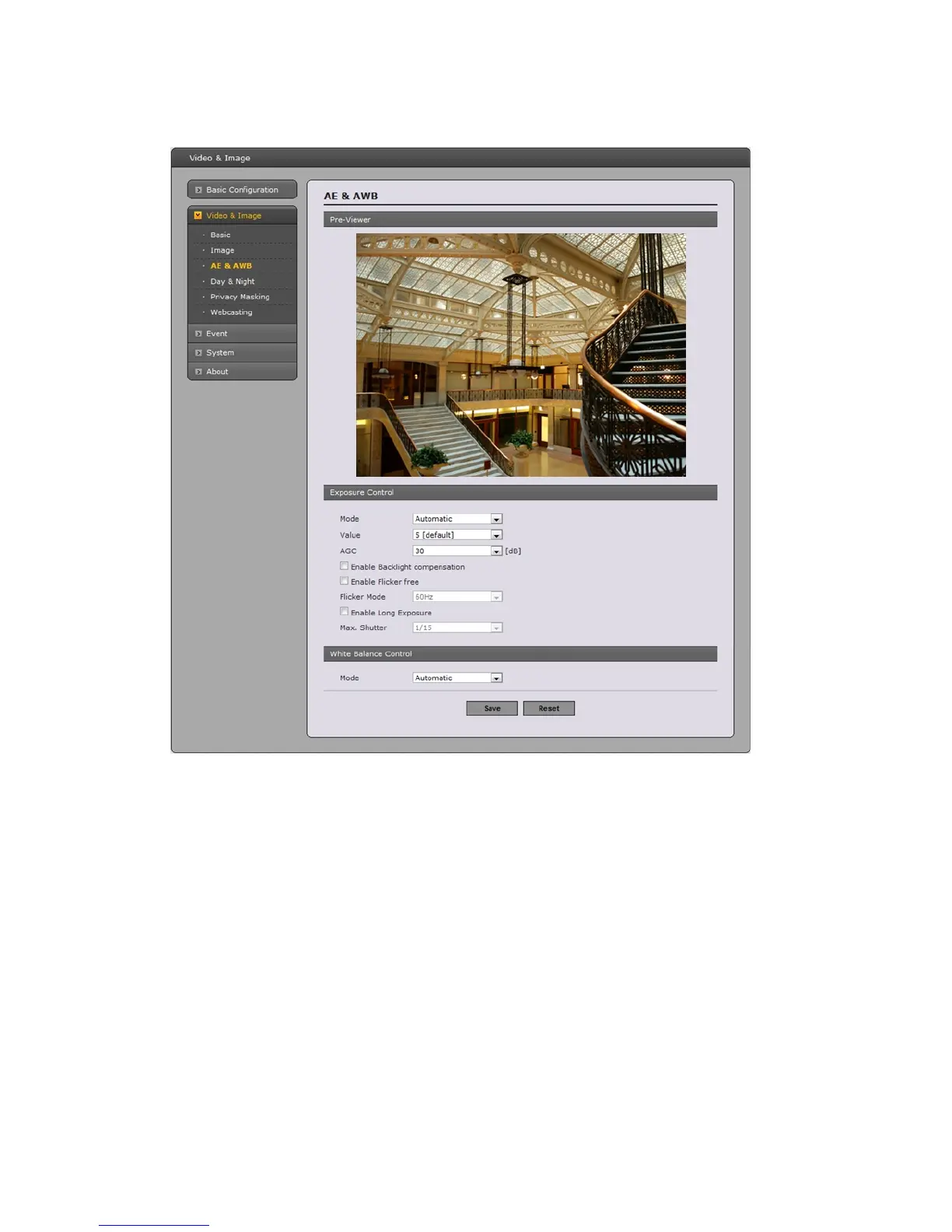
Exposure control
This page provides access to the advanced exposure control settings for this network camera.
- Mode: Supports exposure modes to control the amount of light detected by the camera
sensor based on settings for light conditions. The default setting is Auto with DC-IRIS.
* Automatic: Automatically sets the amount of light detected by the DC-IRIS and AGC.
* Hold Current: Fixes the exposure at its current state.
- Value: Select a value in the drop-down list to tune the exposure. The default setting is 5.
- AGC: Select a value in the drop-down list to specify the level according to the screen
luminance. The default setting is 30dB.
- Enable Backlight Compensation: Set this checkbox to activate the BLC operation.
- Flicker Mode - Provides the options for flicker.
* 50Hz: Select at 50 Hz environments.
* 60Hz: Select at 60 Hz environments.
- Enable Long Exposure: Set this checkbox to activate the electronic shutter of the camera.
* Max. Shutter: Select a shutter speed value in the drop-down list. The default setting is 1/15.
25


 To Next Page