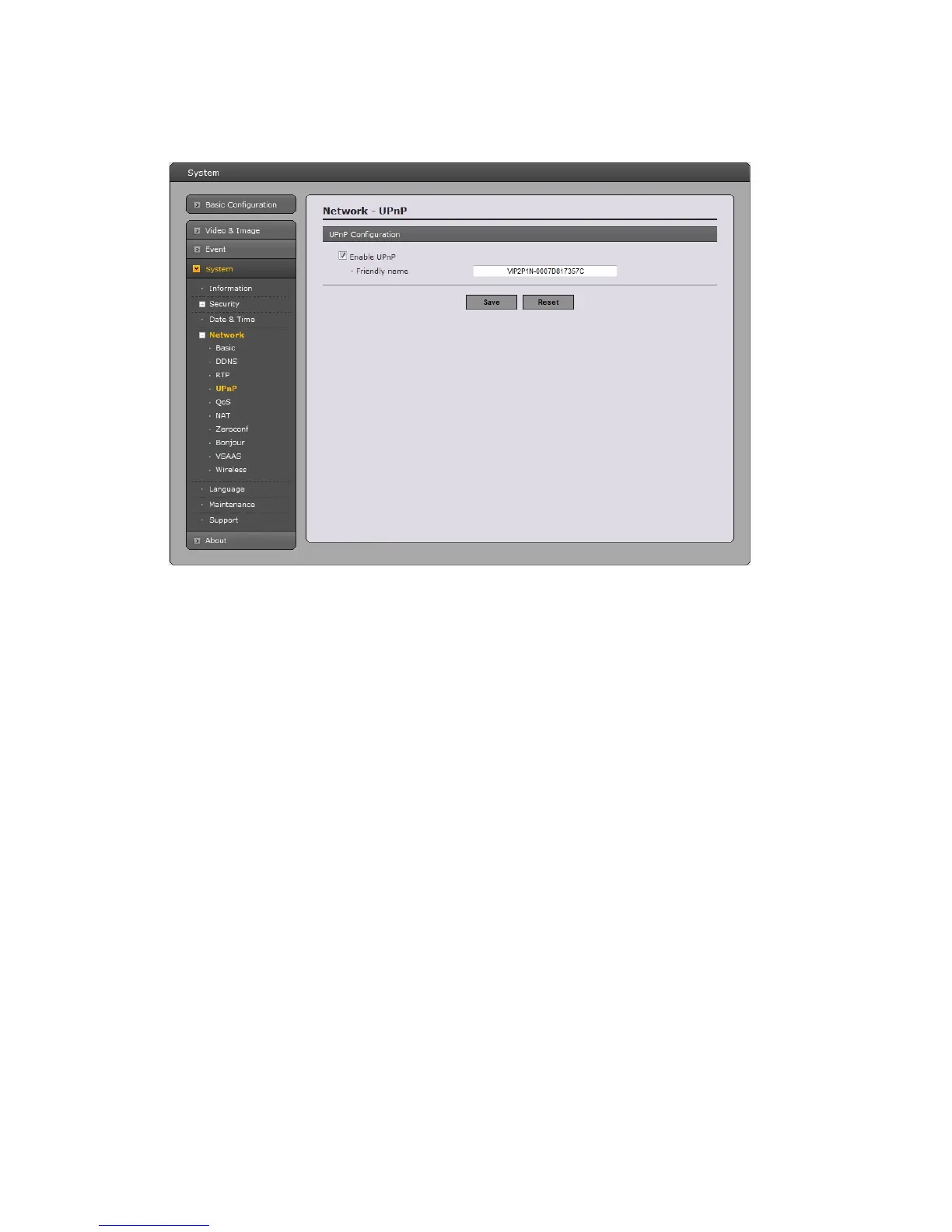
UPnP
This n
etwork camera includes support for UPnP™. UPnP™ is enabled by default, and This network
camera then is automatically detected by operating systems and clients that support this protocol.
Note: UPnP™ must be installed on your workstation if running Windows XP. To do this, open the
Control Panel from the Start Menu and select Add/Remove Programs. Select Add/Remove Windows
Components and open the Networking Services section. Click Details and then select UPnP™ as the
service to add.
54



 To Next Page