12:00
Audio Out
Apple CarPlay Android Auto DVR
Playback Setting
F
Bar
B
Bar
A B
C D
4. Features and Settings
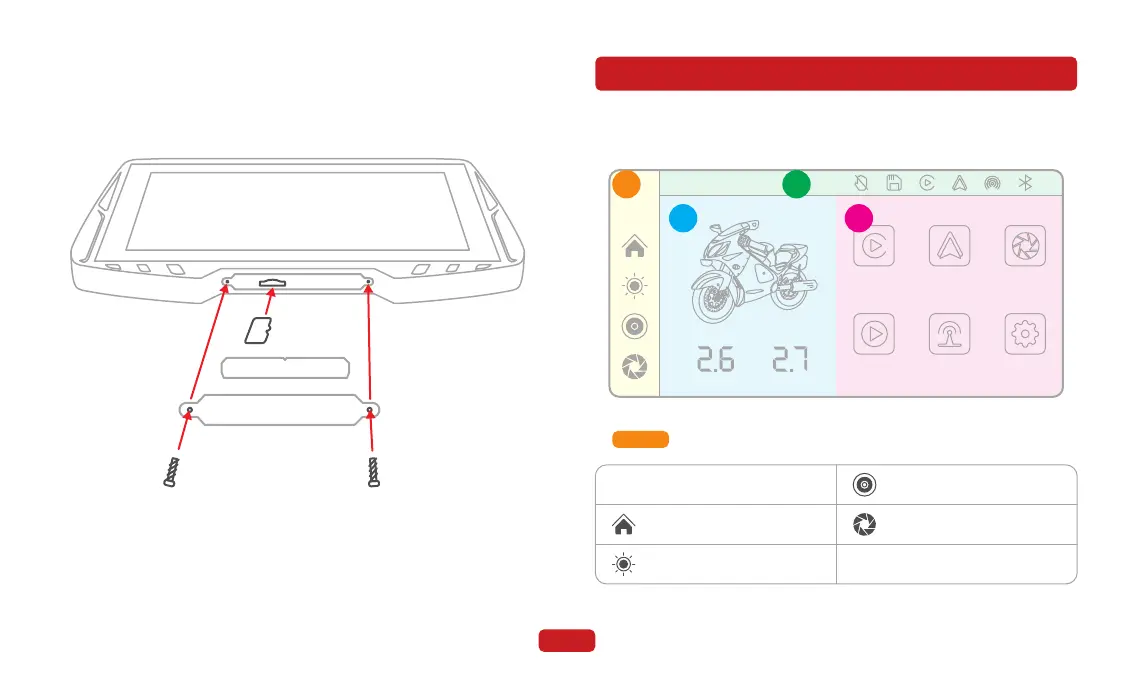
Zone A
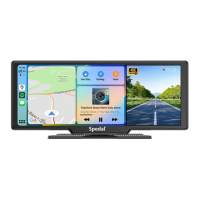
4.1 Home Screen
11
Open the bottom cover of the main unit and insert the TF card into
the TF card slot. Close the bottom cover and tighten the screws.
3.7 TF Card Installation
※ If using your own TF card, make sure it meets the following
requirements:
a. Read / write speed of Class 10 or above.
b. Maximum supported capacity of 256GB.
Current system time
Return to the main screen
Adjust the screen brightness
Adjust system volume
Enter DVR mode
12:00



 To Next Page