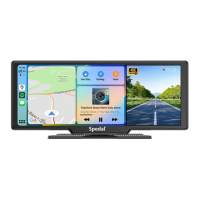
Click on on the main screen to enter the Apple CarPlay mode.
To display Apple CarPlay in half screen mode, please click the "Half
screen mode" button on the right side of the screen before connect-
ing Apple CarPlay. (To switch to Full screen mode, disconnect the
CarPlay connection, re-enter the Apple CarPlay interface, and click
the "Full screen mode" button.)
4.2 Apple CarPlay
12
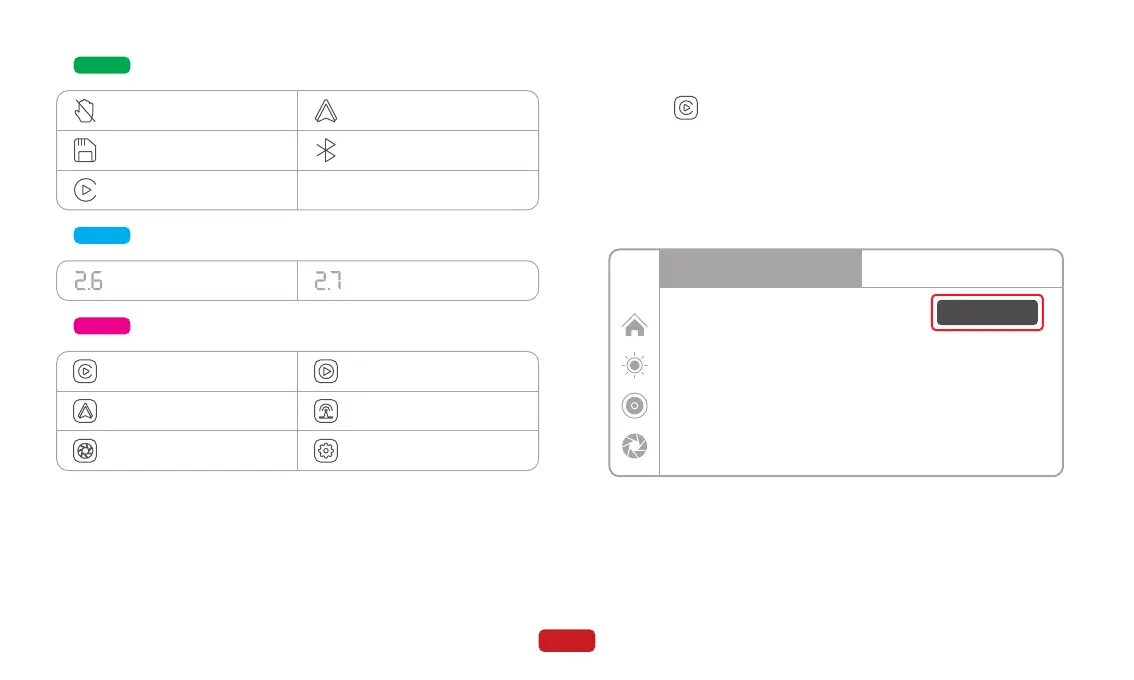
Zone B
Touch function status
TF card status
Apple CarPlay status
Android Auto status
Bluetooth connection status
Zone D
Zone C
Front tire pressure status Rear tire pressure status
B
Bar
F
Bar
Enter Apple CarPlay mode
Enter Android Auto mode
Enter DVR mode
Enter Playback mode
Enter Audio Output mode
Enter Settings mode
Half screen mode
Android Auto
12:00
Tips:
1.Longer waiting for the first connection
2.Only iPhone phones are supported.
3.After successful connection, Bluetooth
will be disconnected automatically
How to setup:
1.Click Apple CarPlay widget on
SmartScreen
2.Pair your iPhone to SmartScreen using
Bluetooth: Spedal-******
3.When iPhone prompt ”Use CarPlay with
”SmartScreen”? ”, select ”Use CarPlay”
Apple CarPlay



 To Next Page