9SPEKTRUM NX8 • TRANSMITTER INSTRUCTION MANUAL
EN
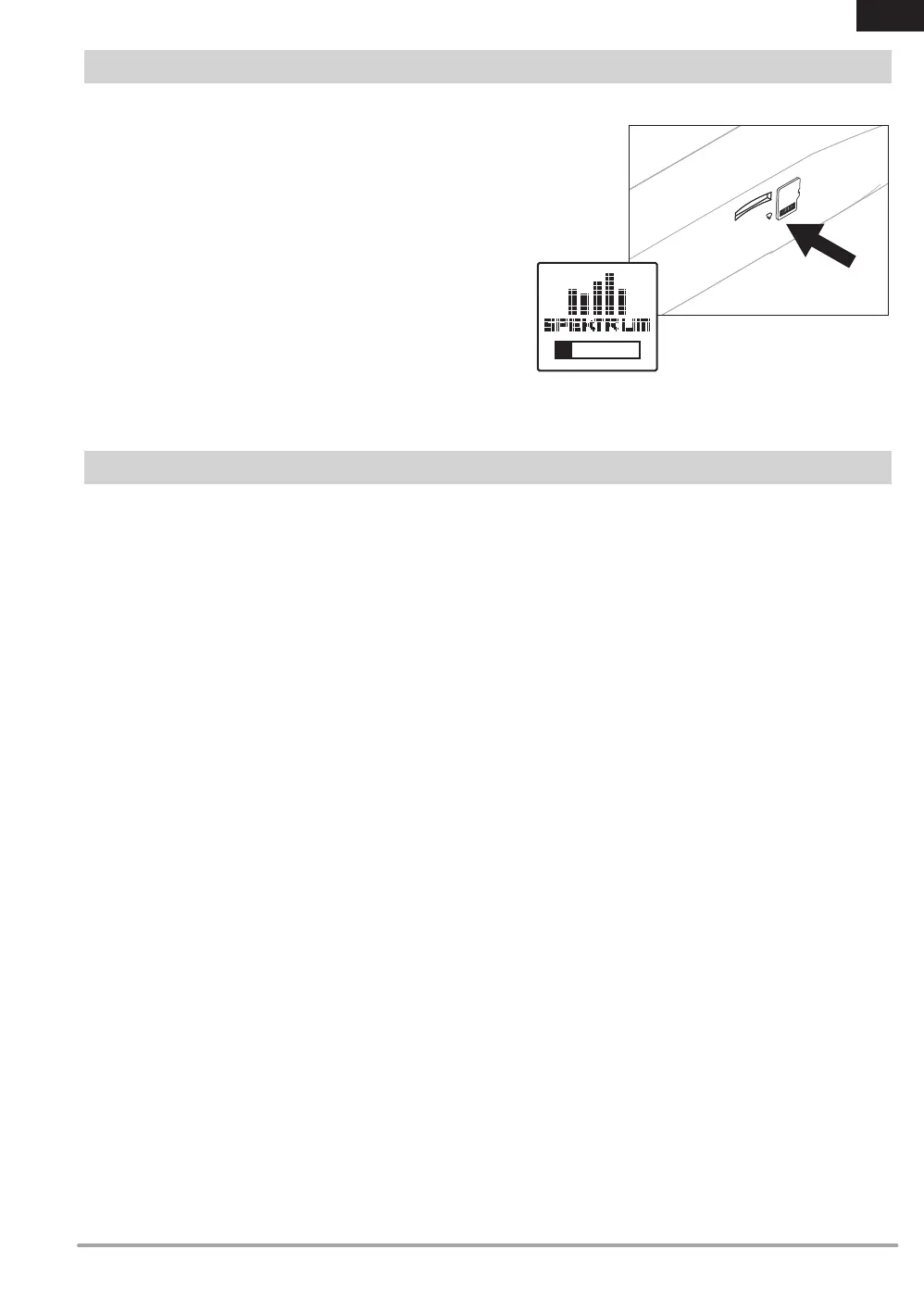
Installing an external Memory card
A Micro Memory card (not included) enables you to:
• Import (copy) models from any compatible* Spektrum
AirWare™ transmitter
• Export (transfer) models to any Spektrum AirWare transmitter*
• Update Spektrum AirWare software in the transmitter
• Install/Update sound les
• Back up models for safe keeping
To install or remove a Memory card:
1. Power OFF the transmitter.
2. Press the Memory card into the card opening with the card
label facing up as shown.
EXTERNAL MEMORY CARD
*iX12, iX20, DX20, DX18t, DX18SE, DX18G2, DX18G1, DX18QQ, DX9Black, DX9, DX10t, DX8G2, DX7G2, DX6G3, DX6e, NX8 and DX6G2
An internal Memory card is included, it cannot be removed,
but may be accessed via the USB port on the transmitter. The
internal Memory card enables you to:
• Update Spektrum AirWare software in the transmitter
• Install/Update sound les
• Back up models for safe keeping
• Import/Export Color Palettes
To connect to the Memory card:
1. Connect a Micro USB cable to your PC and the micro USB
connector on the back of the transmitter.
2. Power ON the transmitter, enter the system menu -> USB
storage, select Access Internal Storage, the NX8 will connect
to your PC.
3. Complete your le transfer(s).
4. Press the Back button or the roller to exit.
5. Disconnect the USB cable from your transmitter.
INTERNAL MEMORY CARD


 To Next Page
 Loading...