Page 14
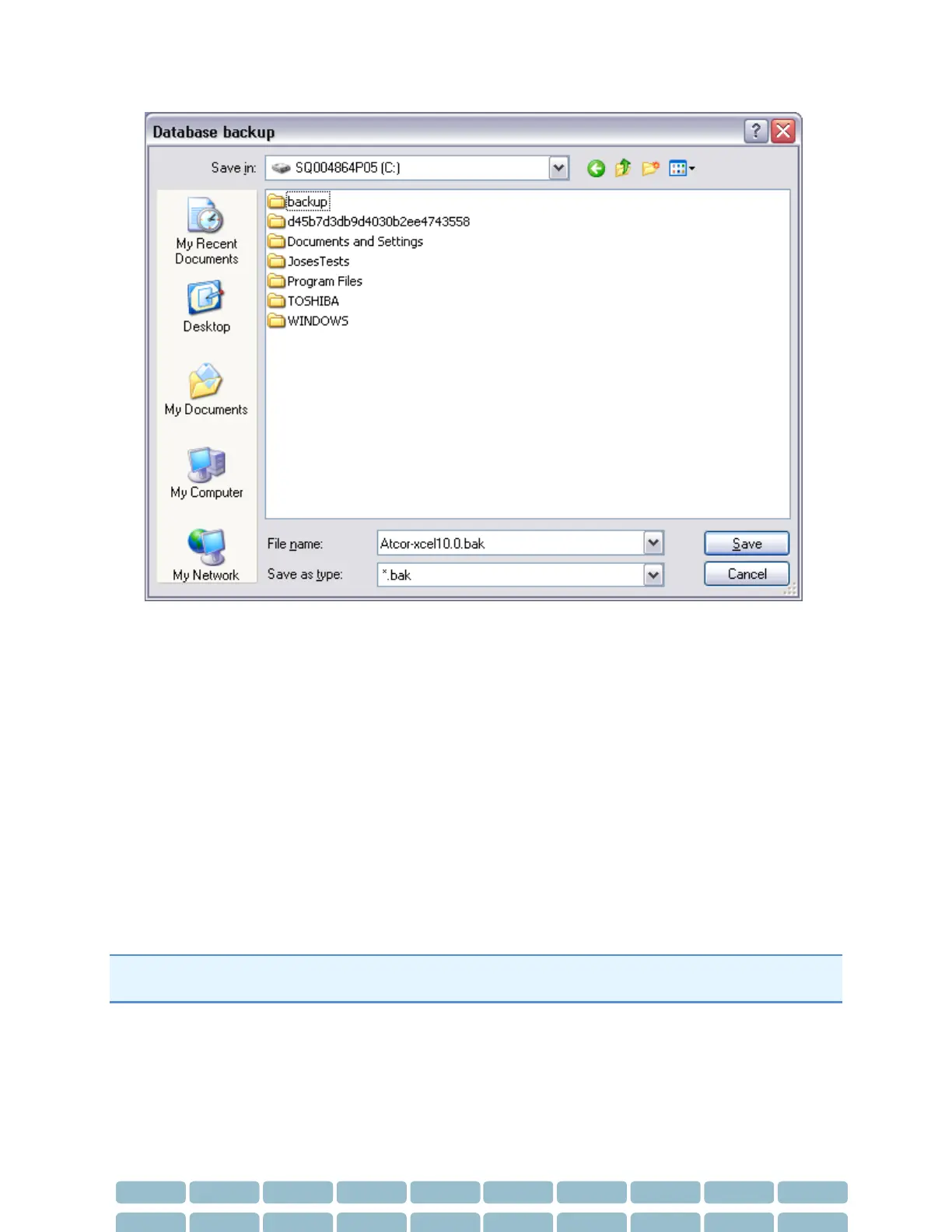
2. Choose a location to save your back up file and click Save.
The backup database must not be saved in any of the following locations:
C:\
C:\Program Files
C:\Documents and Settings
Desktop
My Documents
Any network folder
Restore a Database
The Database – Restore feature is used if a database becomes corrupted or needs to be installed onto
another PC.
Note: When the SphygmoCor XCEL is used by multiple users, SphygmoCor XCEL should not be accessed
by other users before the database is restored.
1. Select Database - Restore.


 To Next Page