Page 13
Unable to find the Electronics
Module (Code = 3126).
Ensure the device is on.
Ensure the device is connected to the
computer.
In the Setup screen, click System and select
Find Module.
Unable to continue due to the
incompatible database version
(code=3136)
Upgrade SphygmoCor XCEL software
*If the problem persist persists, please contact AtCor Medical Technical support.
Database Manager
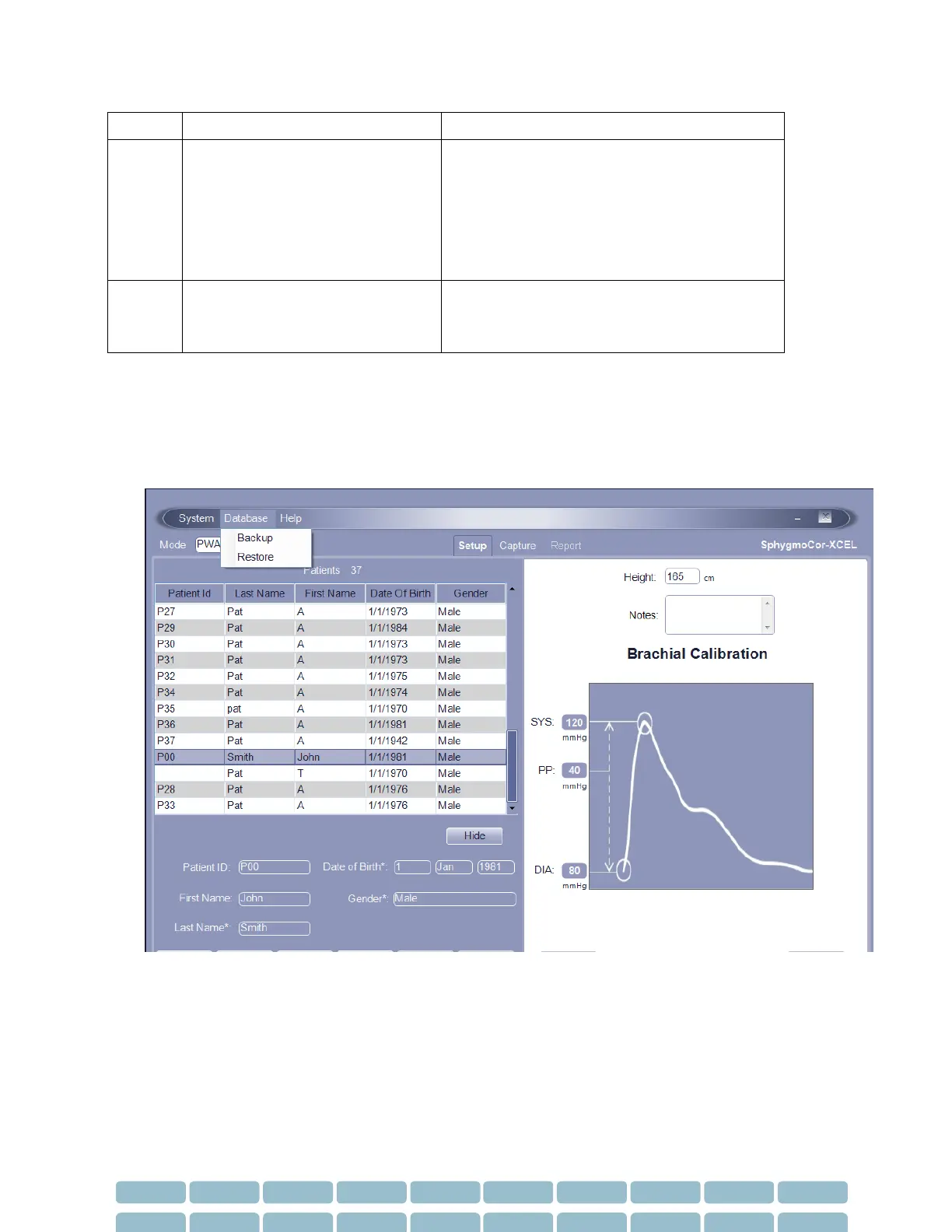
Database Manager allows you to backup and restore databases. You should backup the database
regularly to protect against the possibility of losing important patient data. To access the Database
Manager, click Database at the top of the screen.
Backup a Database
1. Select Database - Backup.


 To Next Page