Page 24
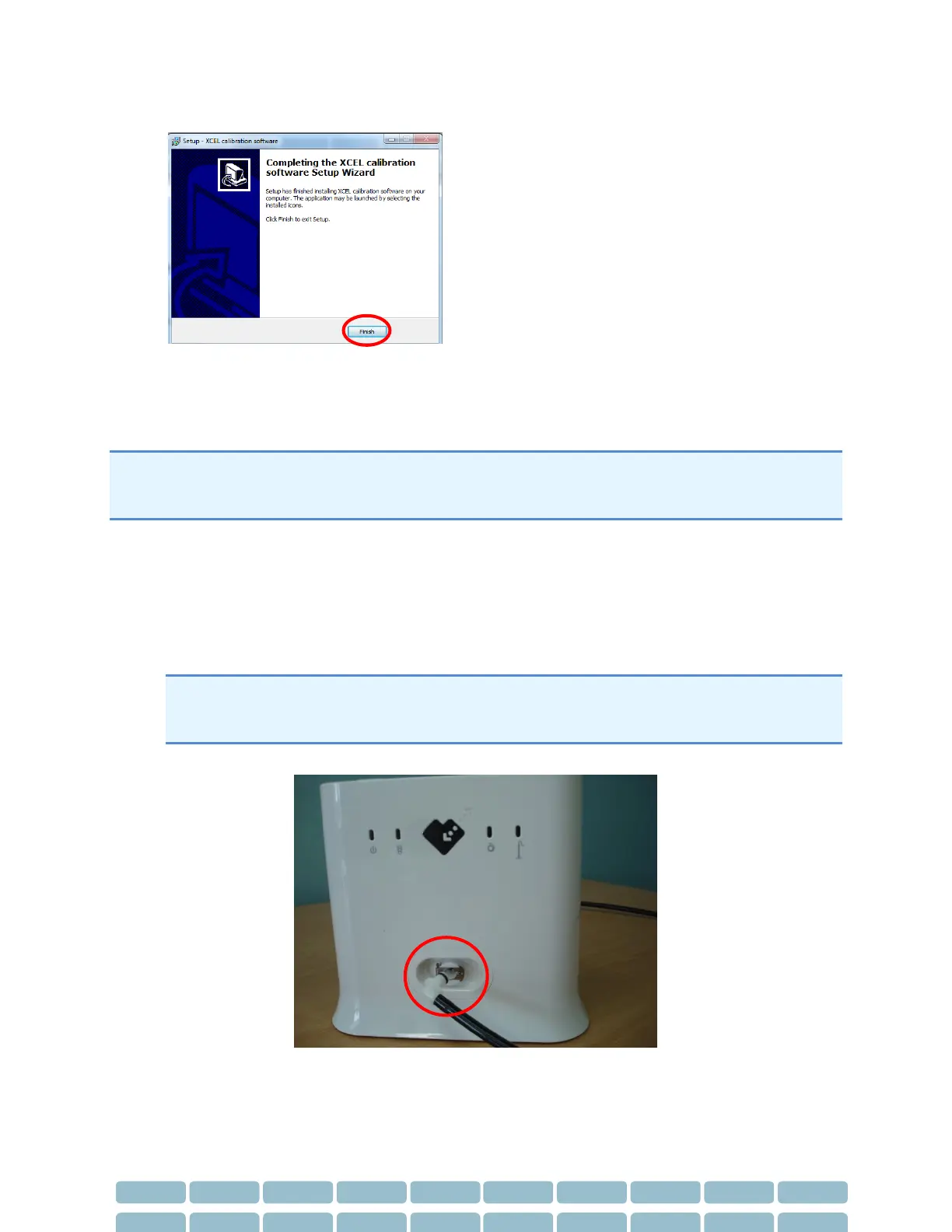
7- Click Finish when the installation is complete
SphygmoCor XCEL Calibration Steps
Note: If during the calibration process a message appears indicating incomplete or unsuccessful
calibration, or the calibration did not complete as expected, then refer to the Restarting the Calibration
Procedure Section in the Calibration Troubleshooting section.
1- Turn the SphygmoCor XCEL device ON, and connect the USB cable to your computer.
2- Connect either the tonometer supplied with your SphygmoCor XCEL or the Calibration Kit
Dongle to the SphygmoCor XCEL device.
Note: To disconnect the Tonometer/Calibration Kit Dongle, gently push back the connector plug
and the connector will automatically release away from the module. DO NOT twist the
Tonometer/tonometer dongle connector.
3- Disconnect the cuff hose from the SphygmoCor XCEL device.


 To Next Page