Page 25
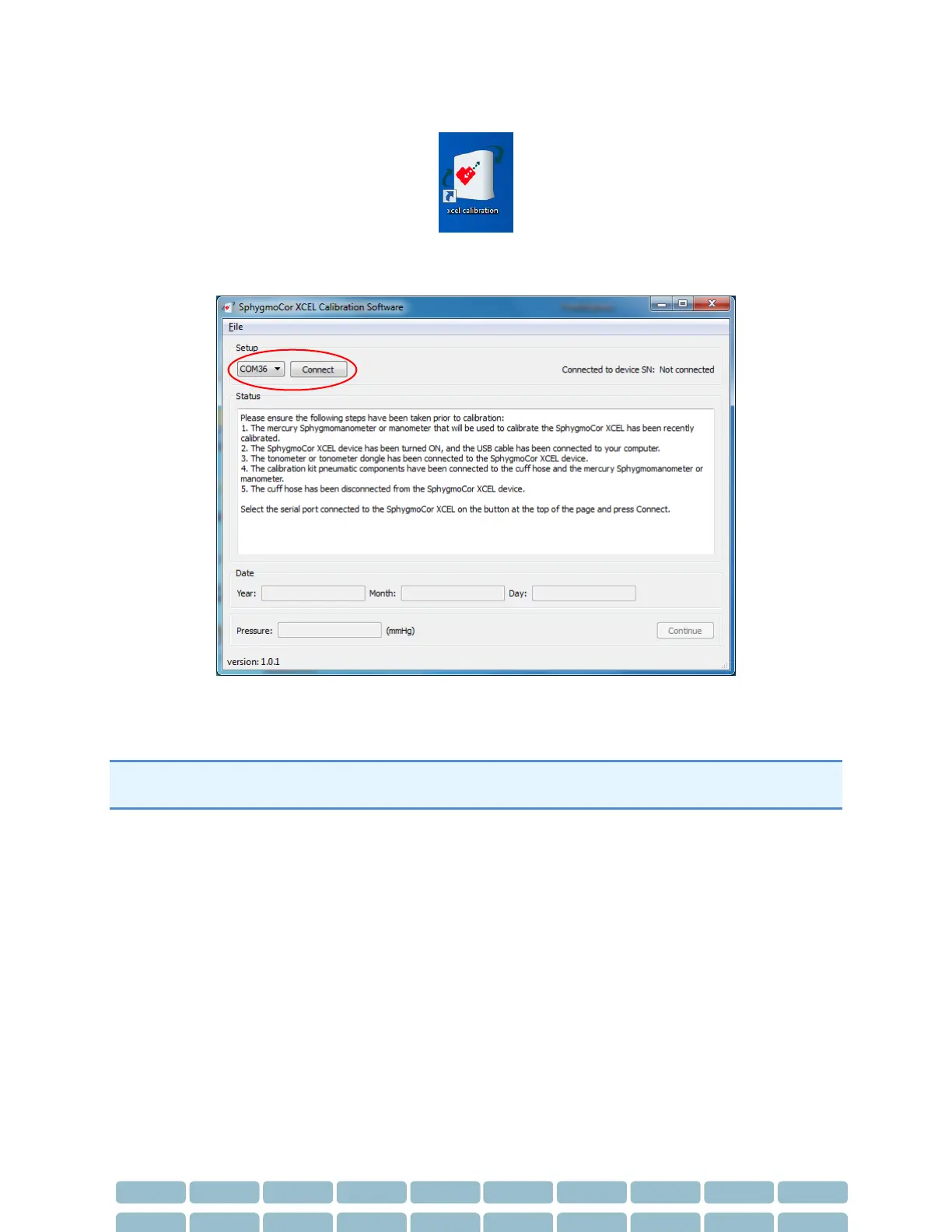
4- Run XCEL Calibration Software by selecting this icon.
5- Select the Com port number that is connected to the SphygmoCor XCEL device using the drop
down menu and click Connect
Note: To find the Com port that is connected to the SphygmoCor, please refer to the Finding Com Port
Section in the Calibration Troubleshooting section.


 To Next Page