Page 32
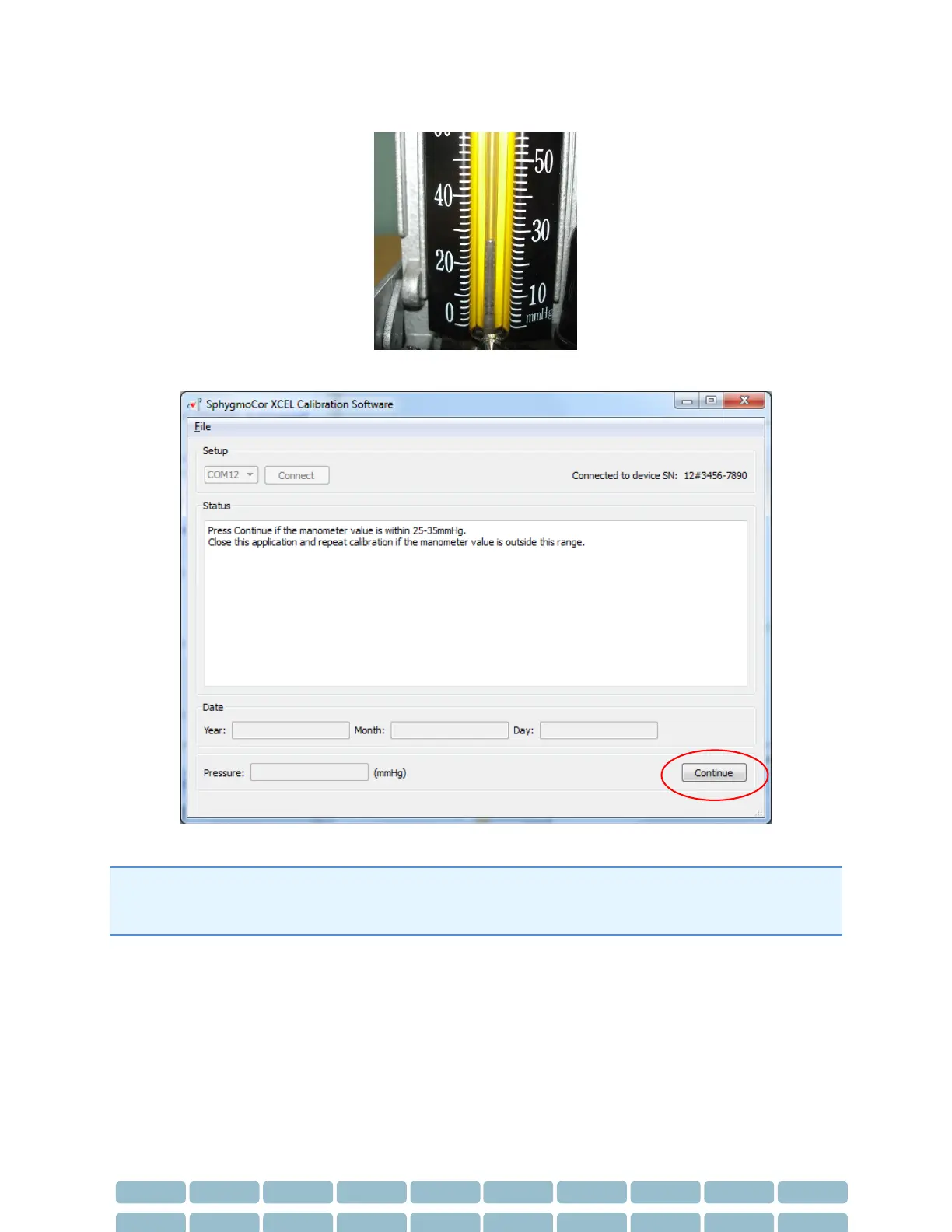
14- View the pressure displayed on the manometer or Sphygmomanometer
15- If the manometer readings is between 25-35 mmHg click Continue.
Note: If the manometer reading is not between 25-30 mmHg, close the SphygmoCor XCEL Calibration
software and start the calibration procedures from Step 1. Please refer to Restarting the Calibration
Procedure Section in the Calibration Troubleshooting section.


 To Next Page