Installing U1 OTA Modules on the Landslide E10
Before You Begin
Spirent Landslide Test System Installation Guide | 37
SIM Card Insertion and Removal
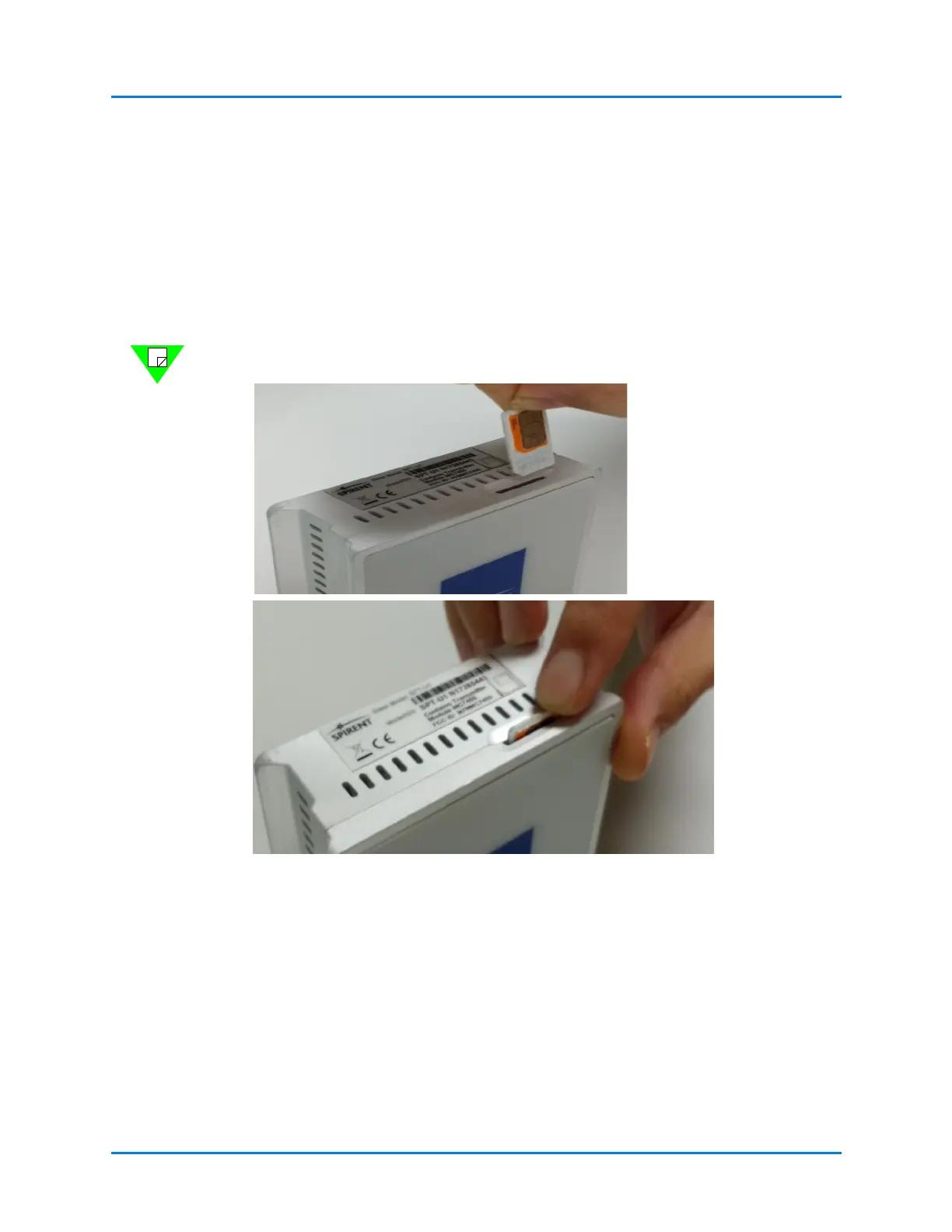
Insert the SIM cards into the OTA Modules before you install them on the top carrier
plate. Insert the full-size SIM card into the slot until you hear a click and it latches the SIM
card.
SIM cards are not included with the U1 OTA module and must be supplied by the user.
To remove the SIM card, use a small flat screwdriver (or fingernail) to push it in until it
clicks. It will disengage the retention spring and release the SIM card.
Note: The SIM card release is under spring tension; use care when removing the cards.
Figure 4-1. SIM Card Insertion and Removal



 To Next Page