Installing U1 OTA Modules on the Landslide E10
Before You Begin
40 | Spirent Landslide Test System Installation Guide
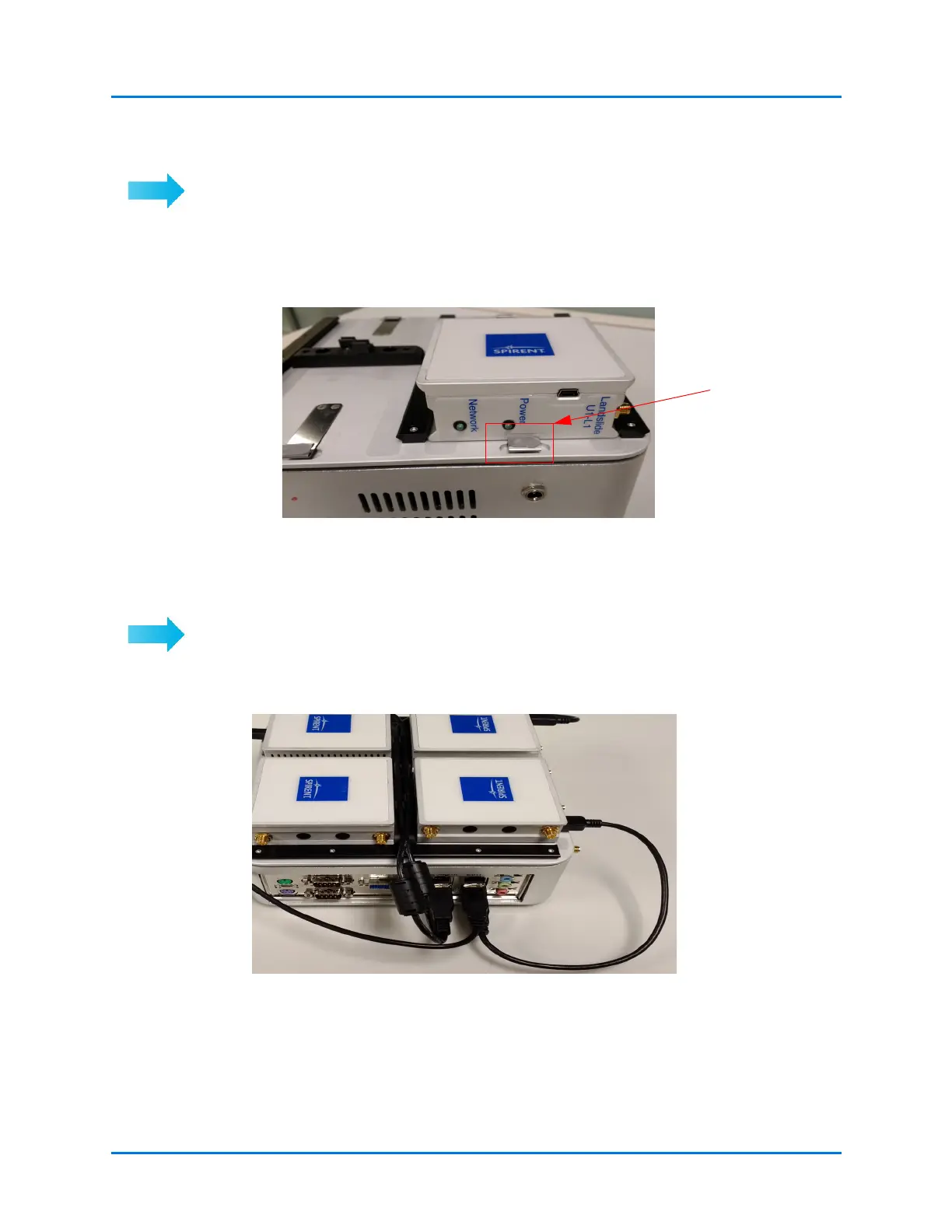
To unlock and remove the module(s):
1 Remove all antennas and USB cables.
2 Press the retaining spring.
3 Slide the module out.
Figure 4-6. Remove Module
Connecting the USB Cables and Antennas
To install USB cables:
The figures in this section show how to connect the modules to the USB ports on the
Landslide E10. Figure 4-9 shows the port numbering.
Figure 4-7. Connect USB Cables
Use long USB cables
for modules
furthermost from the
E10 rear I/O panel
USB ports
Use short USB cables
for modules closest to
the E10 rear I/O panel
USB ports



 To Next Page