Installing U1 OTA Modules on the Landslide E10
Connecting the Antennas
42 | Spirent Landslide Test System Installation Guide
Figure 4-11. Long USB Cable Placement - step 2
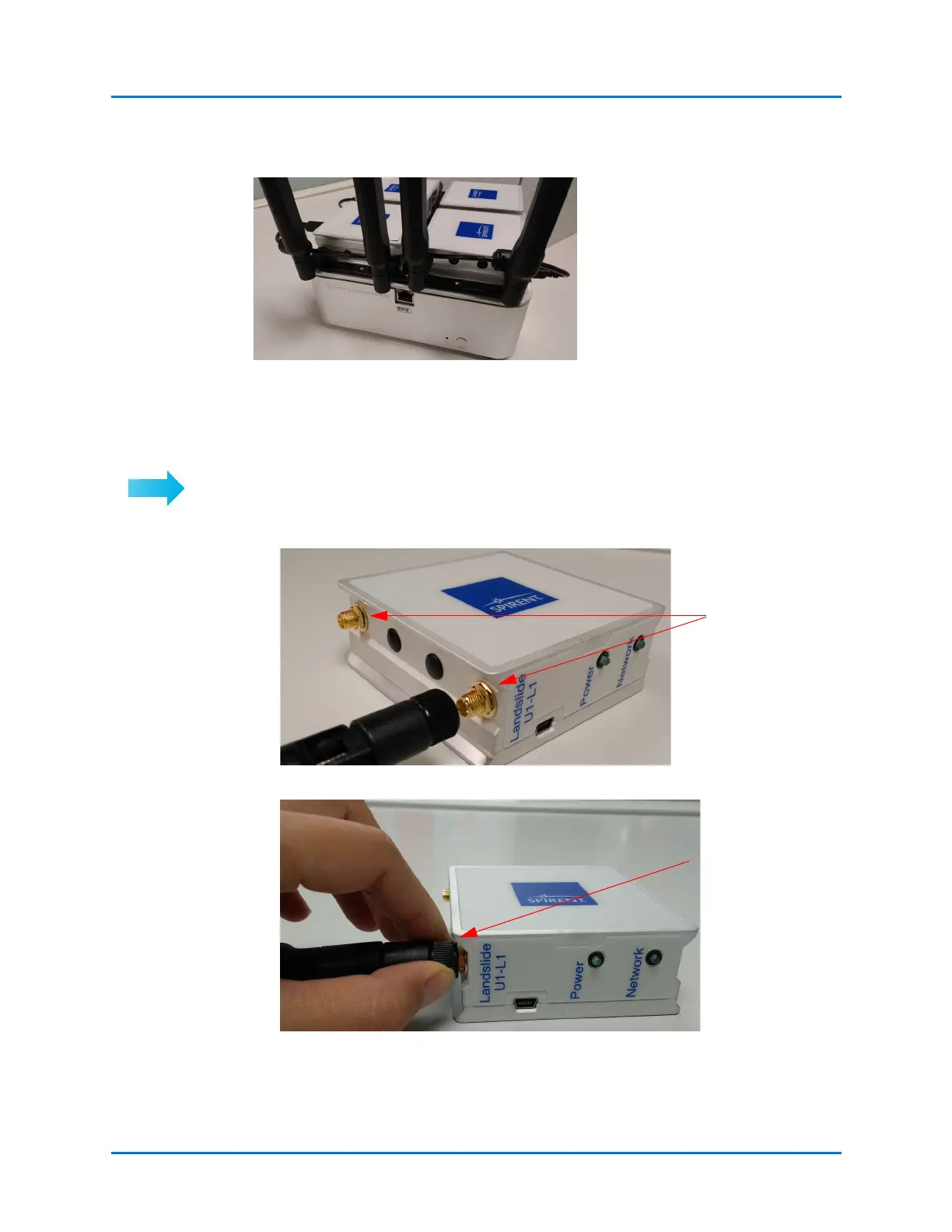
Connecting the Antennas
Connect the two antennas to each module:
1 Insert each antenna into the SMA connectors on the side of the module.
2 Grip the antenna nut, rotate and tighten, to secure the antennas to the module.
Drape the long USB cable over
the antenna.
Secure the
antennas to the
module



 To Next Page