Installing U1 OTA Modules on the Landslide E10
Connecting the Antennas
Spirent Landslide Test System Installation Guide | 43
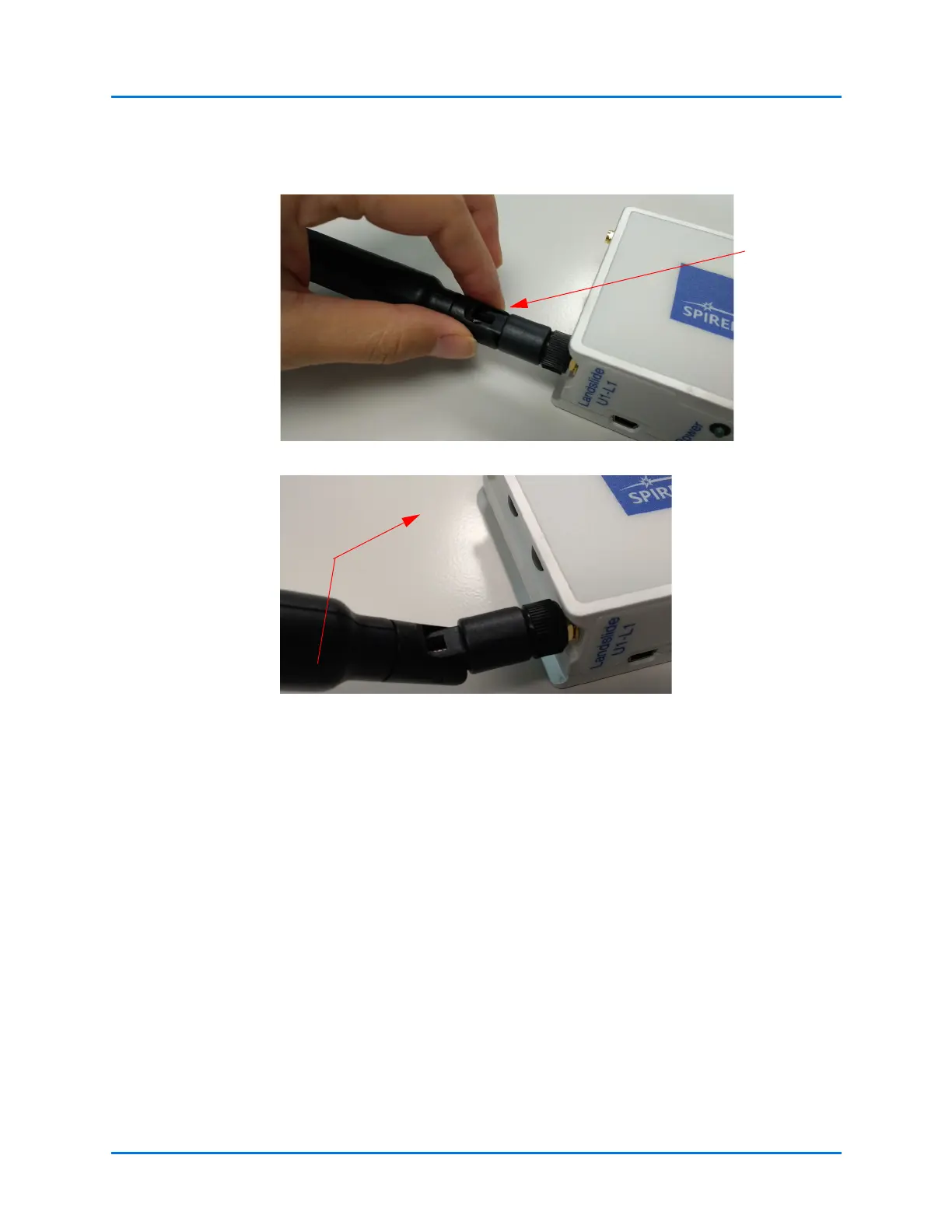
3 Grip the antenna body and rotate the pivot to the upright position.
4 Flip the antennas up to a 90 degree position.
RF exposure warning:
This equipment complies with FCC radiation exposure limits set forth for an uncontrolled
environment. The equipment must not be co-located or operating in conjunction with any
other antenna or transmitter.
For the U1 LTE OTA Module:
Contains Transmitter Module FCC ID: N7NMC7455
Pivot must be in
the upright
position
Follow these steps to
install the second
antenna on each
module.



 To Next Page