79
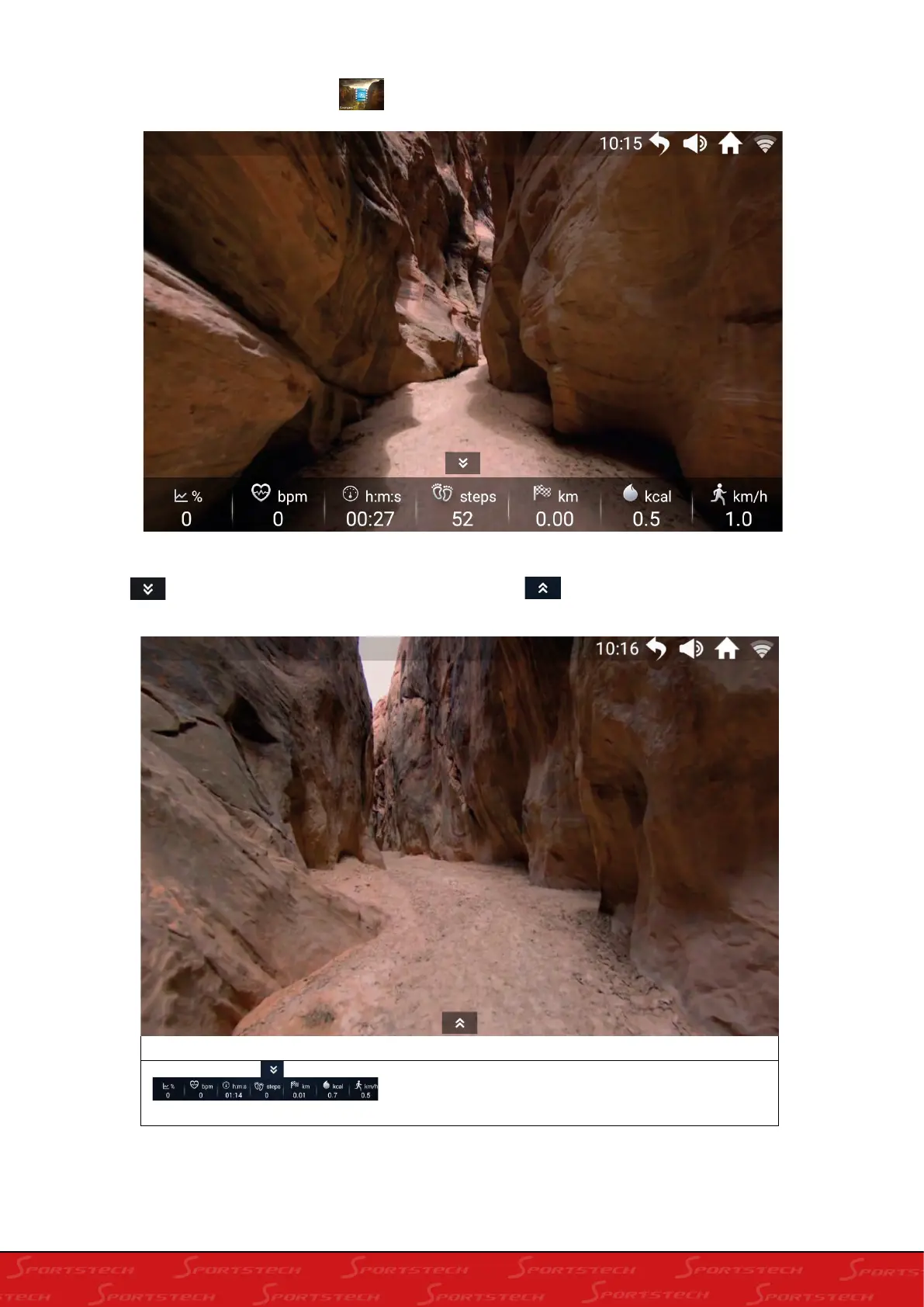
6.6.1 Real view running:
In the real view interface, click to enter the Gobi page;
Display the motion parameters during running at the bottom of the Gobi running interface, click
the icon to hide the bottom motion parameter; click “ ” to display the motion parameter;
Control directory
Floating window:
Click the pull-up or pull-down
button of the interface to show or hide the motion
parameter float frame.





 To Next Page