80
7. Skin
• The built-in skin of the system is available for users to choose. It
does not support users to download it themselves.
• You can choose to change the background skin of the machine
according to your preferences.
7.1 Skin-setting
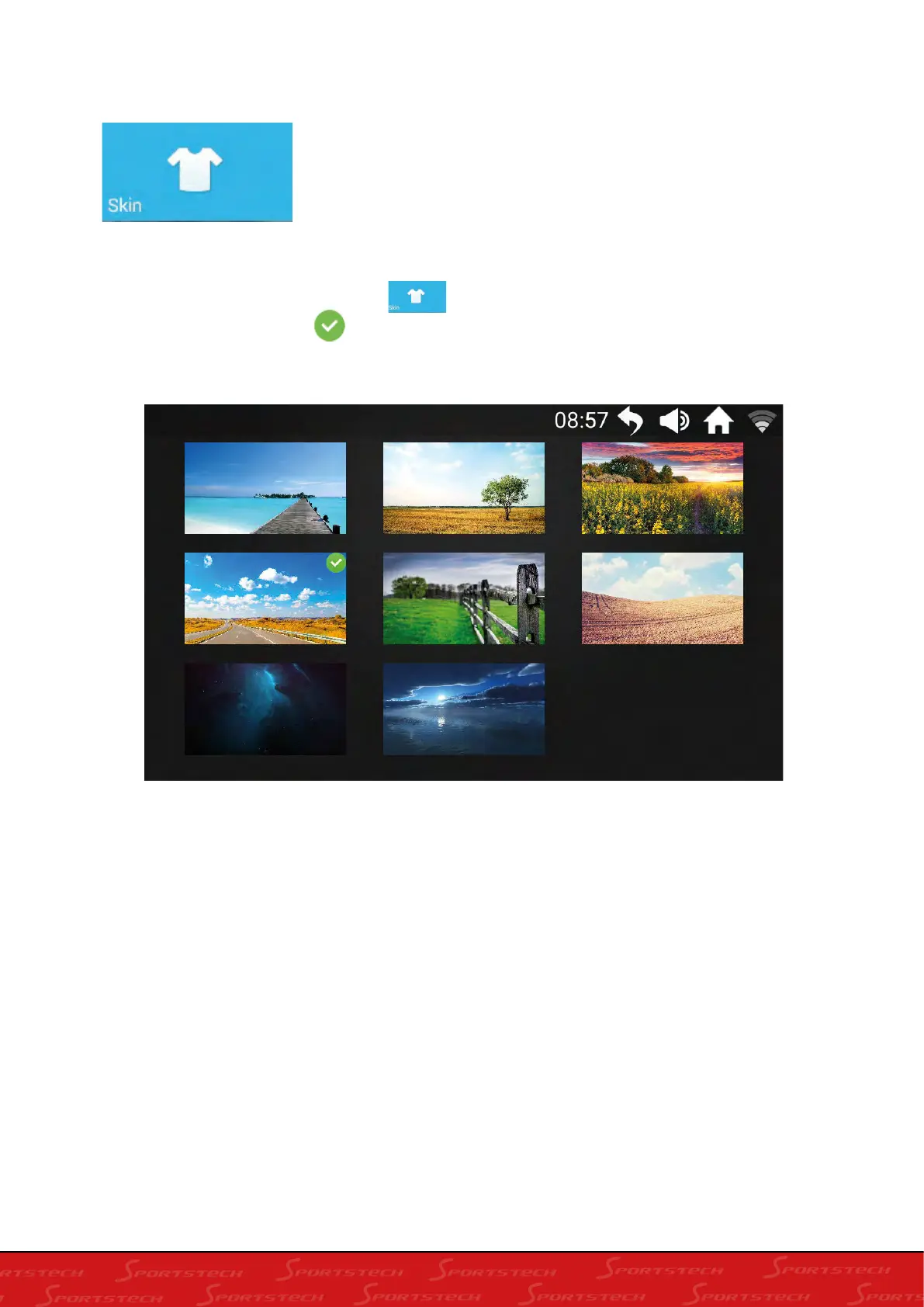
In the main interface, click the skin icon to enter the skin selection page. After the user
selects, the selection button appears in the upper right corner. The machine skin has been
set to OK. Click the upper right corner to return to the main interface:








 To Next Page