Here you will find all the details about the several functions of the « ASSISTANCE » menu . These functions are
intended to help you, to check the right operation of your lift once the installation is done.
For all of these functions, remember to use the Smartphone application EvoPad which allows you to make the
tests inside or around the car.
1. VTA « Vocal Technical Assistance »
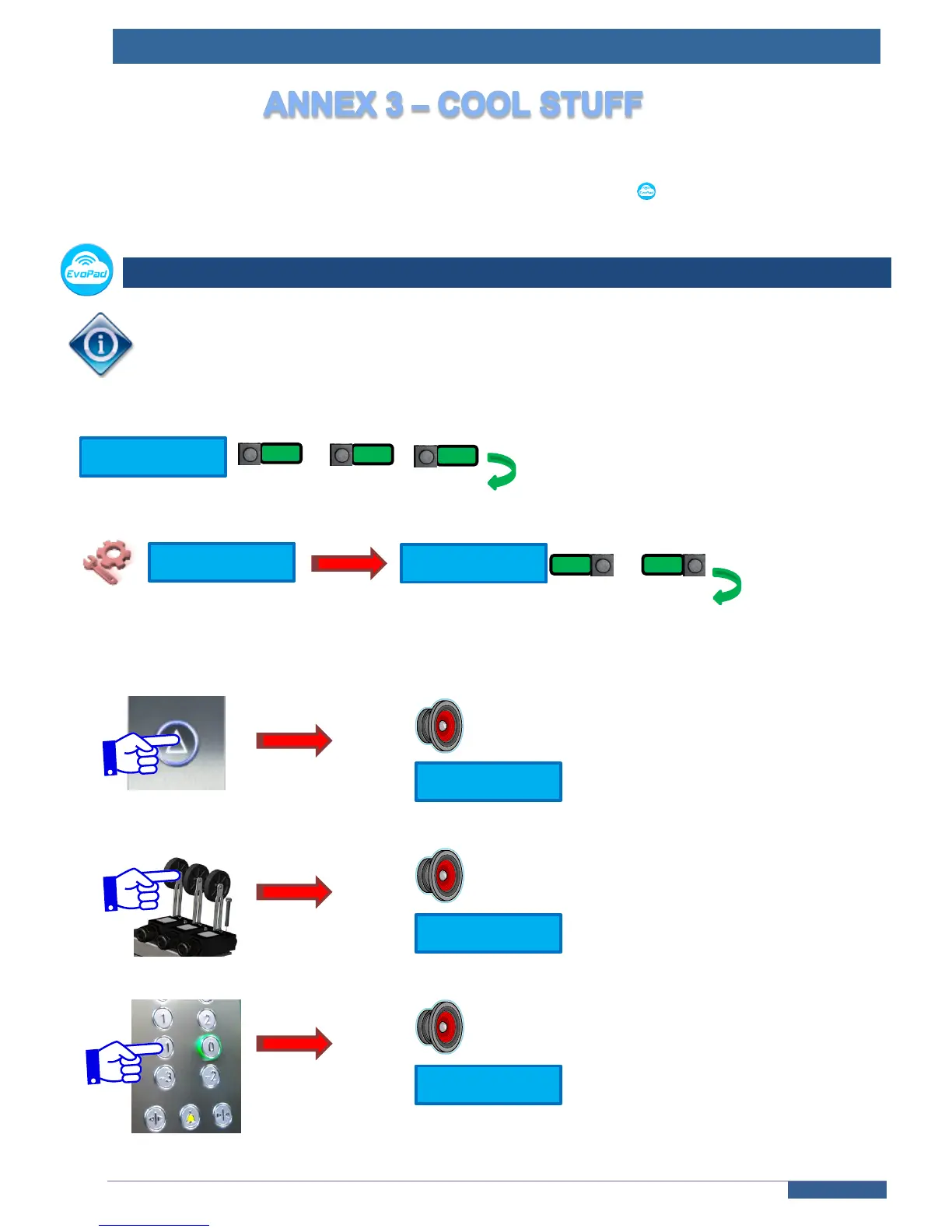
Enable this function to check the correct wiring of each switch and input of your installation. On every activation
of an input or a switch, a vocal message will be announced by the voice synthesizer in car, together with a textual
message on the blue screen of the terminal. It confirms that the controller has seen the information correctly.
+ …
Choose « YES » to enable the VTA
…
Then for each input or switch activation :
« Board 2, up-landing 3 Door 1 »
« End limit switch »
« Car button 2 door 1 »



 To Next Page