2. Automatic random movements or floor to floor movements
By enabling this function, your lift is still in user mode, but it will generate an automatic call, as
soon as there isn’t any other user's request pending.
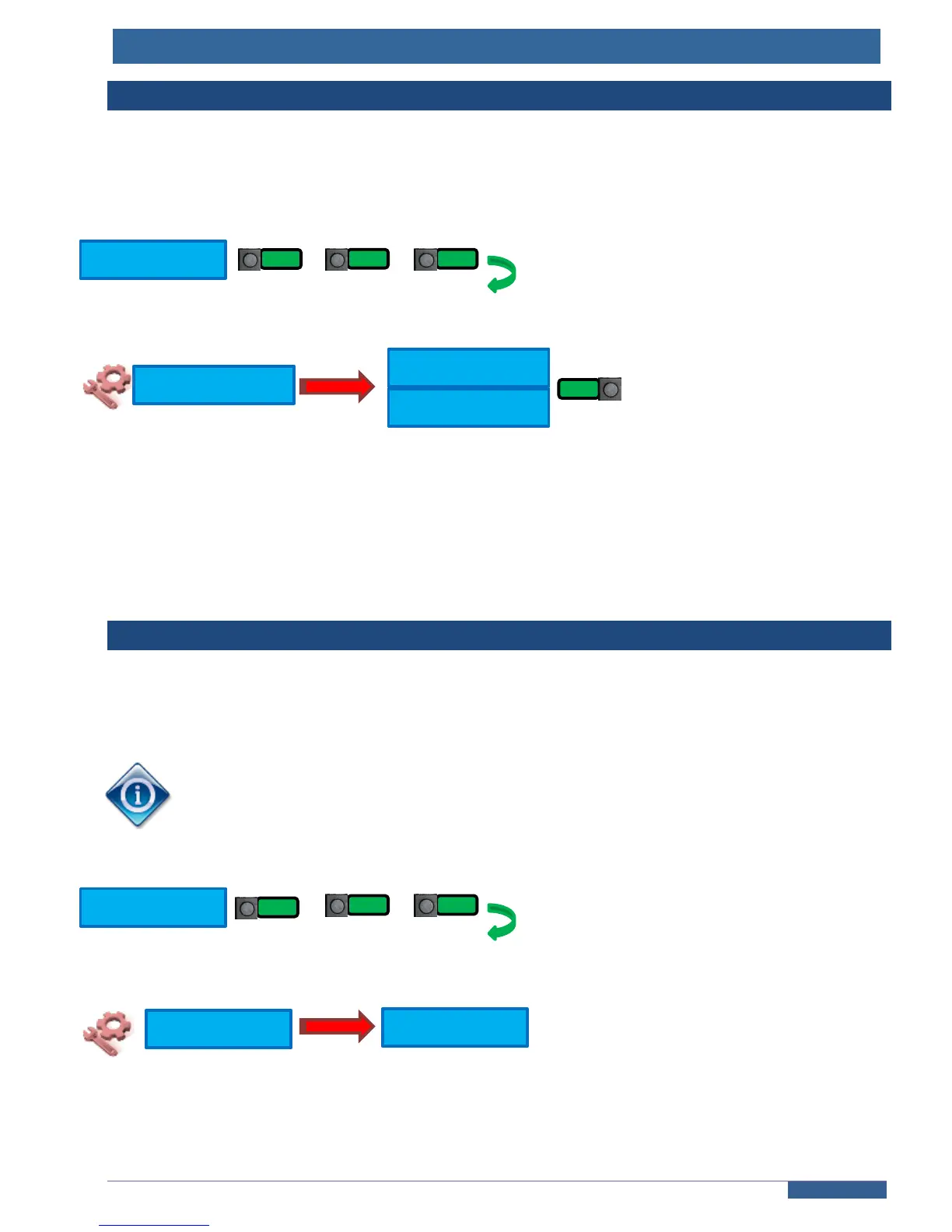
Go into the “ASSISTANCE” menu:
+ …
Choose the automatic movement mode :
Between floors mode : the car goes to very next floor in upward direction; once on the highest
floor, the car moves back to the lowest floor, and then goes on and on.
Random mode : the car generates random movements to floors.
3. Block the doors
By enabling this function, your lift is still in user mode, but it won’t open the doors once the
requested floor is reached.
This function is very useful if the auto-movement is enabled (see §2 ), as it will prevent
users to get into the car during your installation tests.
Go into the “ASSISTANCE” menu:
+ …
Choose « YES » to block the doors



 To Next Page