EasyManua.ls Logo

Sprinte ASP 116 evolution - Lift and Control Panel Faults

Default Icon
64 pages
Print Icon
To Next Page IconTo Next Page
To Previous Page IconTo Previous Page
Loading...
ASP 116 EVOLUTION INSTALLATION MANUAL
Sprinte SAS. All rights reserved , including translations.
62
4. Disable the landing calls
By enabling this function, your lift is still in user mode, but it won’t acknowledge any user’s landing
calls.
This function is very useful to prevent users to get into the car during your installation
tests.
Go into the “ASSISTANCE” menu:
+
Choose « YES » to disable the landing calls.
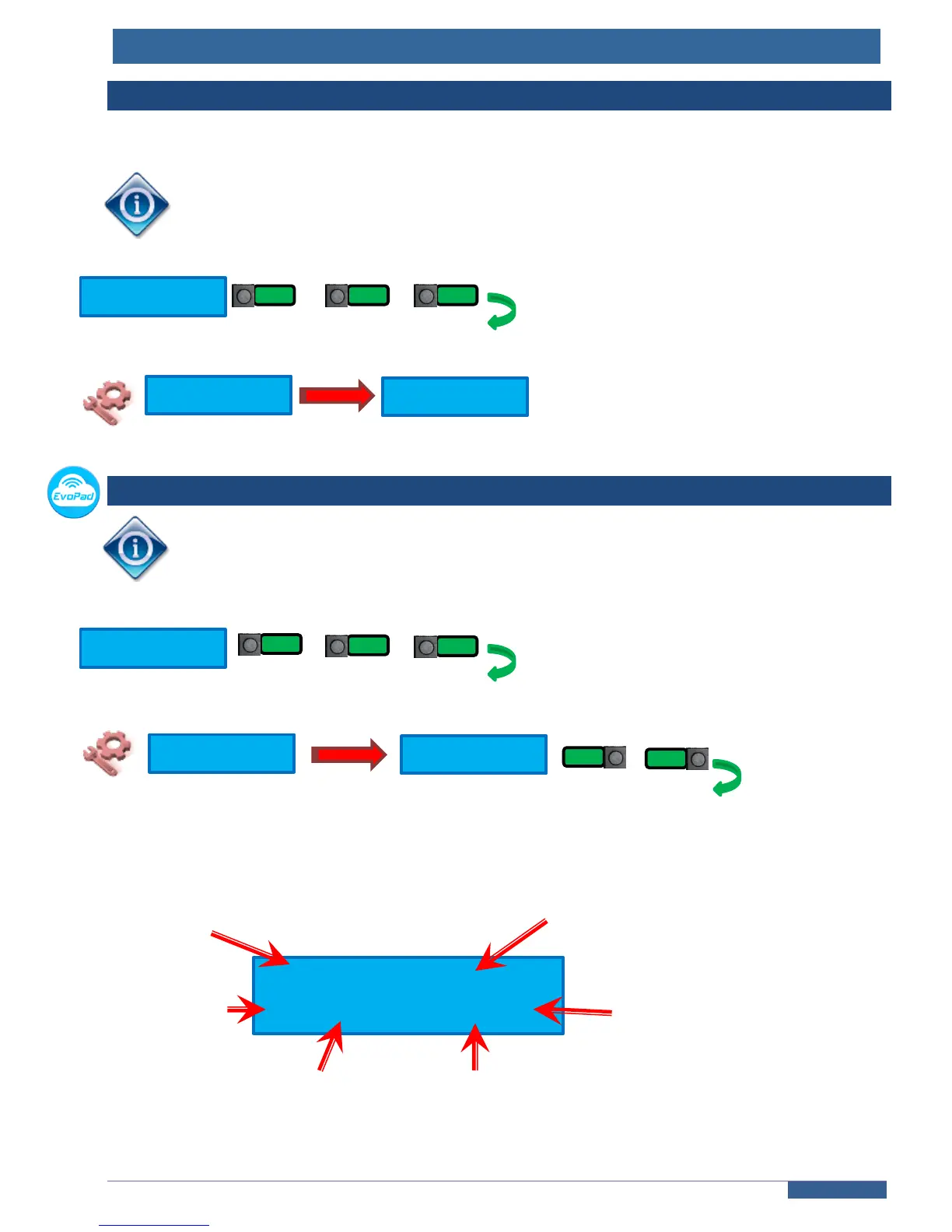
5. Display of speed and position of the car
Available only with K04SP absolute shaft reader.
Go into the “ASSISTANCE” menu:
+
Choose « YES » to enable the display of the position
Once enabled, the terminal’s screen indicates the following informations :

K04SP DISPLAY
NO
K04SP DISPLAY
YES
Choose
ASSISTANCE
12,418m 1.012 m /s
04 XXmm GV
Height of the car in the shaft
Real time speed
Speed command
Direction
Level of the car
Stop precision
Choose
ASSISTANCE
H.CALLS DISABLED
NON
H.CALLS DISABLED
YES
-
BACK
ENTER
-
BACK
ENTER
-
-

Other manuals for Sprinte ASP 116 evolution